
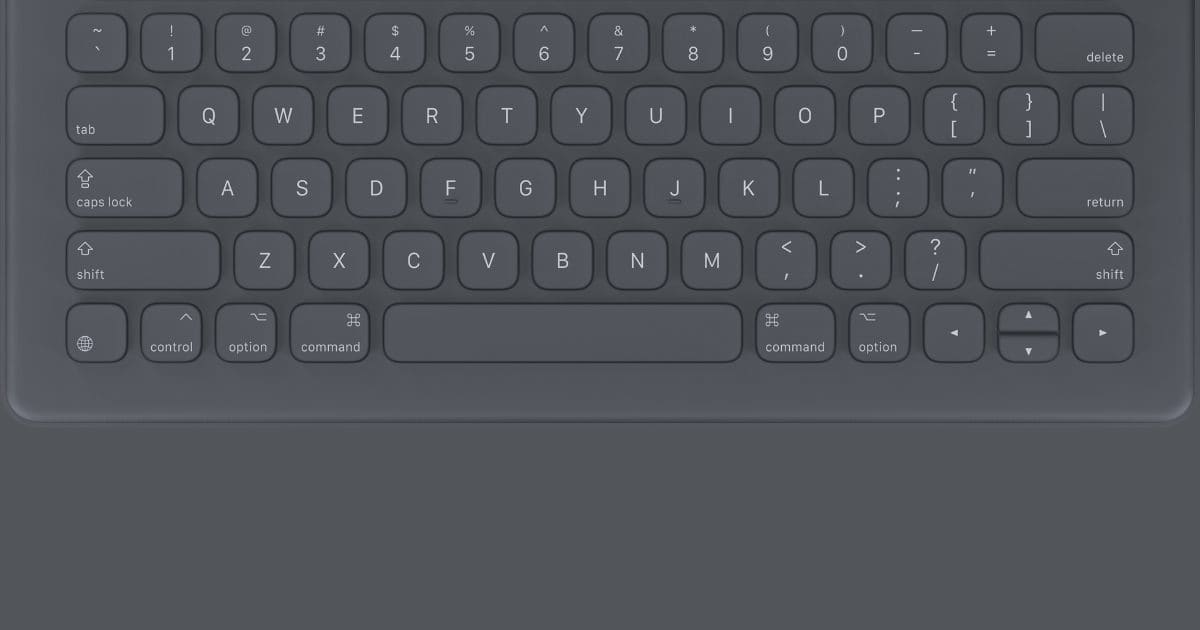
OSXDaily has been a lifesaver lately. I’ve been annoyed at my Logitech Slim Folio Pro keyboard, because the rigid rubber bumpers on the corner make it difficult to take a screenshot using the buttons. Then came this article saying you can take screenshots with a keyboard shortcut, something I should’ve known because it’s the same shortcut on the Mac. Oh well.
Then last night, I was annoyed with yet another typo in an article. I blame them entirely on iOS’s aggressive autocorrection, because the iPad Pro is my daily work machine now. Literally a couple hours later, the website published a tip saying you can turn off autocorrect for hardware keyboards.
This is because the iPad has separate settings for the software keyboard onscreen, and a hardware keyboard if one is connected to the iPad…
Check It Out: Psst…You can Turn off Autocorrect for iPad Hardware Keyboards


Greetings Andrew:
I’ve been away for a bit, but saw this nice tip and your comment about the Folio. During my travels, my iPad Pro has been a mainstay. I’ve recently received my Brydge keyboard, and still putting it through its paces, so haven’t decided how well I like it, but aesthetically, it’s beautiful.
I don’t know if you’ve reviewed one yet, but let us know if you plan to. I’d be keen to see what you and others think of it.
Cheers.