iOS 12.0.1 Bug Gives Anyone Access To Your Photos

Amatas reports that an iOS 12.0.1 bug lets anyone obtain access to your photos by doing a special bypass at the lock screen.

People believe that this smartphone brand is extremely secure, but it is now emerging that all iPhone users are vulnerable to a distrustful partner, a curious colleague, an outrageous boss, because absolutely anyone can access your iPhone’s photo album, look through the photos and can send them to whom he wishes.

Poorly written article aside, this smartphone brand is extremely secure, but no system can be 100% secure. iOS 12.1 is reported to launch tomorrow, and it’s possible it will include a bug fix for this.
Parallels Access 1-Year Subscription: $9.99

We have a deal on a 1-year subscription to Parallels Access. This software lets you view and control your desktop computer from an iPhone or iPad. And, it allows you to use touch to control everything where you’d normally use a keyboard and mouse or trackpad. You can get a 1-year subscription for $9.99 through our deal.

Here's a Wallpaper Generator Shortcut For Those Apple Logos

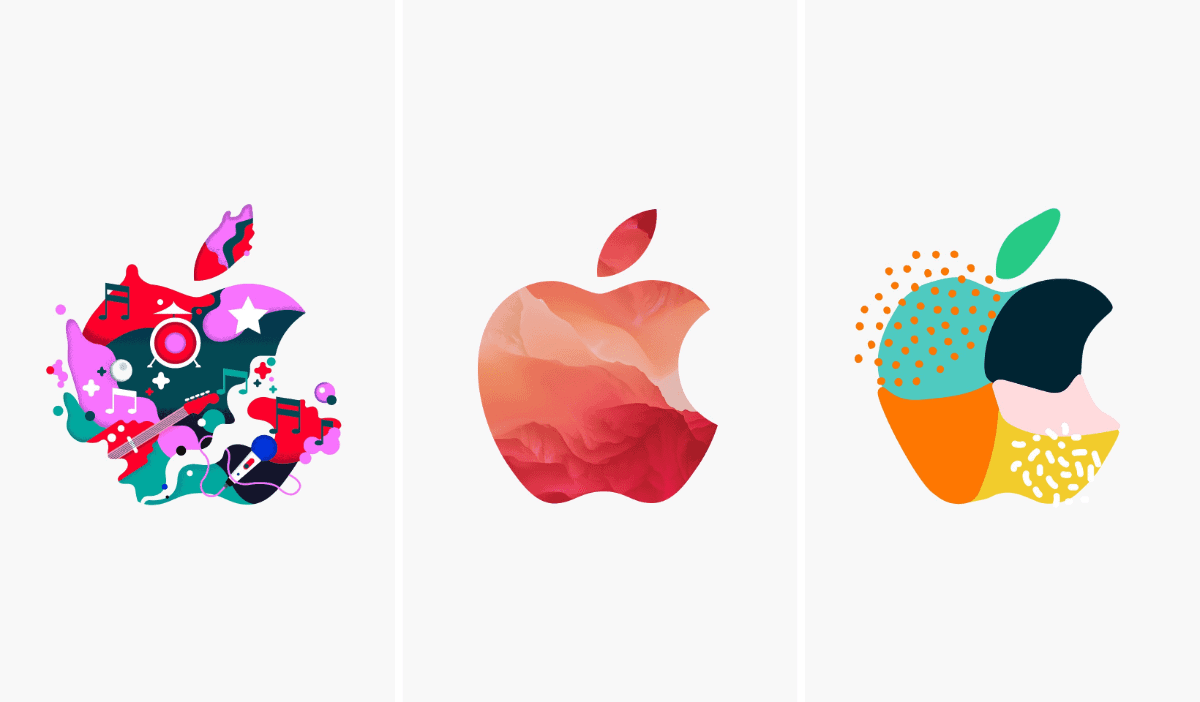
Redditor u/wexford001 made a neat wallpaper generator shortcut. It uses the Apple logos (all 370 of them) that Apple created for tomorrow’s event. Every time you tap the shortcut it generates a random image based on your device. There are both white and black versions, in case you have an iPhone with an OLED screen.

All the code to actually get the image from imgur was the work of u/hinapupina in his “imgur downloader” shortcut. I modified it a bit, but i don’t understand it well enough to have done this on my own. Thanks!

You can download the shortcut for white wallpapers here, and the black version here.

Icon in iOS 12 Code Shows What to Expect From the New iPad Pro

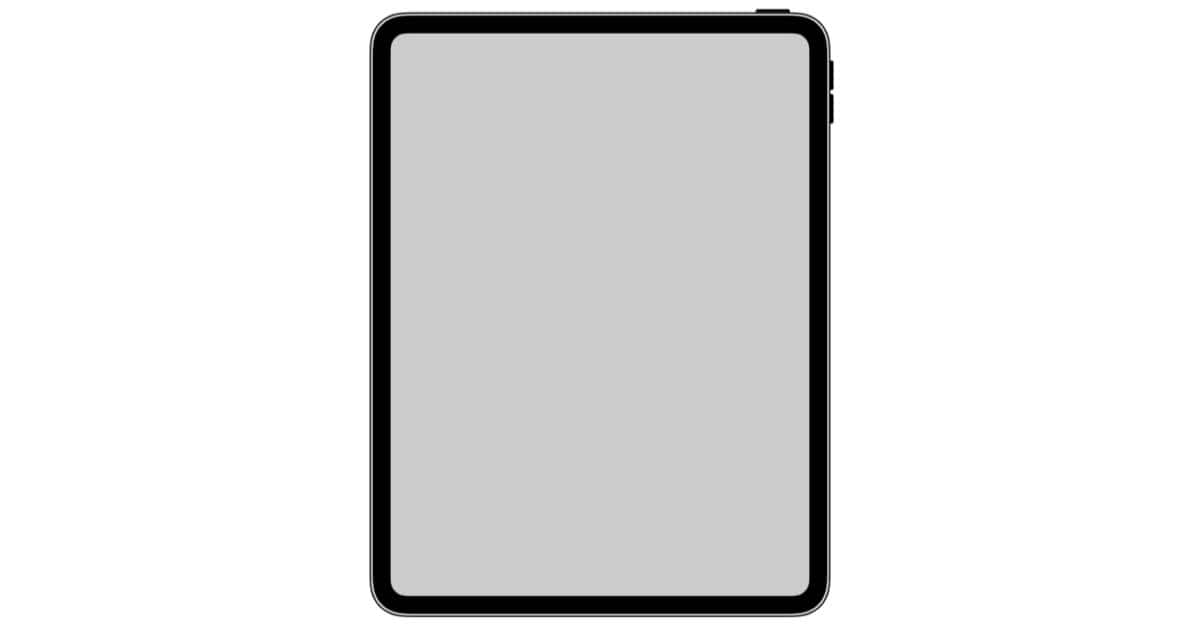
iOS 12.1 keeps offering up more clues saying we’re about to see an iPad Pro refresh. The latest comes in the form of a device icon tucked away in the code. 9to5Mac’s Guilherme Rambo notes:

A new icon found within iOS offers a more detailed view of the 2018 iPad Pro, which we expect to be announced during the Tuesday event in Brooklyn. This icon shows an iPad with rounded corners, no Home button and no notch. An interesting aspect of this icon is how large the bezels look when compared to the recent iPhones.

No Home button means no Touch ID, and that means Face ID support—something that’s already been found in iOS 12.1 code. If other reports prove true, this will also be the first iOS device with USB-C instead of a Lightning port. Apple’s «There’s More in the Making» media event is scheduled for 10 Am eastern time on Tuesday October 30th. Be sure to check in with The Mac Observer for our coverage and analysis of the day’s announcements.

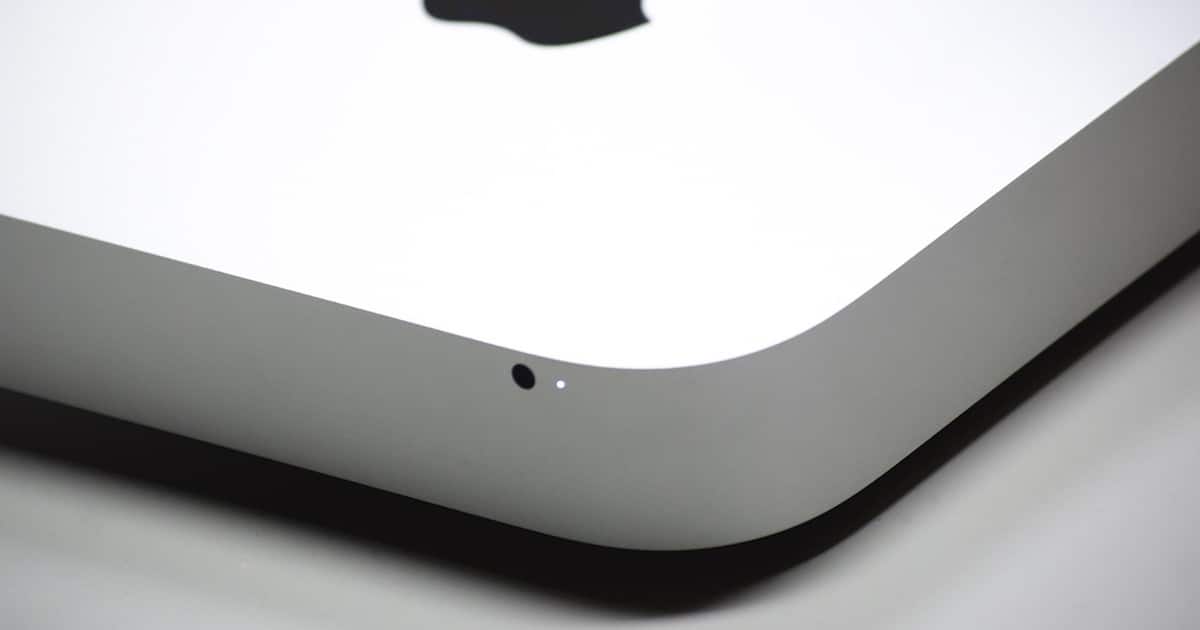
An Illustrated History of Apple's Mac mini

For many, Apple’s Mac mini is a beloved computer. For others, it’s a dream rack mount server. Last year, Tim Cook told a customer, «I’m glad you love Mac mini. We love it too.» Rumors suggest we’ll see a new model this year, maybe next week in New York. In any case, if you’re a fan, sit back and enjoy this lovingly crafted, illustrated history.

Apple's App Stores No Longer Listing All In-App Purchases

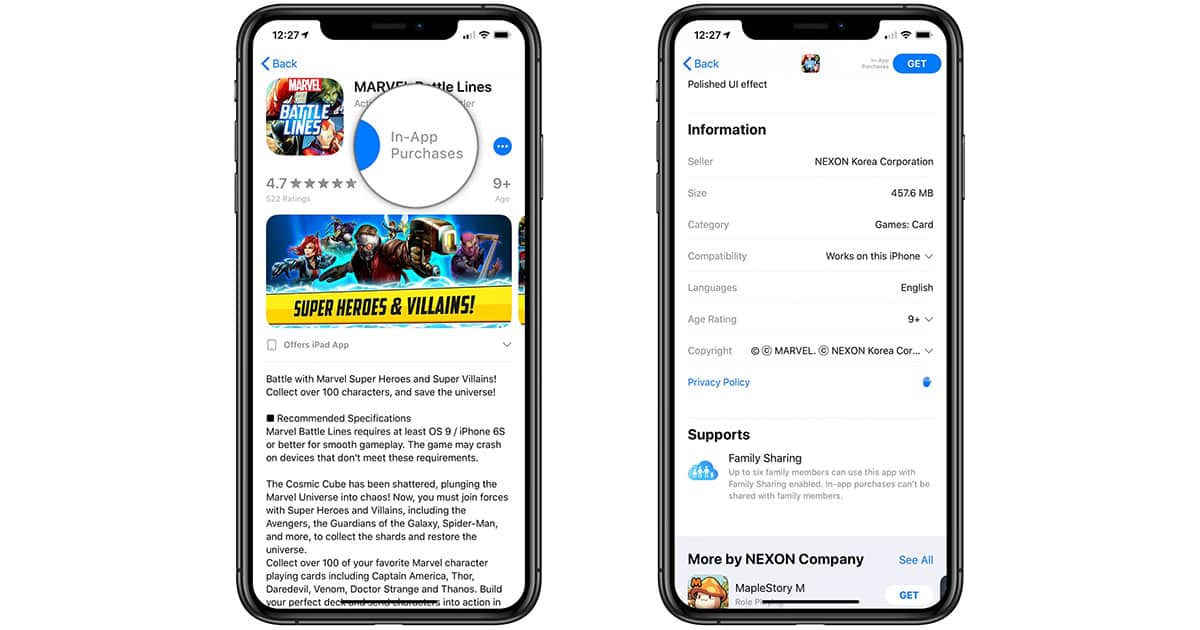
Our good friend Jim Tanous at TekRevue ran an important public service announcement today about the App Store no longer listing all in-app purchases for apps and games. This was always an important tool for consumers wondering just what the heck they were getting into with a so-called «freemium» app. While an app developer can independently list some in-app purchases, there no longer appears to be a «List all» option, on either the App Store or Mac App Store. You can get the details from TekReveu, but this snippet has the gist.

The problem with this new policy is that the nature and prices of in-app purchases vary wildly depending on the developer and type of app or game. Users could previously check out the description and prices of the in-app purchases to determine if they were reasonable before downloading or buying an app. Now, it seems, users must download and launch the app to see the same information. In-app purchase information was already slightly hidden, but still available for those who wanted to see it. Apple’s decision to remove it and rely instead on the developers to optionally provide such data is completely anti-consumer and frankly baffling. We can only hope that user feedback forces the company to restore this feature quickly.

Rich People are Banning Screens in Classrooms

Rich people are banning screens in classrooms, in a surprising turn in the digital divide debate.

It wasn’t long ago that the worry was that rich students would have access to the internet earlier, gaining tech skills and creating a digital divide…But now, as Silicon Valley’s parents increasingly panic over the impact screens have on their children and move toward screen-free lifestyles, worries over a new digital divide are rising. It could happen that the children of poorer and middle-class parents will be raised by screens, while the children of Silicon Valley’s elite will be going back to wooden toys and the luxury of human interaction.

At one point when I was growing up, my dad got rid of the television because us kids were glued to it. I didn’t like it then, but looking back I think it was a good decision. And I’ve already written about how kids are being raised by YouTube.

Feds Say It's Legal to Hack DRM to Fix Your Devices

In a new decision, the Librarian of Congress and U.S. Copyright Office proposed new rules that make it legal to hack DRM to fix your electronic devices.

The move is a landmark win for the “right to repair” movement; essentially, the federal government has ruled that consumers and repair professionals have the right to legally hack the firmware of “lawfully acquired” devices for the “maintenance” and “repair” of that device. Previously, it was legal to hack tractor firmware for the purposes of repair; it is now legal to hack many consumer electronics.

This is a great decision, and although Apple opposes the right to repair, it’s a pro-consumer choice.

This Website Lets you Compare Smartphones in 3D

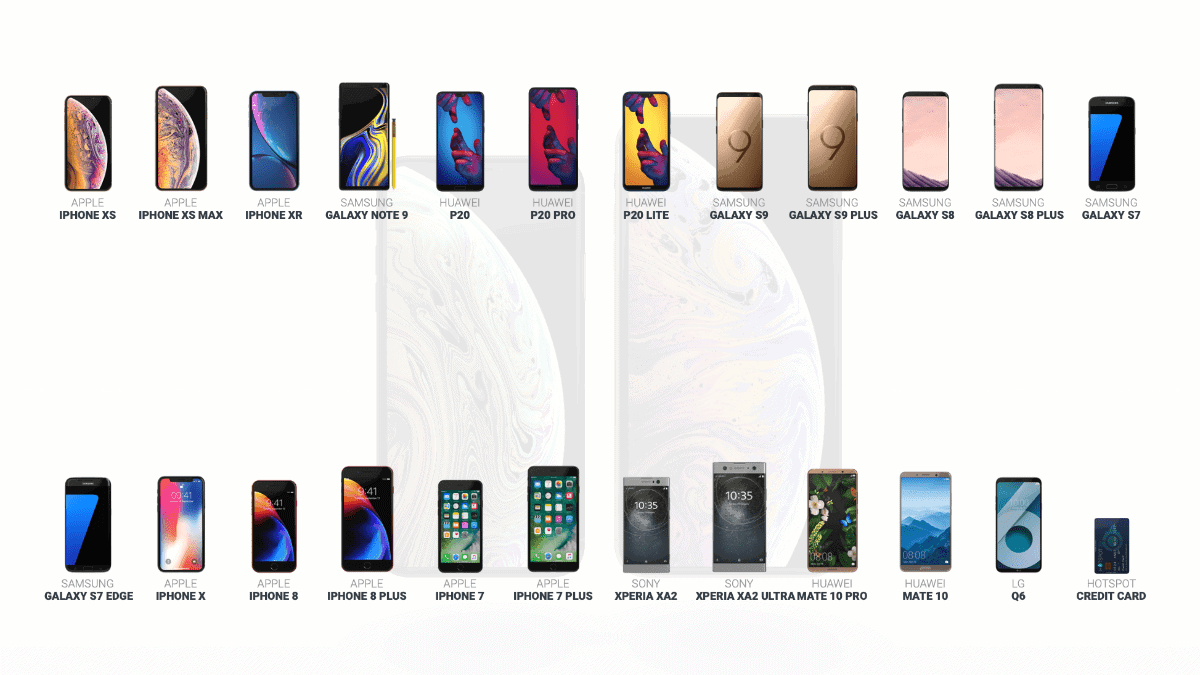
A website called Hotspot 3D lets you compare smartphones in 3D. It’s really neat because you can compare different iPhone and Android models to give you an idea of how they compare in terms of size. The phones are displayed side by side and you can spin them every which way around. The available iPhones are: iPhone 7/7 Plus, iPhone 8/8 Plus, iPhone X/XS/XS Max, and iPhone XR. The Android phones are: Samsung Galaxy S7/S7 Edge, Samsung Galaxy S8/S8 Plus, Galaxy S9/S9 Plus, Samsung Galaxy Note 9, Huawei P20/P20 Lite/P20 Pro, Sony Xperia XA2/XA2 Ultra, Huawei Mate 10/Mate 10 Lite/Mate 10 Pro, and the LG Q6. You can also compare every phone to a credit card.