
Andrew Orr and John Martellaro join Jeff Gamet to discuss a report that says almost no one with a smart speaker uses it to control smart home devices, plus John explains why he thinks Apple is ready to release new Mac models.
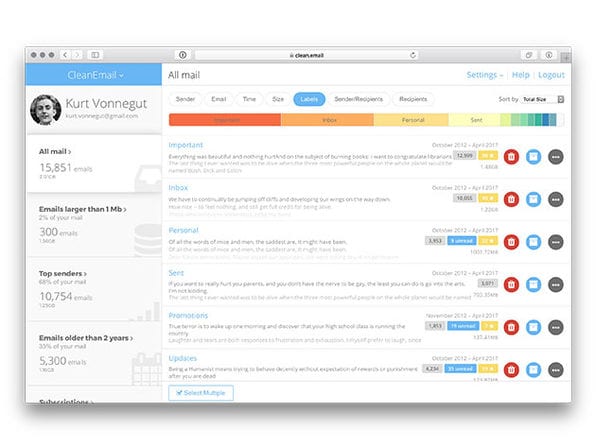
CleanEmail 1-Year Subscription: $19.99
We have a deal on a 1-year subscription to CleanEmail. It’s a rules and filter-based email management tool, and the subscription covers up to five email accounts. It works from both a browser and email clients, and encrypts access details and removes data after 24 hours so that CleanEmail never retains access to your information. 1 year is $19.99 through us.

Check Out How Much Apple Sells Every Second
Curious how many iPhones Apple sells every second? How about iPads or Macs? Or how much revenue the company brings in every second? You can see that, and a lot more about the company’s per-second activity at Every Second. The website lists those stats, along with profit, app and song downloads, iMessages sent, FaceTime calls, and more. You can check out all the numbers and watch then continue to count up at the Every Second website. It’s mesmerizing.

macOS Mojave: the Complete Reference
Particle Debris page 2 highlights two articles that provide a detailed review of macOS Mojave features. Afterwards, it’ll be clear that Apple has done an amazing job with this new version of macOS. I call it the «wow-factor.»
Mac App Switcher, iOS Reminders, iPad Calculator, and Feedbag? – Mac Geek Gab 714
Do you like Quick Tips? Do you think you know everything about the macOS App Switcher? If you answered «yes» to those questions we think you’ll be in for a very pleasant surprise, and that’s just the kickoff of the episode! Then it’s on to a few other tips, including a great script for unmounting drives that contain iTunes libraries. Plus, your questions answered. Download or simply press play, and enjoy!

TMO Background Mode Interview with Georgia Tech Roboticist Dr. Ayanna Howard
Dr. Ayanna Howard is a professor of Interactive Computing, Georgia Institute of Technology. She’s also in the School of Electrical and Computer Engineering. Ayanna received her Ph.D. in Electrical Engineering from the University of Southern California. I asked Ayanna how she became inspired by robot technology. Like many of us, it was via science fiction on TV. In graduate school, robotics was still immature, so she wisely elected to pursue electrical engineering. Her first job was at NASA’s Jet Propulsion Laboratory (JPL) working on vision, fuzzy logic, and neural network methodologies. Today, she leads her students in the areas of assistive robots in the home, therapy gaming apps and remote robotic exploration of extreme environments. Our discussion covered the whole field of robotics, so tune in and hear all about the state-of-the-art from an accomplished roboticist.
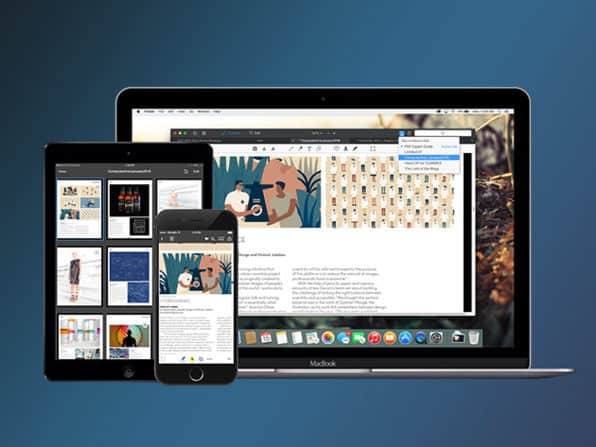
PDF Expert for Mac: $24.99
We have a deal on PDF Expert for Mac from Readdle. This PDF editor has a nice list of distinctions, including being The 2015 App of the Year in the Mac App Store, Top Paid App in the Mac App Store, Editors’ Choice by Apple, and 4.6 out of 5 stars from 1,1000 ratings on the Mac App Store. The deal is for PDF Expert 2.4.2, the version on Readdle’s website. It’s $24.99 through our deal, 58% off retail.

Want an Apple Music Web Player? Try This
Ever since Apple Music first came out, people have been clamoring for an Apple Music web player. Recently, Apple has opened an Apple Music API for developers. Although Apple hasn’t created an official Apple Music web player, Redditor u/zseguin has come to the rescue. It’s still in early development, but the code is available on GitHub. All you have to do to get started is sign in with your Apple ID, and allow the app to connect to your account. Everything is available. Not only can you find your own music, but even Apple Music recommendations in the For You section. However, note that the player is built on an API that is currently in beta. The application may stop working at any time.
A Designer Shares Thoughts on How Apple Can Fix 3D Touch
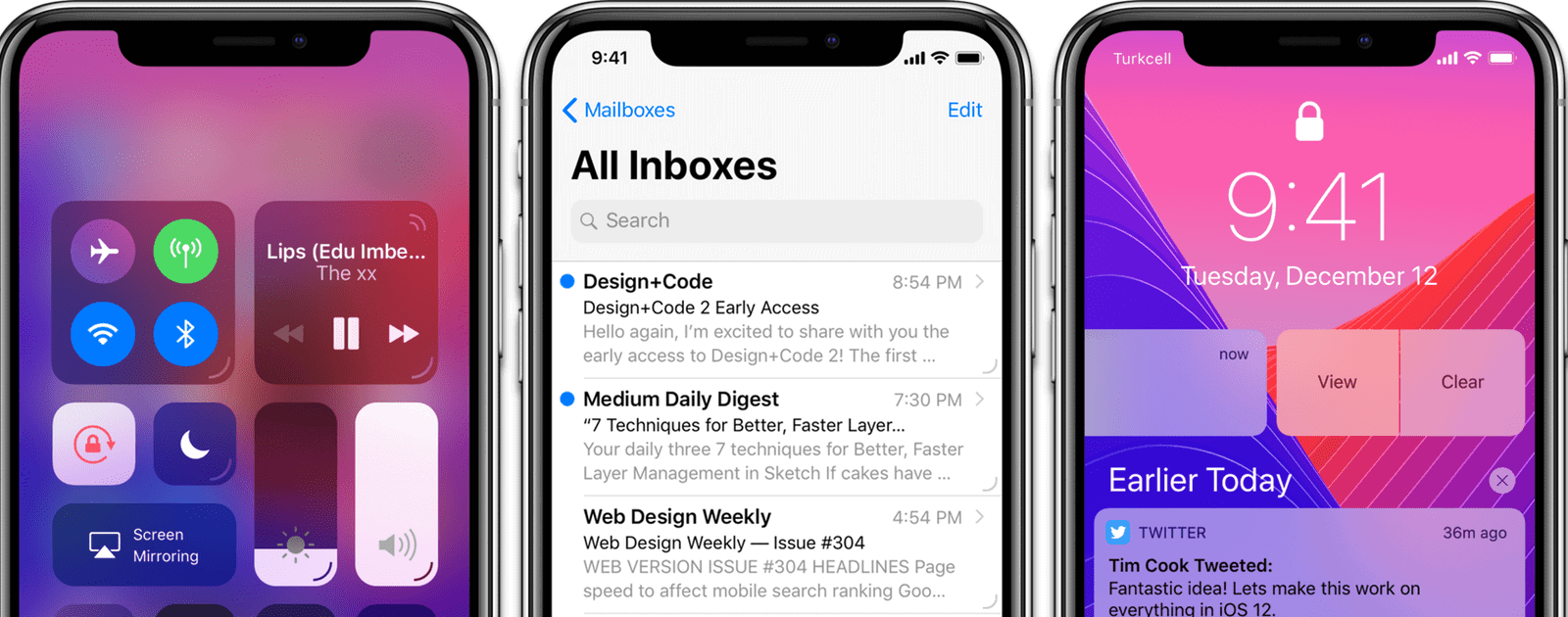
An article making the rounds over the weekend is from designer Eliz Kılıç, who wrote about how Apple can fix 3D Touch. She proposes that a UI indicator should be added to each 3D Touch-able element so people know exactly which elements can be 3D Touched.
I should start with the obvious. 3D Touch is broken! The user experience is far from great. Apple introduced 3D Touch and its new related interactions Peek and Pop in 2014. It’s been almost 4 years since its first introduction, yet people don’t know/use 3D Touch. Why would they? Even tech-savvy users don’t know which buttons offer 3D touch. Let alone regular users.
My solution is adding a line on bottom-right of things that can be 3D Touched. Let’s call them Force Decorators (with reference to Force Touch).
The Apple blogosphere seems to be in love with this. However, my non-designer, hyperbolic opinion is that this looks like crap. I agree that there’s a problem here, but I don’t want every single UI element to be scarred by these Force Decorators. It makes the UI look cluttered and just plain ugly. Maybe there can be another, subtle visual distinction, such as the use of shadows.
Create a Universal Music Playlist With Soundsgood
Soundsgood is a platform that lets you create a universal music playlist. You can sync your playlists across Spotify, YouTube, Apple Music, Deezer, and more. You can also create an online music player and share it with people. You’ll get a Stats Dashboard so you can see how many people play songs and follow your playlists. I haven’t tried it out yet but I plan to try the service soon. The company markets it as a social player to «get more followers» but I think the cross-platform universality is far more interesting. There also appears to be an iOS app as well.


