
Here’s a direct link to download macOS High Sierra. If you haven’t already installed High Sierra, it won’t be showing up in Software Update in the Mac App Store, but this direct link will let you download and install macOS High Sierra. Check out John Martellaro’s Installation guide for more info on installing Apple’s newest Mac operating system.

Get Ready for macOS High Sierra - TMO Daily Observations 2017-09-25
John Martellaro and Dave Hamilton join Jeff Gamet to help you get ready for macOS High Sierra.

PHOOZY Capsule Protects Your iPhone from Hot and Cold, and it Floats: $29.99
We have a deal for you today on PHOOZY, a «capsule» that protects your iPhone (or Android device, if that’s your thing) from hot and cold temperatures. It also floats. The company said it was adapted from spacesuit technology, too. There’s more information on the deal listing, and it’s $29.99 through us.
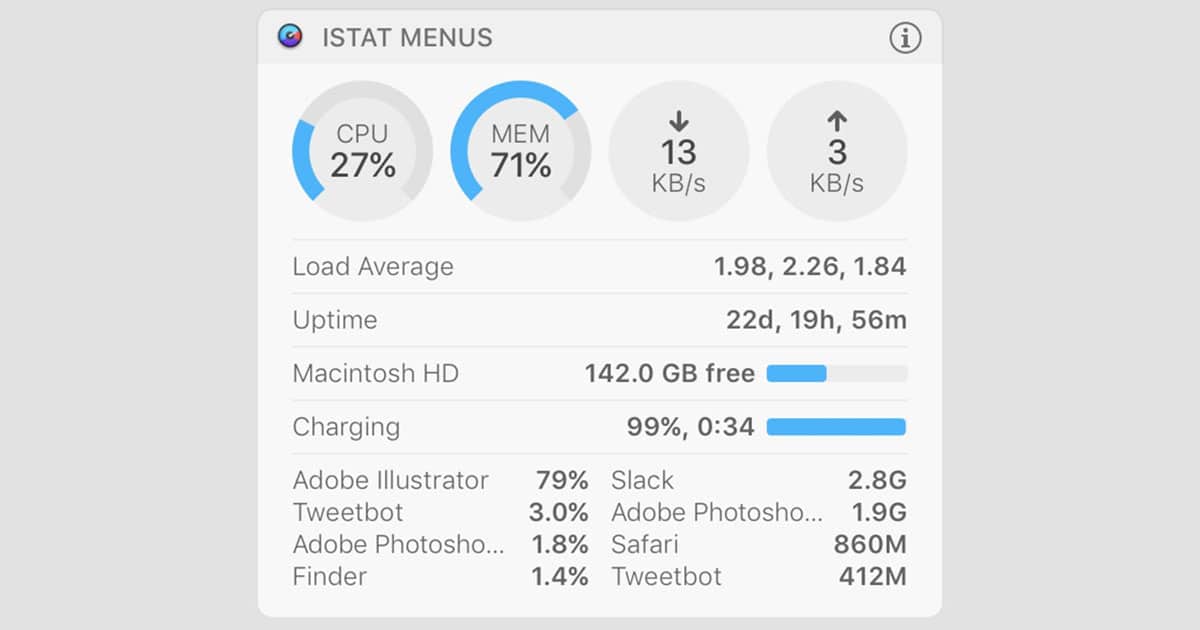
iStat Menus 6 Adds Notification Center, Notifications, and More
Bjango announced iStat Menu 6 Monday. This is a must-have Mac utility for me and other members of the TMO staff, and the new macOS High Sierra-friendly version adds several new features. First, are notifications based on CPU, network use (!!), disk, battery, weather, and other events. There’s also a new Notification Center widget that gives you a great snapshot view of your Mac’s goings on. There are new color and theme options, and you can rearrange the order in dropdown menus, too. It’s a solid upgrade. Speaking of which, upgrades from previous versions are $9.99, while new licenses are $18. There are family packs available, too.

The Truth is in The Cloud – Mac Geek Gab 676
iOS 11’s Spotlight Search, Files App, Photo Search, and app management start the show. Then it’s on to discussing the best ways to troubleshoot all iCloud syncing issues. Have dual monitors or are just particular about your window locations? We’ve got that covered, too… and a lot more! And hey, there’s a DAC in that dongle! Press play and enjoy.
Setting Up Your New iPhone and Apple Watch, Terminal Tinkering Debut - TMO Daily Observations 2017-09-22
Jeff Butts and John Martellaro join Jeff Gamet to share their tips on making the transition to your new iPhone and Apple Watch, plus Mr. B tells us about his new Terminal Tinkering podcast.
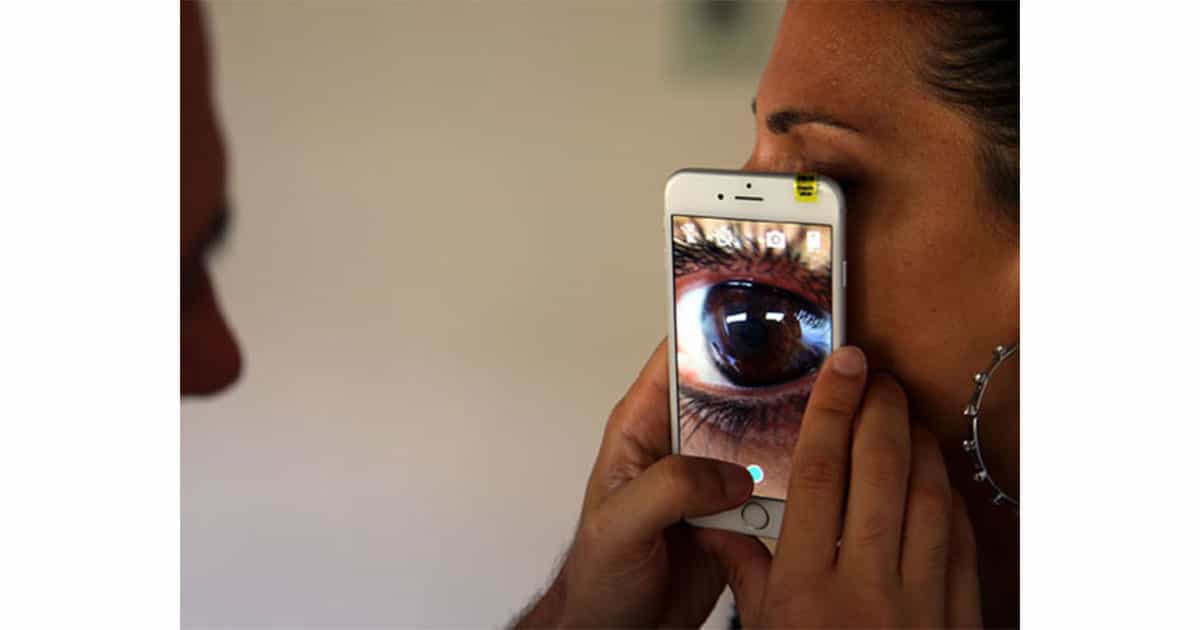
Blips Smartphone Lens Kits: $24.99
On the hunt for macro lenses for your smartphone, but don’t want a special case or permanent attachments? Smart Micro Optics has a set of macro lenses that attach to your phone with adhesive. The Blips Smartphone Lens Kit includes their Macro (10 mm focal distance) and Macro Plus (20 mm focal distance) lenses so you can snap close up photos of flowers, insects, or whatever else strikes your fancy. The kit is regularly priced at US$33.90, but you can get it for $24.99—that’s 26% off—with today’s TMO deal.

OWC Intros USB-C Travel Dock with HDMI, SD Card Reader
OWC has a new USB-C travel dock out that’s loaded with ports to make your tech life easier on the go. The OWC USB-C Travel Dock includes two USB 3.1 Gen 1 type A ports, HDMI capable of driving a 4K display, an SD card reader, plus a USB-C power port that can charge Apple’s 13-inch MacBook Pro. It’s available in silver, space gray, gold, and rose gold at the Macsales website for US$49.99.

A Beautiful High-Definition Video of 21 August Solar Eclipse
Digg has posted a drop-dead gorgeous, high definition video (2m:18s) of the August 21 solar eclipse. At totality you can solar prominences. The accompanying music is great too. Regrettably, no source or credit is provided.

3D Touch Multitasking Coming Back in Future iOS 11 Update
Adam Zahn, a reader of MacRumors, sent an email to Craig Federighi asking about 3D Touch multitasking. This was a feature that Apple added in iOS 10. It lets iPhone users quickly open the app switcher on iOS by 3D Touching the left edge of the screen. Before this, you had to double-press the home button in order to switch between apps. Adding a 3D touch feature put less strain on the home button, even though the iPhone 7/7+ removed movable button parts. It was still a nice option to have, and I’m glad Apple is bringing it back. Adam’s email said: Could we at least make the 3D Touch app switch gesture an option in iOS 11 so that I could retain the ability to switch apps that way instead of having to double tap the home button? Craig’s response was: Hi Adam, We regretfully had to temporarily drop support for this gesture due to a technical constraint. We will be bringing it back in an upcoming iOS 11.x update.


