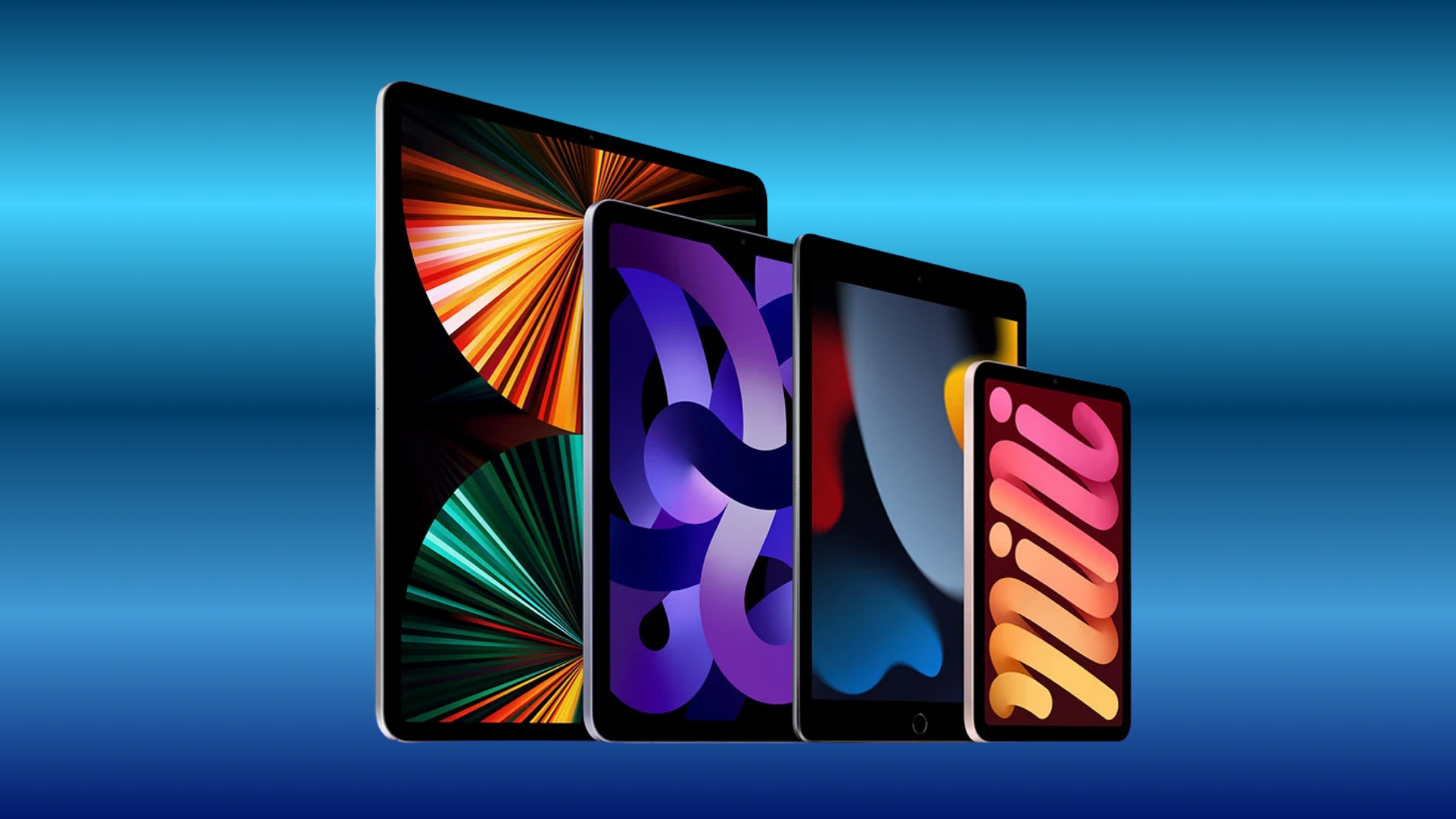
Five iPads that ran iPadOS 26 can’t install iPadOS 27: iPad Pro 12.9-inch (3rd generation), iPad Pro 11-inch (1st generation), iPad Air (3rd generation), iPad mini (5th generation), and iPad (8th generation). Apple gave all five iPadOS 26.7 on September 14, the day iPadOS 27 arrived, with fixes for 82 security vulnerabilities.
So these iPads still get security fixes. They don’t get the version 27 features.
The five iPads Apple left off
Apple’s security releases page lists the devices each update is “available for.” The iPadOS 27 row covers “iPad Pro 12.9-inch 4th generation and later, iPad Pro 11-inch 2nd generation and later, iPad Air 4th generation and later, iPad 9th generation and later, and iPad mini 6th generation and later.” The iPadOS 26.7 row starts one generation earlier in every family, and none of the five models in that gap appears on the iPadOS 27 compatibility list in Apple’s iPad User Guide.
Don’t miss the best of The Mac Observer
Set us as a preferred source and our Apple reporting ranks higher in your Google Search results and Discover feed — one tap, no account changes.
| Model | Year, per Apple | Model numbers |
|---|---|---|
| iPad Pro 12.9-inch (3rd generation) | 2018 | A1876, A2014, A1895, A1983 |
| iPad Pro 11-inch (1st generation) | 2018 | A1980, A2013, A1934, A1979 |
| iPad Air (3rd generation) | 2019 | A2152, A2123, A2153, A2154 |
| iPad mini (5th generation) | 2019 | A2133, A2124, A2126, A2125 |
| iPad (8th generation) | 2020 | A2270, A2428, A2429, A2430 |
Apple’s model identification page lists the first 11-inch iPad Pro simply as “iPad Pro 11-inch,” without a generation number.

What iPadOS 26.7 gives these iPads
Apple’s security content page for iOS 26.7 and iPadOS 26.7 lists 82 CVE IDs across 79 entries, and every entry carries a device list that includes all five iPads. The fixes reach components such as APFS, the kernel and WebKit, with impacts that include “An app may be able to access sensitive user data.”
Install it if you haven’t. Open Settings, tap General, then tap Software Update. The screen shows the version you have and whether an update is available; if one is, tap Download and Install. On these five models, iPadOS 26.7 is the newest version Apple offers.
Apple doesn’t say how long iPadOS 26 will keep getting fixes. For how older branches are usually handled, see what a security-only software branch still gets from Apple.
What these iPads miss
Siri AI and Apple Intelligence were never coming to these models; Apple’s iPadOS 27 notes limit both to “iPad mini (A17 Pro), iPad models with M1 and later.” Two family features are also out of reach. The new Screen Time update requires every device in a Family Sharing group to run version 27, and on older software, shared albums created on version 27 open only at iCloud.com.
How to check which iPad you have
- Open Settings, then tap General.
- Tap About.
- To the right of Model Number, you’ll find the part number. Tap it to show the model number.
- Match that number against the table above, or against Apple’s “Identify your iPad model” page.
Apple’s identification page also notes the model number is printed on the back cover of these iPads. If your number isn’t in the table, your iPad either runs iPadOS 27 or was already unsupported by iPadOS 26.
If one of these is your main iPad and you want Siri AI, the upgrade has to be new hardware. Apple’s own monthly option is covered in our look at Apple Upgrade for Mac and iPad.