
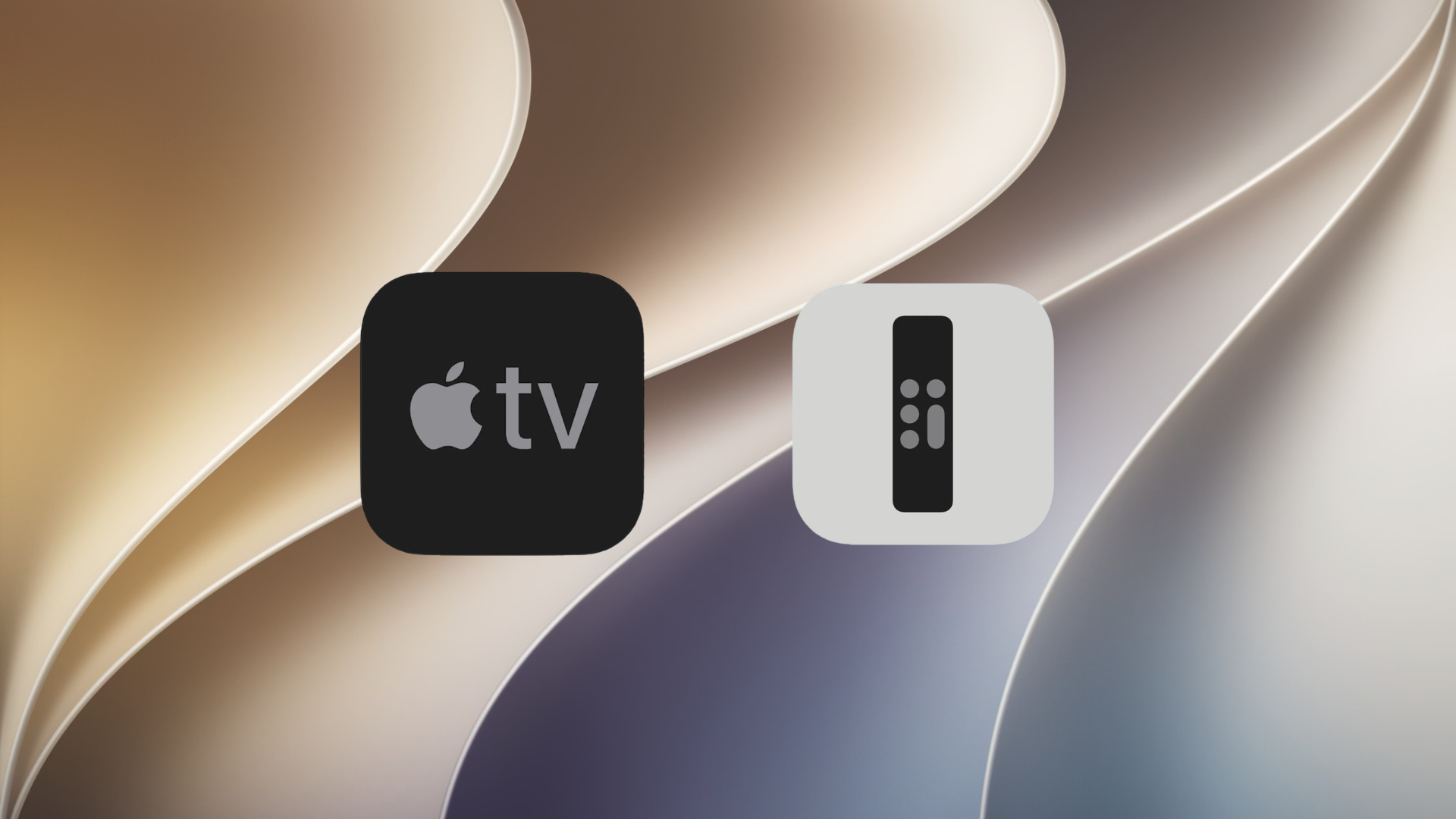
Apple has added a small but useful change in iOS 27 and iPadOS 27 that makes controlling an Apple TV easier from an iPhone or iPad. Users can now place the built-in Apple TV Remote directly on the Home screen, giving them quicker access whenever they need to control their television without reaching for the physical remote.
The virtual Apple TV Remote originally existed as a standalone App Store app before Apple integrated it into Control Center. Since 2020, users have only been able to access the feature through Control Center or by creating a custom Shortcut for their Home screen.
With iOS 27 and iPadOS 27, Apple has restored a dedicated app icon that users can add directly to the Home screen. This makes the feature easier to find and more convenient to launch.
Don’t miss the best of The Mac Observer
Set us as a preferred source and our Apple reporting ranks higher in your Google Search results and Discover feed — one tap, no account changes.
How to Add the Remote App
Users can search for “Remote” on their iPhone or iPad and drag the icon to the Home screen. The app is also available through the App Library, making it simple to access and organize alongside other apps.
The change is currently available in iOS 27 and iPadOS 27 developer beta releases. Apple plans to launch public beta versions in July, followed by the official release of both software updates this fall.

Discussion