
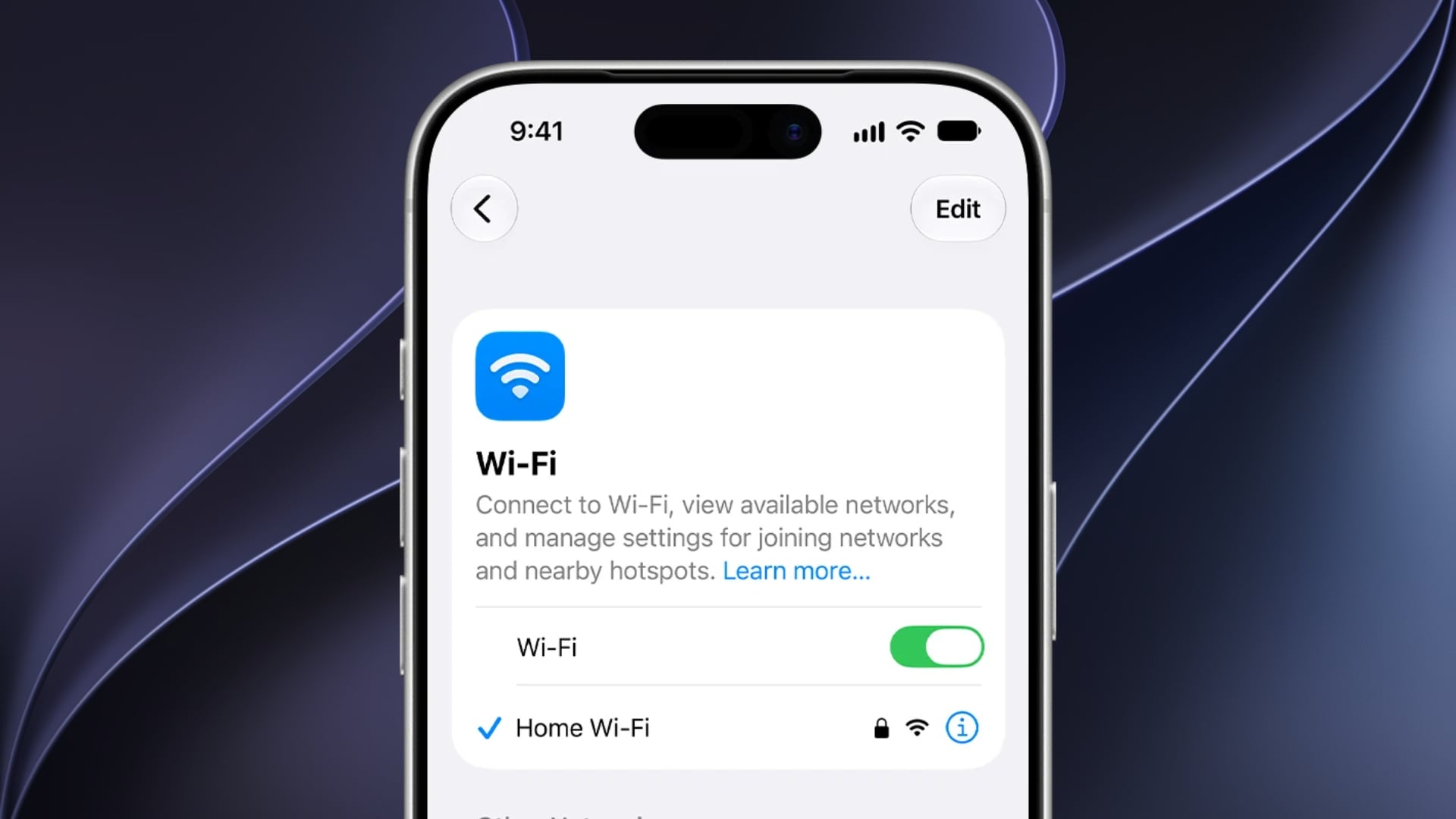
Apple has introduced a useful feature in iOS 27 that helps iPhones maintain a stable internet connection when Wi-Fi becomes weak or unreliable. Called Connectivity Assist, the feature automatically uses cellular data alongside Wi-Fi to prevent slow loading times and connection interruptions, especially when moving between networks.
For example, your iPhone sometimes stays connected to your home Wi-Fi even after you step outside, despite the signal being too weak to load anything. Connectivity Assist addresses this problem by using cellular data when the Wi-Fi connection can no longer provide reliable internet access.
How Connectivity Assist Works in iOS 27
According to Apple’s official support document, Connectivity Assist monitors Wi-Fi reliability and uses cellular data when the network becomes slow, congested, or unusable.
Don’t miss the best of The Mac Observer
Set us as a preferred source and our Apple reporting ranks higher in your Google Search results and Discover feed — one tap, no account changes.
This is particularly useful in areas where Wi-Fi signals fluctuate, including driveways, coffee shops, airports, and crowded public spaces.
The feature replaces the older Wi-Fi Assist setting and moves its controls from Cellular settings to the Wi-Fi menu. Apple has also introduced the option to disable Connectivity Assist for individual networks, which helps users who rely on specific router configurations or network-based ad blockers.
How to Enable Connectivity Assist on iPhone
You can activate or disable the feature directly from your iPhone’s settings.
- Open Settings on your iPhone running iOS 27.
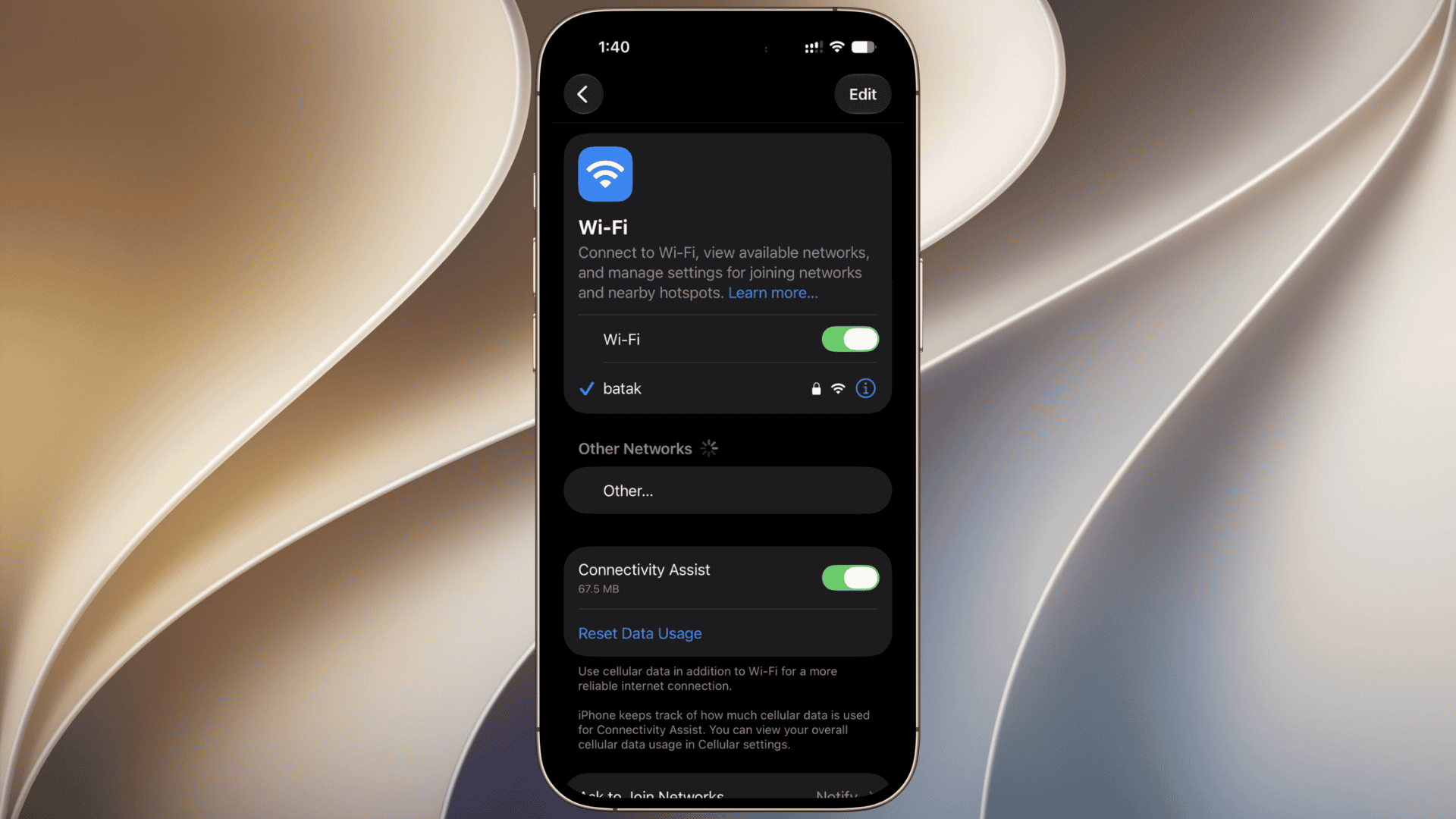
- Tap Wi-Fi and make sure it is enabled.
- Scroll down to Connectivity Assist.
- Turn the toggle on to allow cellular data to support unreliable Wi-Fi connections.
If Wi-Fi Assist was enabled before upgrading to iOS 27, Connectivity Assist should already be active.
Things to Know Before Enabling It
Connectivity Assist can increase cellular data consumption, potentially resulting in additional charges depending on your mobile plan. Some users have also reported higher battery drain and data usage after enabling the feature.
Apple confirms that Connectivity Assist does not operate during international roaming, when cellular Low Data Mode is enabled, or with certain third-party audio and video streaming apps.
For users who frequently move between Wi-Fi and cellular networks, Connectivity Assist offers a practical way to keep their iPhone connected without manually switching networks.



Discussion