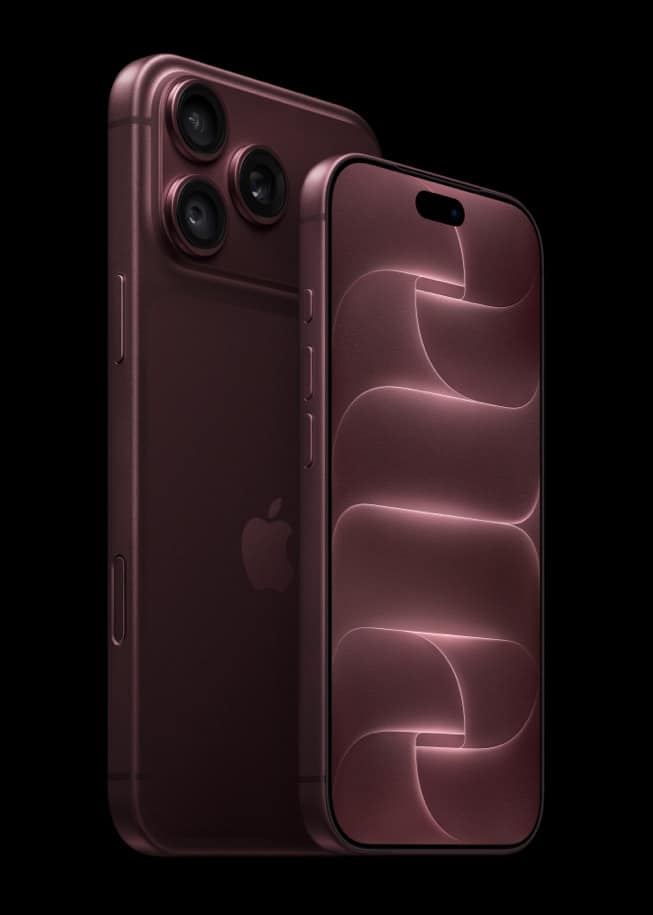
The moment iOS 27 finishes installing, a handful of things look different before you open a single app: sharper icons on the Home Screen, a new Liquid Glass slider waiting in Settings, and a changed Camera viewfinder on the iPhones that qualify. Apple documents all of it; not all of it needs an Apple Intelligence-capable iPhone to appear.
What changes for every eligible iPhone, no setup required
Two changes apply regardless of which iPhone you own, from an iPhone 11 up to iPhone 18 Pro. Apple describes app icons across iOS 27 as “sharper and more defined,” a design pass that shows up on the Home Screen the first time you look at it. Settings also gains a new control Apple did not ship before: a Liquid Glass slider that runs from “ultra-clear to fully tinted,” sitting inside Settings rather than as a one-tap toggle. Neither change requires you to visit a menu first; the icon redesign is simply there, and the slider is simply available the next time you open Settings.
| What you’ll notice | Where |
|---|---|
| Sharper, more defined app icons | Home Screen, immediately |
| Liquid Glass tint slider | Settings |
| Siri mode in the Camera viewfinder | Camera app, on Apple Intelligence-capable iPhones |
| Automatic tab grouping by topic | Safari |
| Re-ranked Top Hits | Mail search |
| Faster sync and unread counts | Messages |
The one change gated to specific iPhones
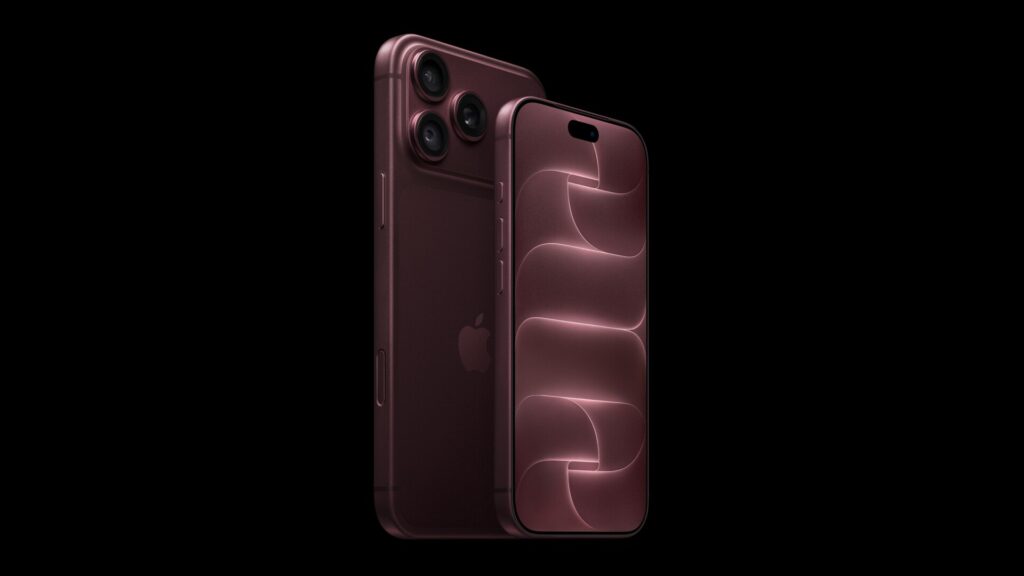
Camera gains a Siri mode that Apple describes as letting you “start a visual search right from your viewfinder.” That sits inside Apple’s broader Apple Intelligence and Siri AI feature set, and Apple’s device list for Apple Intelligence names iPhone 15 Pro, iPhone 15 Pro Max and iPhone 16 or later, alongside iPhone 18 Pro and iPhone 18 Pro Max. An iPhone 11 through iPhone 14 running iOS 27 gets the sharper icons and the Liquid Glass slider like everyone else; it will not show a Siri mode button in the viewfinder, because Apple does not list it as an Apple Intelligence device.
Don’t miss the best of The Mac Observer
Set us as a preferred source and our Apple reporting ranks higher in your Google Search results and Discover feed — one tap, no account changes.
Safari, Mail and Messages change without a settings screen
Three more changes ship live and need nothing from you. Safari can now automatically group related tabs into topics. Mail’s search brings what Apple calls “a new ranking system” to Top Hits, so the same search term can surface different results than it did on iOS 26. Messages gets faster sync, which Apple frames as “improved missed-message notifications and unread counts.” Apple’s own pages do not attach an Apple Intelligence requirement to any of those three, unlike the Camera’s Siri mode.
| Feature | Needs an Apple Intelligence iPhone |
|---|---|
| Sharper app icons | No |
| Liquid Glass slider | No |
| Safari tab grouping | Not stated by Apple |
| Mail search re-ranking | Not stated by Apple |
| Faster Messages sync | Not stated by Apple |
| Siri mode in Camera | Yes |
What takes longer to notice
Apple’s performance claims for iOS 27, app launches “up to 30 percent faster” and Photos loading “up to 70 percent faster” after a capture, were both measured against specific hardware in Apple’s own testing (an iPhone 11 Pro Max for launch speed, an iPhone 15 with a 50,000-asset library for Photos). Those are the kind of changes you feel over the following days rather than see the instant the update finishes, unlike icons and the Settings slider, which are visible the moment you unlock the phone.
What Apple has not said
Apple has not published a single, ordered list of “what changes first.” It has not stated whether the Liquid Glass slider defaults to the same tint every device had on iOS 26, and it has not said whether Safari’s tab grouping or Mail’s re-ranking needs any period of use before it produces different results. What is documented is the device split above.
On Monday, September 14, once iOS 27 has installed on a device connected to power and Wi-Fi, the fastest way to see which list you are on is simply to open Camera: a Siri mode button means Apple counts your iPhone as an Apple Intelligence device, alongside the Apple Watch Series 12 and other hardware Apple announced the same week.