
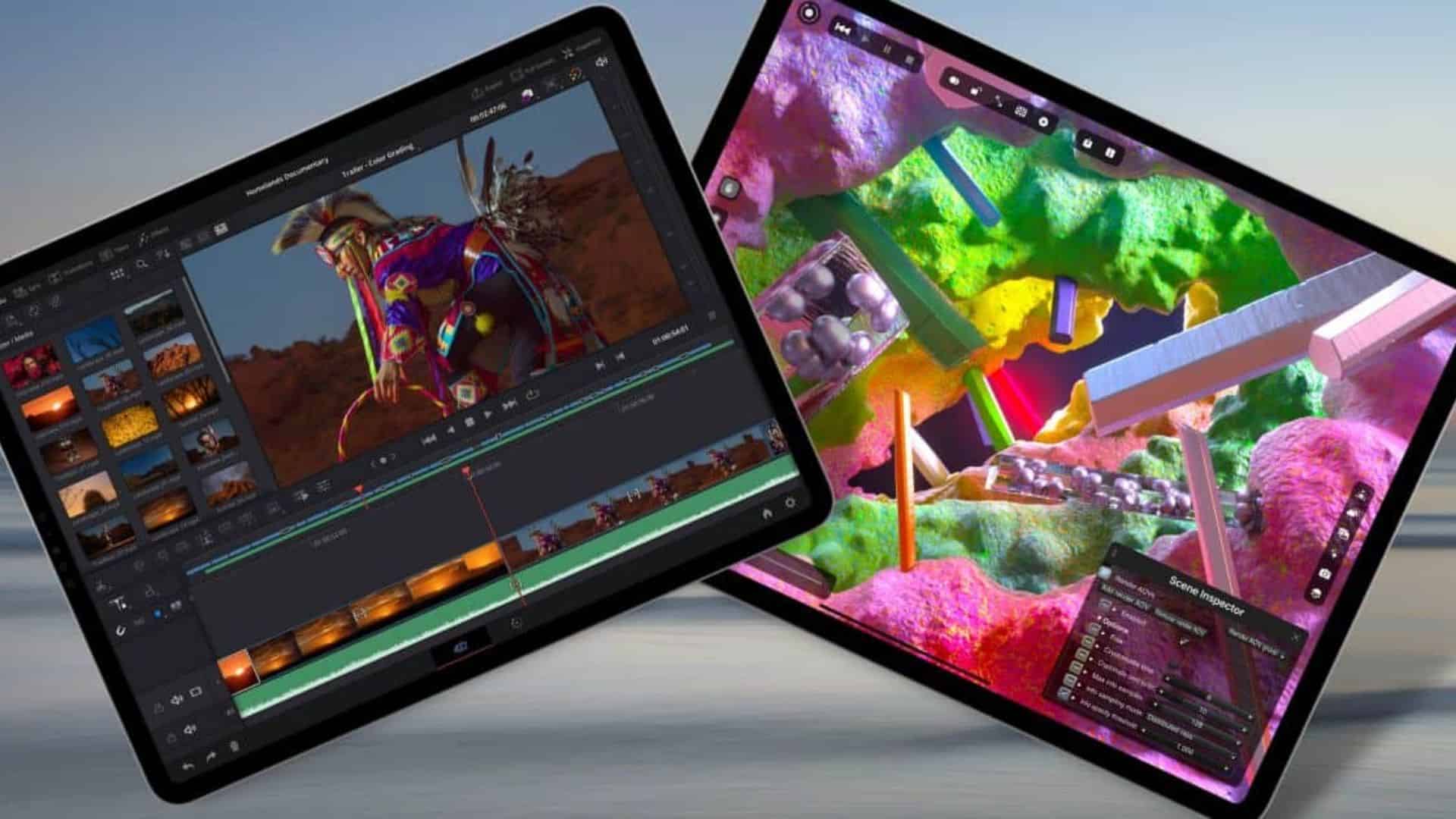
Apple’s latest 14-inch MacBook Pro steps up where editors feel it first: storage speed. Apple says the M5 model delivers up to 2x faster SSD performance than the previous generation, which cuts waiting time when you open large projects or relink media in DaVinci Resolve.
That SSD jump pairs with broader platform gains. Apple’s launch material and early coverage highlight higher memory bandwidth and across-the-board responsiveness, which keeps scrubs and timeline jumps tight even on complex grades.
Resolve itself is keeping pace. Blackmagic’s recent updates add Apple-centric workflows, including Apple Immersive Video support and ongoing performance work in Resolve 20 and 20.1. Those releases help the app ingest, cache, and conform big assets more smoothly on modern Macs.
Don’t miss the best of The Mac Observer
Set us as a preferred source and our Apple reporting ranks higher in your Google Search results and Discover feed — one tap, no account changes.
Editors know where SSD speed matters most. Project open times, gallery thumbnail generation, and Smart Cache writes all lean on fast reads and writes. The M5’s 2x claim targets those exact choke points and shortens the path from launch to the first color decision.
The story is practical, not theoretical. Mac coverage notes the same design but points to that storage jump and a higher ceiling for internal capacity, which helps teams keep more optimized media local and avoid external-drive bottlenecks on the road.
What speeds up in your DaVinci Resolve day:
- Project loading with hundreds of clips and LUTs opens faster from internal storage.
- Smart Cache and Optimized Media creation writes complete sooner, so the timeline becomes fluid faster.
- Gallery stills and thumbnails populate more quickly when browsing looks across many shots.
- Conform and relink operations with high-bitrate footage scan directories and update bins with less delay.
- Apple Immersive Video pipelines in Resolve 20.1 benefit when you shuffle massive stereoscopic assets locally.
Why staying internal helps:
- Internal NVMe on the M5 avoids cable and hub limits that often cap external SSD throughput.
- A 4 TB build keeps more proxies and caches on the fastest volume, reducing drive-swapping mid-session.
Expect a quieter win too. Faster reads and writes shorten the loudest parts of the day, like first project open after a client sends a new cut. Resolve 20’s feature cadence suggests continued optimization around Apple hardware, which should compound the time savings through minor updates.
In short, the headline claim holds where it counts. Apple’s own 2x SSD figure sets the tone, and the Resolve toolchain already leans into faster local workflows. Open a big color job on the M5 MacBook Pro, and you start working before the coffee cools.




Discussion