
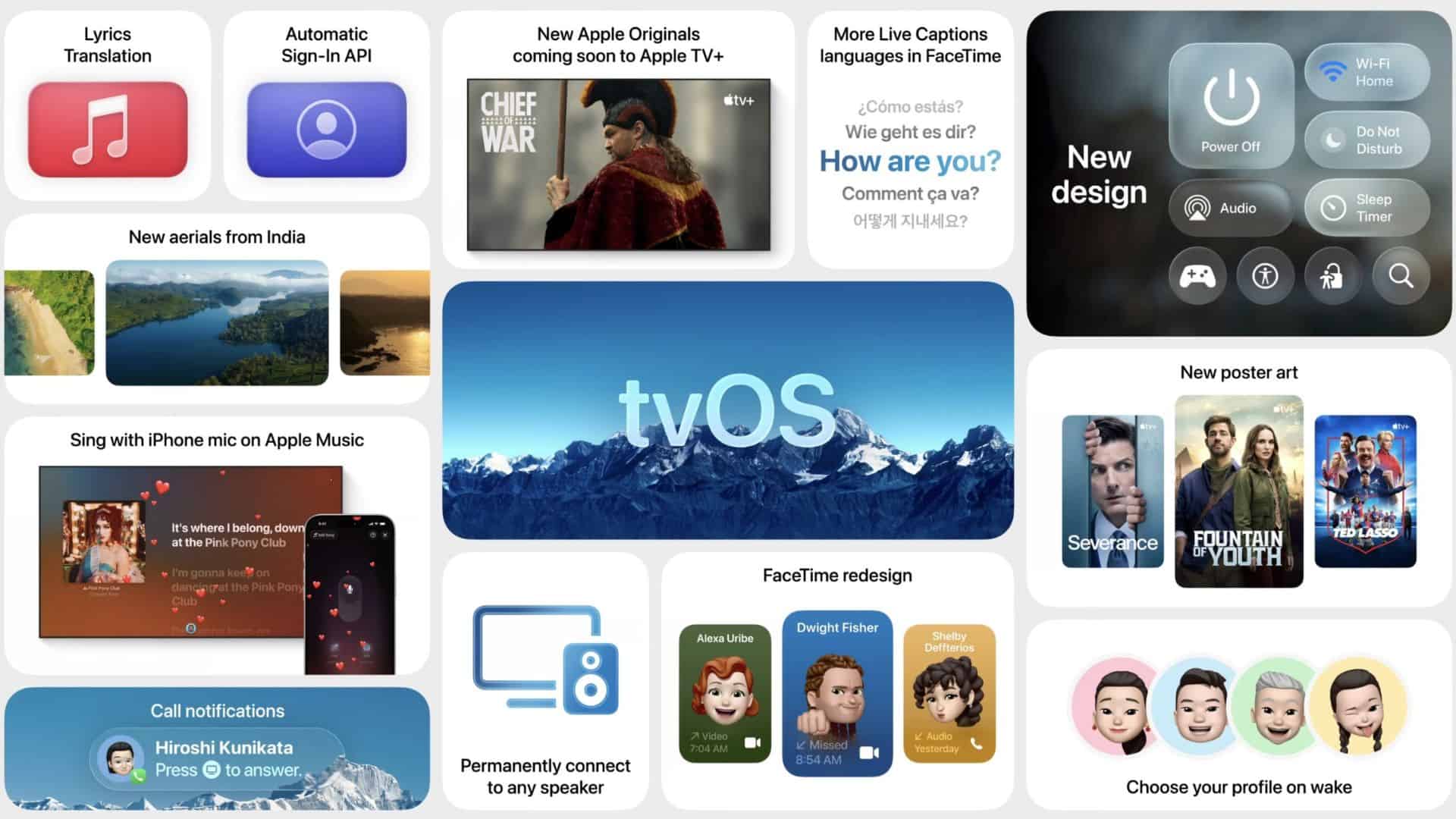
Apple rolled out tvOS 26 earlier this week, and one of the most practical additions is greater control over Aerial screen savers on Apple TV 4K. For years, these high-definition visuals have been a defining part of the experience, but users had little say over which ones appeared. That changes with the new update.
Choose Your Own Aerials
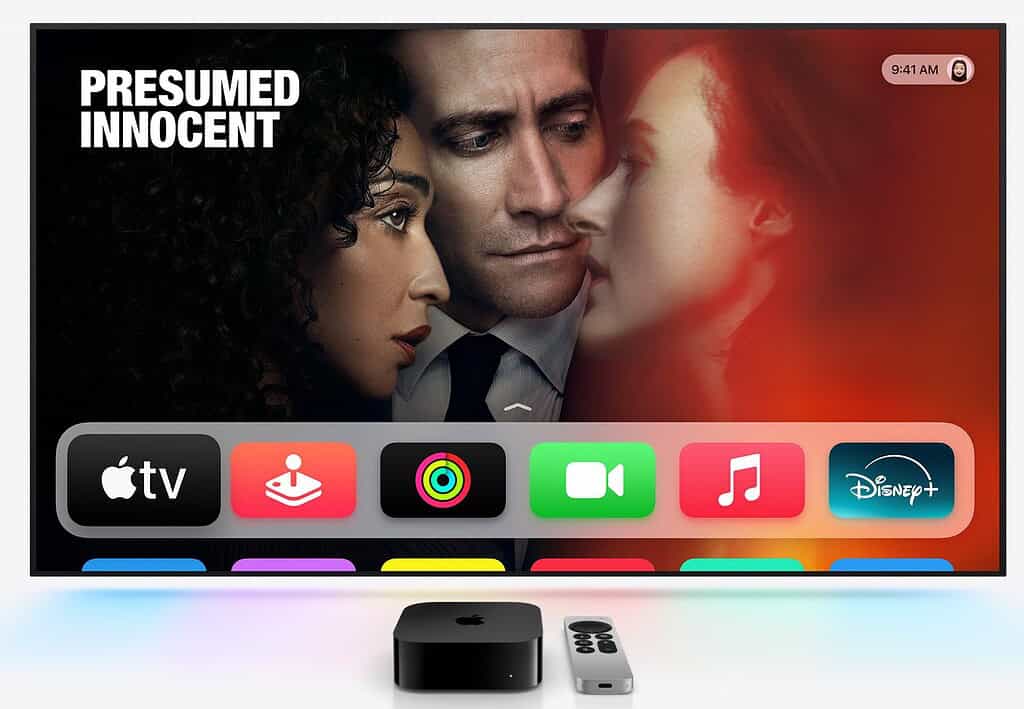
In tvOS 26, you can now enable or disable individual Aerial screen savers. The option appears in Settings under the Screen Saver menu, where a new “Choose Aerials” section lists four categories: Cityscape, Earth, Landscape, and Underwater.
Instead of removing entire collections, you can now fine-tune the lineup and exclude only the visuals you dislike. This creates a curated “playlist” of screen savers that better reflects your preferences. Some users may prefer rotating landscapes, while others may want to avoid certain underwater shots. The feature gives you that level of control for the first time.
Don’t miss the best of The Mac Observer
Set us as a preferred source and our Apple reporting ranks higher in your Google Search results and Discover feed — one tap, no account changes.
Expanding the Library
Apple is also adding new footage captured across India, including scenes from Goa and Kerala. These additions broaden the visual range and keep the Aerial feature fresh for long-time Apple TV owners.
The Aerials have long been more than filler content. They showcase the device’s display capabilities, highlight global locations, and add a sense of personality to what is otherwise a streaming box. With tvOS 26, that feature feels less like a static backdrop and more like something you can personalize.
More Than Just Screen Savers
The update also introduces other changes, including a redesigned TV app, a new profile selector when waking the device, and Apple’s Liquid Glass design refresh. Yet, the ability to handpick Aerial screen savers stands out because it gives users control over one of the Apple TV’s most recognizable features.
tvOS 26 doesn’t reinvent Apple TV, but it makes it more personal. And for many users, that matters just as much as the bigger headline updates.



Discussion