
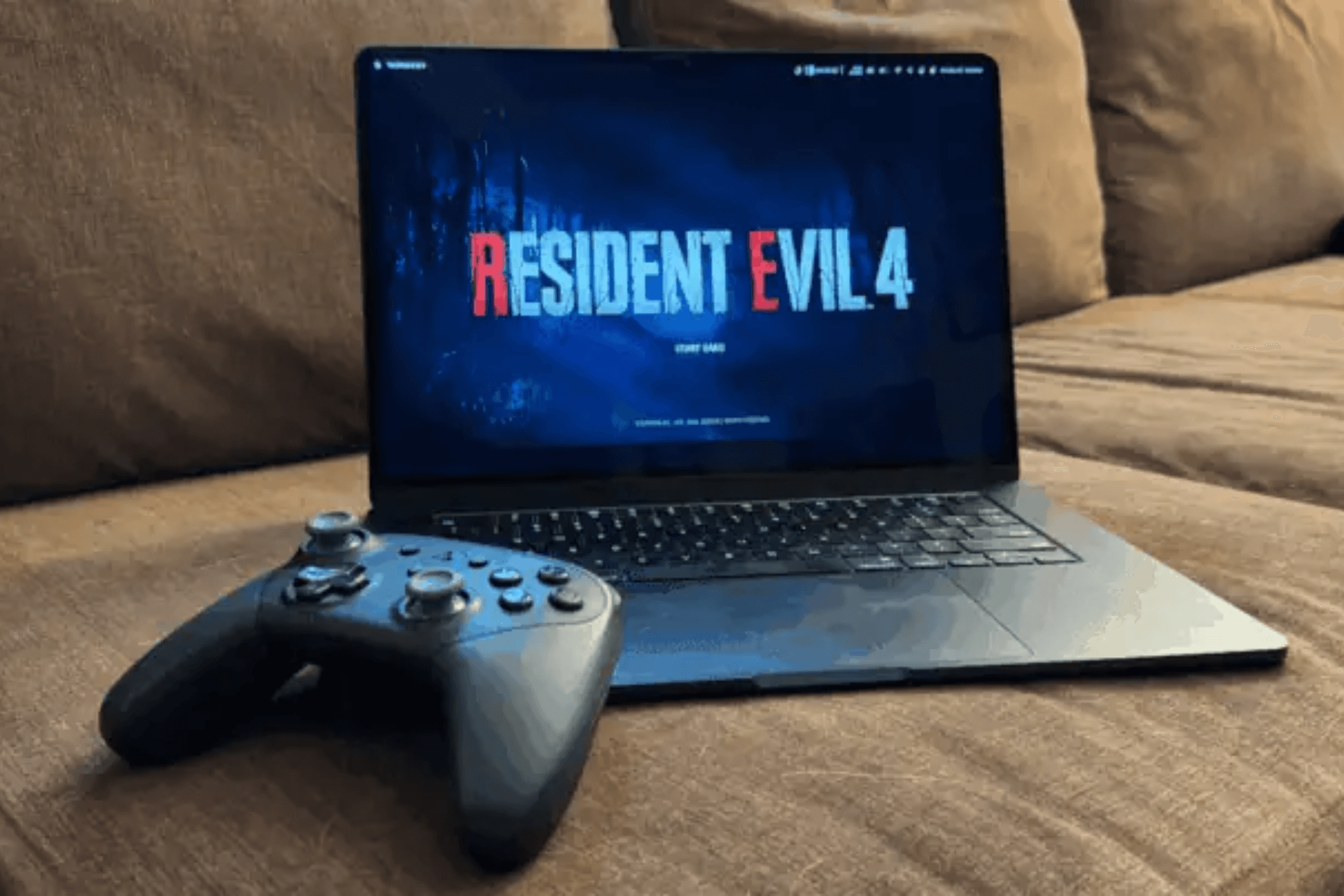
If you use an Xbox Series X controller with your Mac, the way you connect it can affect how well it works.
Many Mac users use Xbox controllers for gaming, including Apple Arcade titles, Mac games, and browser-based games and cloud gaming services. Recent developer discussions on Chromium Gerrit highlight an odd macOS behavior. Some controller features work when the controller connects over Bluetooth but stop working when the same controller connects using a USB cable.
The Share button is one example. Over Bluetooth, macOS detects the button. Double-tapping it can start or stop screen recording, and the button can be remapped in System Settings. When the controller connects over USB-C, the Share button may stop responding altogether. macOS does not detect it, even though the controller itself supports the feature.
Don’t miss the best of The Mac Observer
Set us as a preferred source and our Apple reporting ranks higher in your Google Search results and Discover feed — one tap, no account changes.
Google developers describe this as a system-level inconsistency and have discussed reporting the issue directly to Apple. The controller behaves correctly over Bluetooth, which makes the USB behavior harder to explain.
A similar pattern appears with controller vibration. Recent work to improve controller support on macOS confirms that vibration works reliably over Bluetooth during testing. Wired connections, however, remain unreliable or unverified.
These reports reveal that macOS currently handles some Xbox controller features better over Bluetooth than over USB, even when using the same hardware.
For users, the takeaway is simple. If your Xbox controller feels limited or partially broken when connected by cable, switching to Bluetooth may restore features like the Share button and vibration.



Discussion