
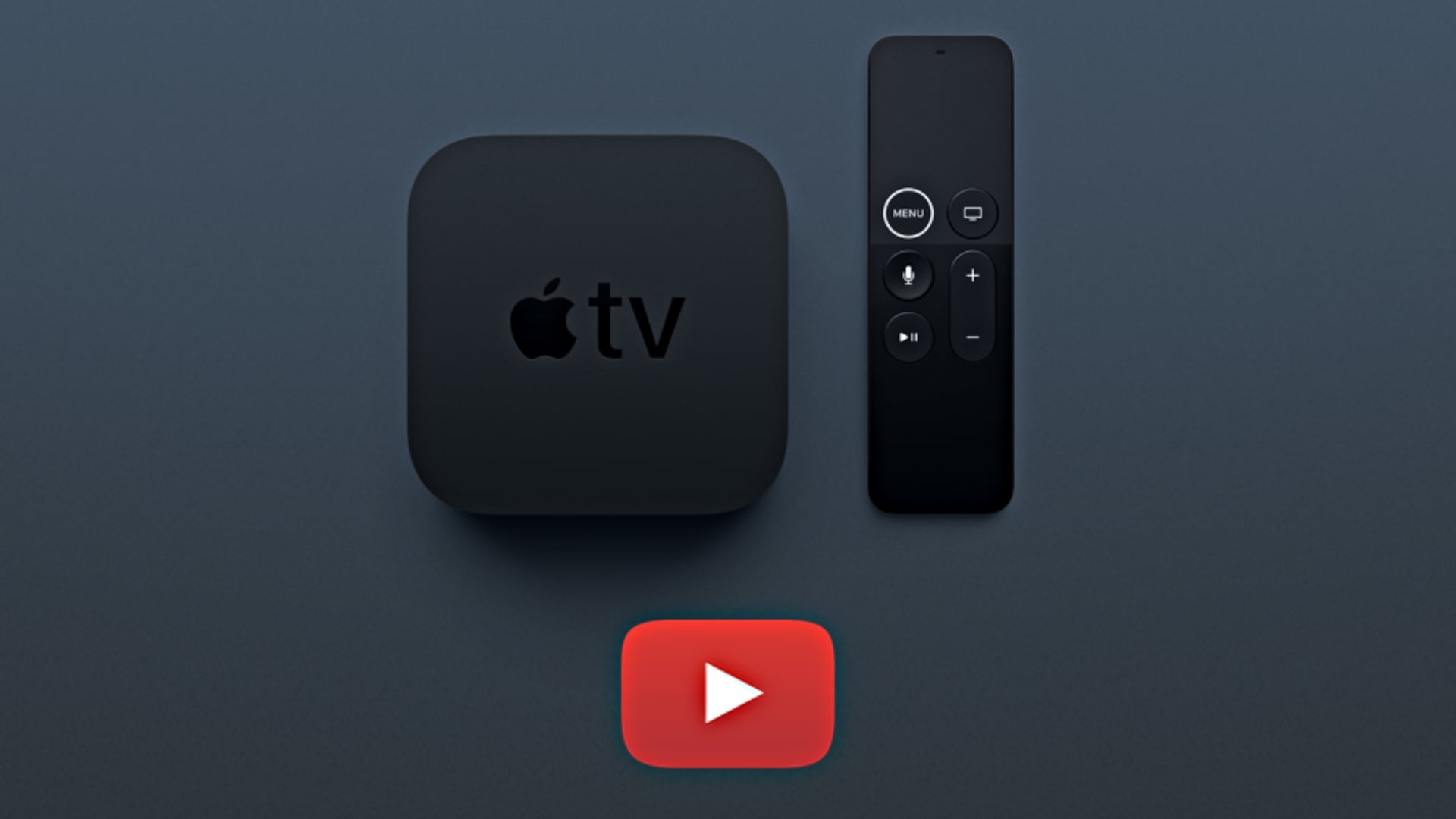
Owners of the new fourth-generation Apple TV 4K are reporting problems with the YouTube app, including black screens, compatibility errors, and warnings that the app is only approved for testing. Fortunately, reinstalling YouTube appears to resolve the issue for some users, although others have found success by updating tvOS or restarting their devices.
According to The Verge, some users see a QR code alongside a message claiming YouTube is unavailable on their device. Others encounter a red warning banner even when the app works normally.
The problem appears to involve compatibility with the new Apple TV 4K, although Google has yet to confirm the exact cause.
Don’t miss the best of The Mac Observer
Set us as a preferred source and our Apple reporting ranks higher in your Google Search results and Discover feed — one tap, no account changes.
How to Fix YouTube Not Working on the New Apple TV 4K
The most effective reported workaround is to delete and reinstall YouTube. This worked for The Verge’s Tom Warren after updating tvOS failed to resolve the error.
Follow these steps:
- Navigate to the YouTube app on your Apple TV Home Screen.
- Press and hold the remote’s clickpad until the app options appear.
- Select Delete App > Delete to remove the app and its stored data.
- Open the App Store and search for YouTube.
- Download the app again, launch it, and sign in if necessary.
Apple’s official support documentation confirms that deleting an app also removes its locally stored data, allowing you to start with a fresh installation.
Other Fixes Worth Trying
If reinstalling YouTube doesn’t work, try these additional troubleshooting steps:
- Update tvOS: Open Settings > System > Software Updates and install the latest available version. Some users report success after updating to tvOS 27.2.
- Restart Apple TV: Navigate to Settings > System > Restart, then reopen YouTube.
- Force quit YouTube: Double-press the TV button on your remote, select YouTube, and swipe up to close it. See our guide to force quitting Apple TV apps for detailed instructions.
Reports on Reddit’s Apple TV community suggest the issue has also cleared automatically for some owners, potentially following a server-side change.
For persistent playback problems, Google’s YouTube troubleshooting guide recommends checking for app updates and restarting the streaming device. You can also follow these additional YouTube fixes for Apple TV if the problem continues.




Discussion