
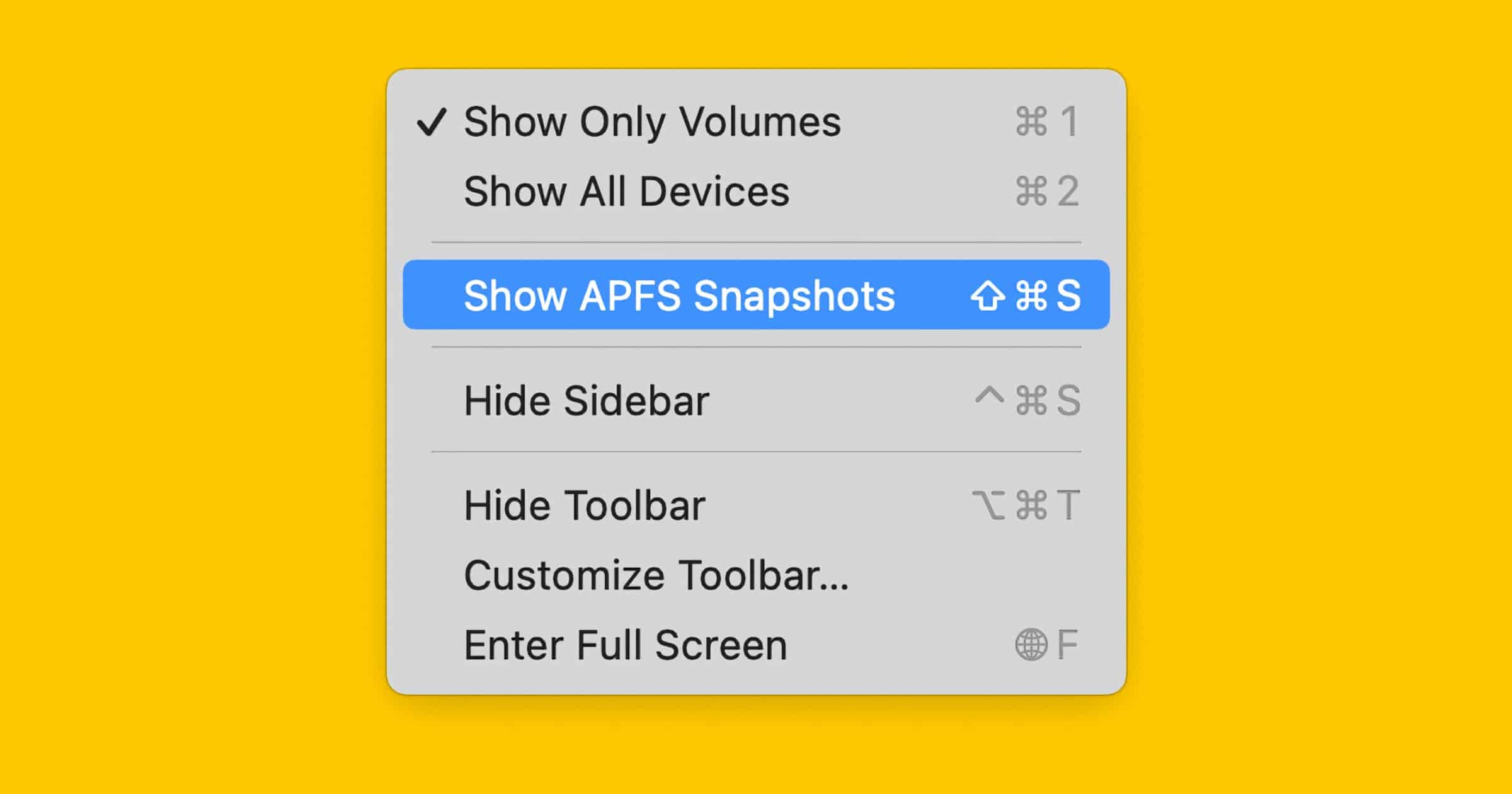
Disk Utility can now manage AFPS snapshots, no matter which app created them, in macOS Monterey.
This new feature is cunningly hidden so that you don’t notice this huge leap forward when you first open the app. To engage its new powers, select a volume and use the Show APFS Snapshots command in its View menu. This opens a new table view in the lower part of the main view in which the selected volume’s snapshots are listed.
Check It Out: Disk Utility Can Now Manage Snapshots in macOS Monterey




Discussion