
iOS 27 could bring Siri directly into the Camera app, making Apple Intelligence easier to use for scanning, nutrition, and contacts.

AirDrop File Sharing Is Finally Rolling Out to More Android Phones
You can now share photos and files between an iPhone and Android devices easily. The popular wireless transfer feature is rolling out to more phone brands.

Court Lifts Pause on Epic Ruling Before Apple Supreme Court Bid
A US appeals court reversed an order that paused the Epic Games lawsuit against Apple, sending the case to a lower judge to determine app payment fees.
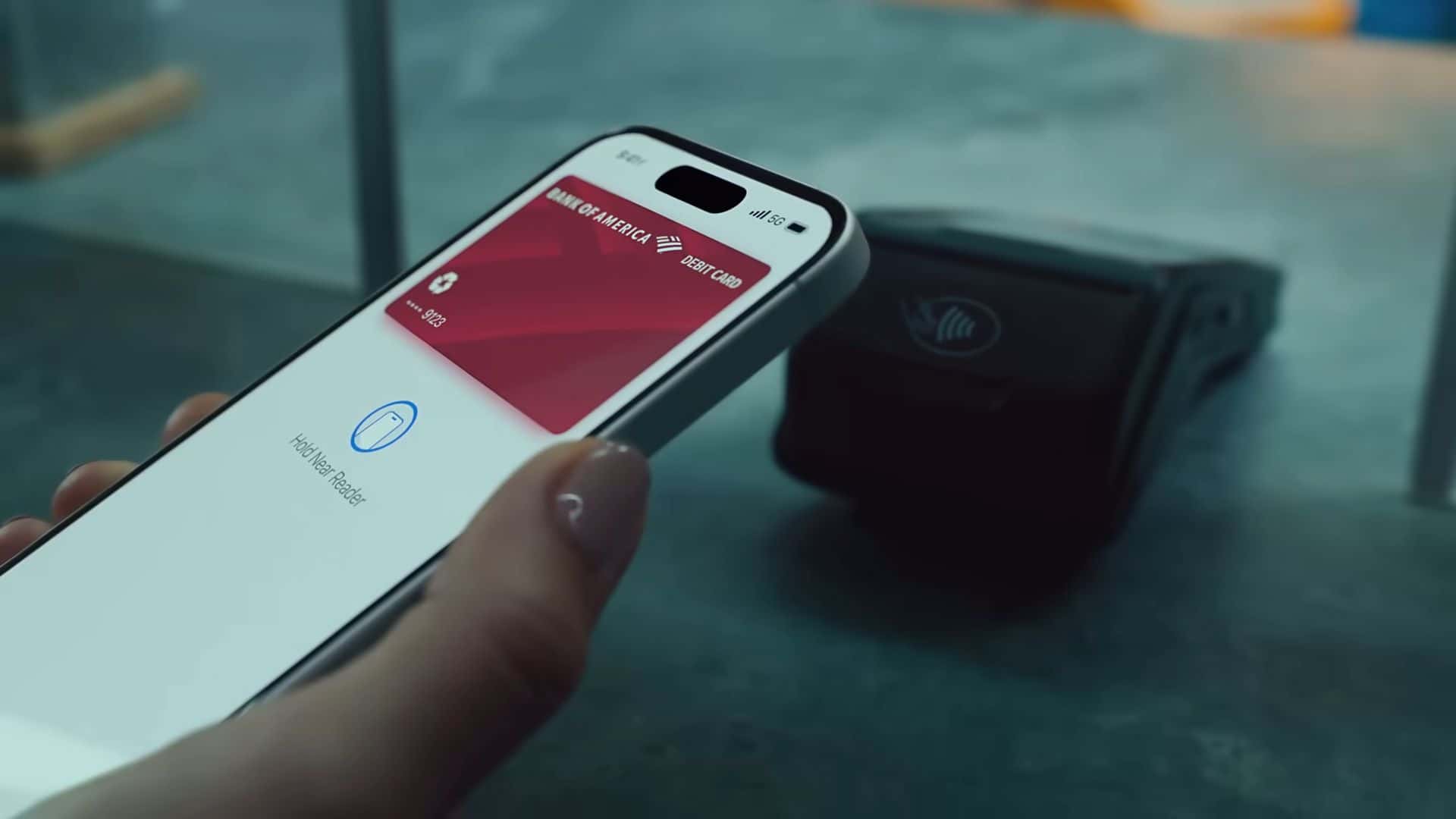
Apple Pay Brings Faster Transit Riding Options to Major US Cities
Apple expanded its transit payment system to major US cities. Riders can use the express mode to quickly tap their devices without unlocking them first.

Apple Adds a Long-Overdue Alarm Feature in the iOS 26.4 Update
Apple released iOS 26.4 with a new alarm feature that lets your iPhone ring out loud even when you wear your Apple Watch to bed for sleep tracking.

Intel’s new chip beats A18 Pro in tests, but MacBook Neo still feels like the better buy
Intel’s Wildcat Lake chip boosts budget PC speed, but MacBook Neo still leads with better battery life, build quality, and overall value.
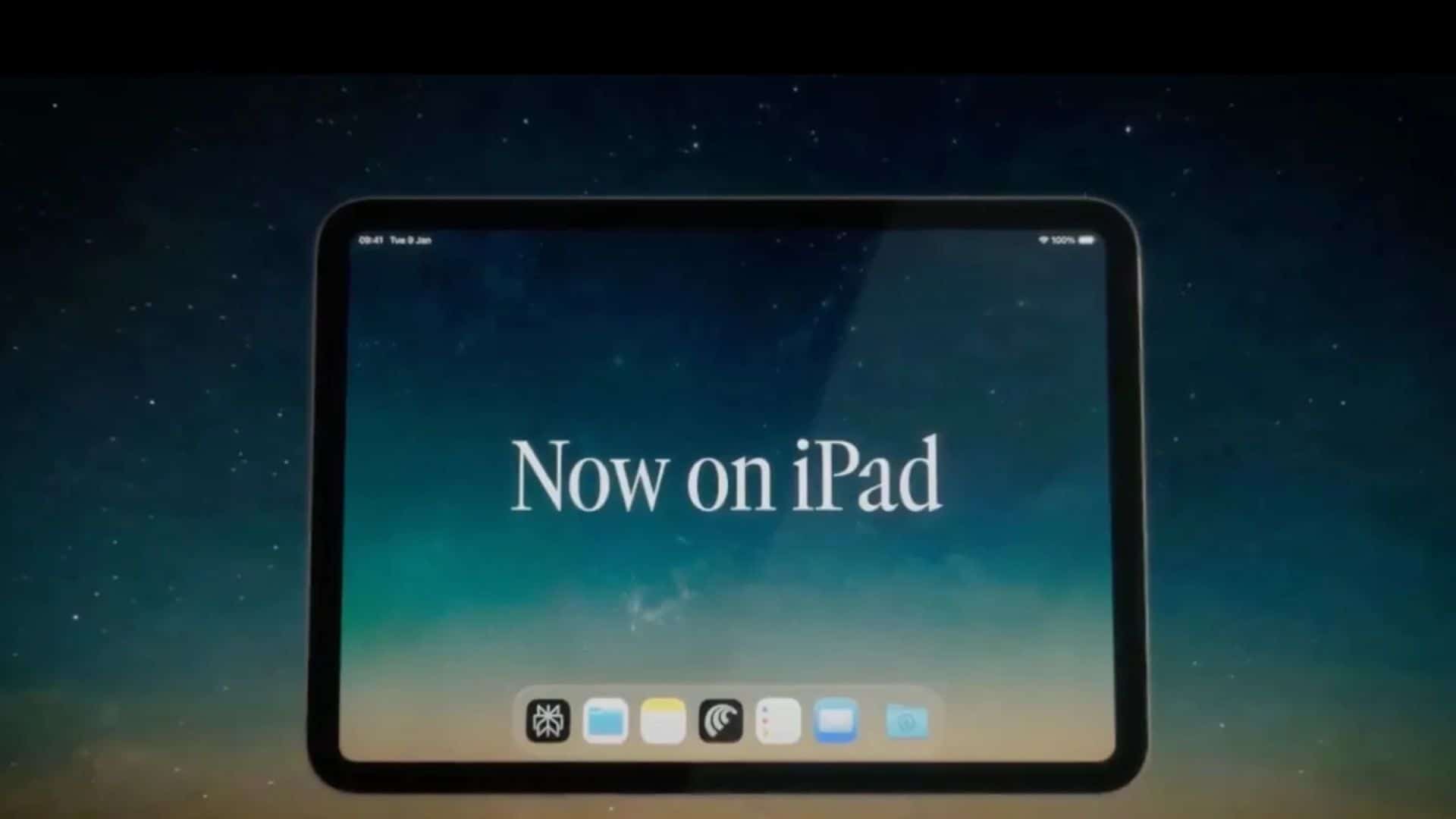
Perplexity Brings New Multitasking Features to Comet Browser on iPad
Perplexity updated its Comet AI browser for iPad. The app now supports multiple windows and split views to make research and web browsing much easier.

Apple Vision Pro Used in World’s First Cataract Surgery Case
A New York doctor completed the first cataract surgery using an Apple Vision Pro headset, streaming live 3D microscope video to improve the procedure.

Tim Cook Visits White House Days After Apple Leadership Shift
Tim Cook is attending a White House event this week following the news of his CEO transition. His visits highlight a continued focus on government affairs.
Anthropic Adds Nine Claude Connectors For Popular Creative Apps
Anthropic added nine new Claude AI connectors for apps like Adobe and Blender. These helpful plugins let designers work faster inside their own workspaces.