
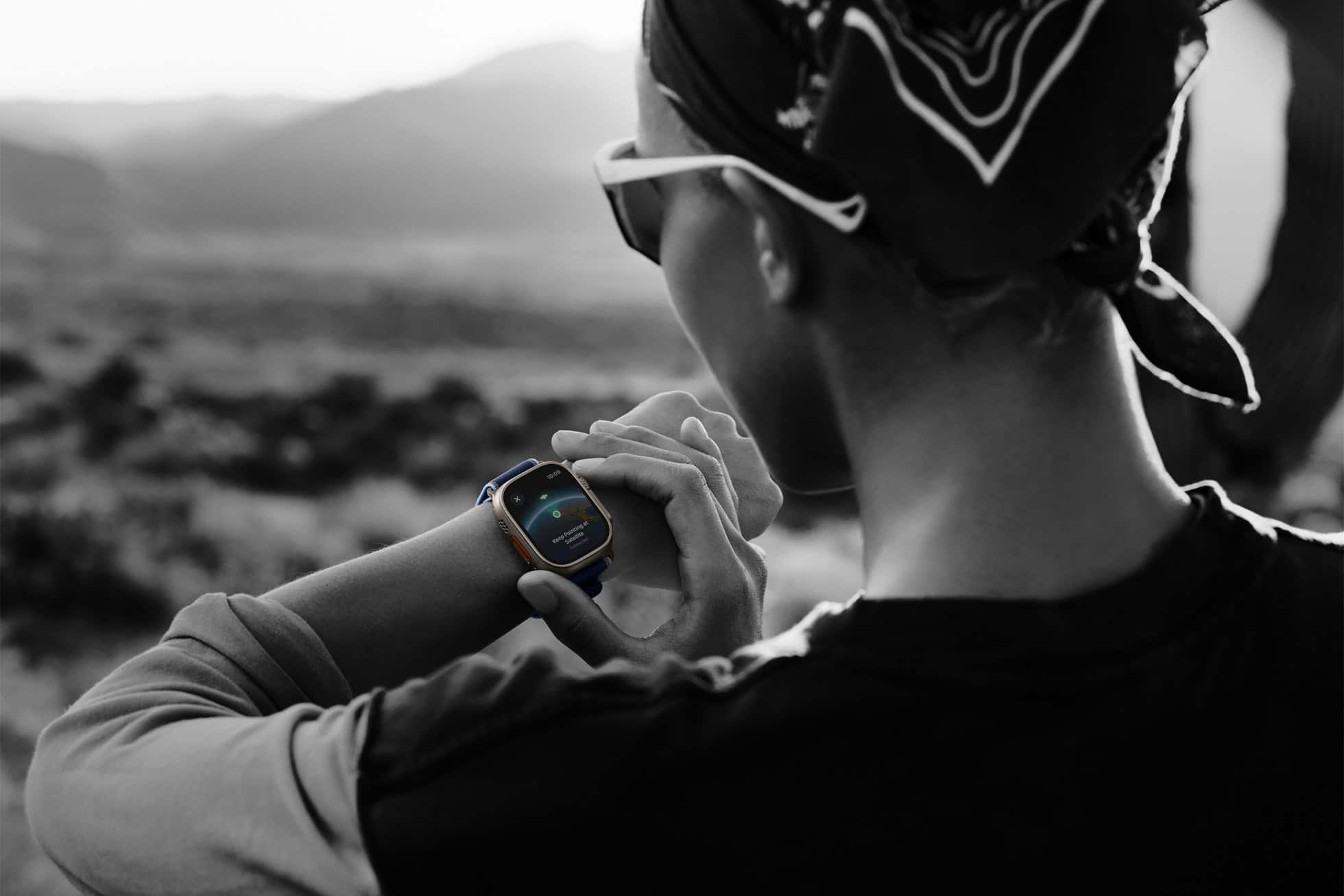
You bought the Apple Watch Ultra 3 because you hike when it’s cold, steep, and a little uncomfortable. Good choice. But here’s the thing: straight out of the box, even a high-end watch doesn’t magically know how you move in winter boots, layers, and uneven terrain. If you want accurate distance, pace, elevation effort, and calorie data on winter hikes, calibration matters. A lot.
Table of contents
First, get the basics right
Calibration starts with boring but essential details. Your watch uses your personal data to calculate almost everything.
- Open the Watch app on your iPhone.
- Go to Health, then Health Details.
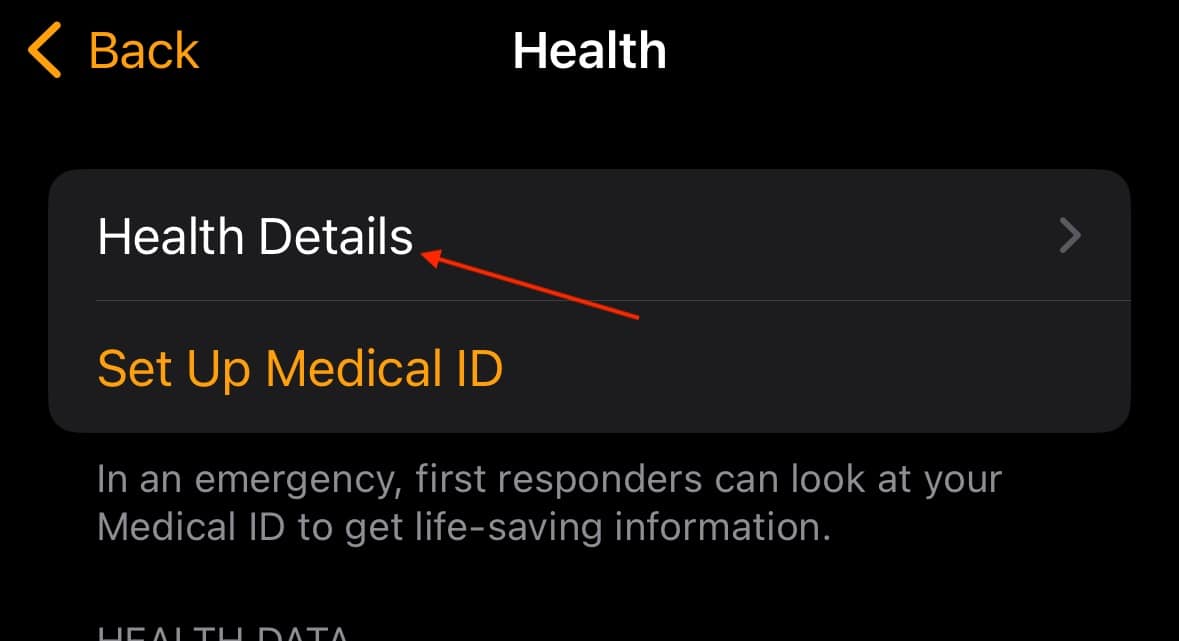
- Check your height, weight, age, and sex.
If these are off, every metric downstream gets fuzzy.
Don’t miss the best of The Mac Observer
Set us as a preferred source and our Apple reporting ranks higher in your Google Search results and Discover feed — one tap, no account changes.
Next, check Wrist Detection.
- In the Watch app, go to Passcode.
- Make sure Wrist Detection is on.
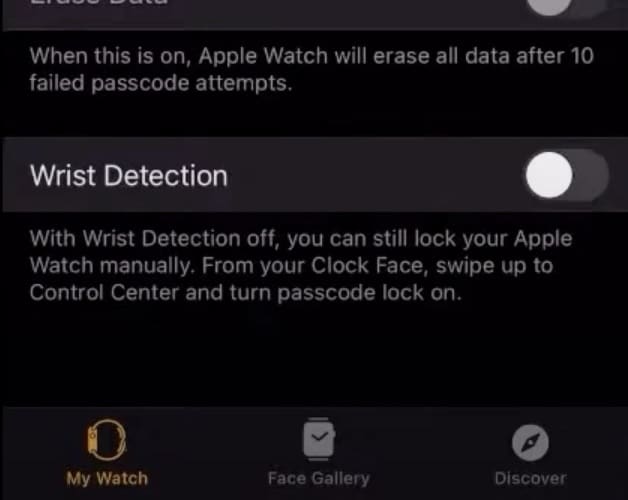
Without it, background heart rate data drops out, and that hurts accuracy on long hikes.
Fit matters too. Cold weather makes wrists shrink. Wear the watch snug, above the wrist bone, tight enough that it doesn’t slide when you plant trekking poles but not so tight it cuts circulation.
Turn on the settings that actually matter outdoors
- Now go to your iPhone Settings, then Privacy & Security, then Location Services.
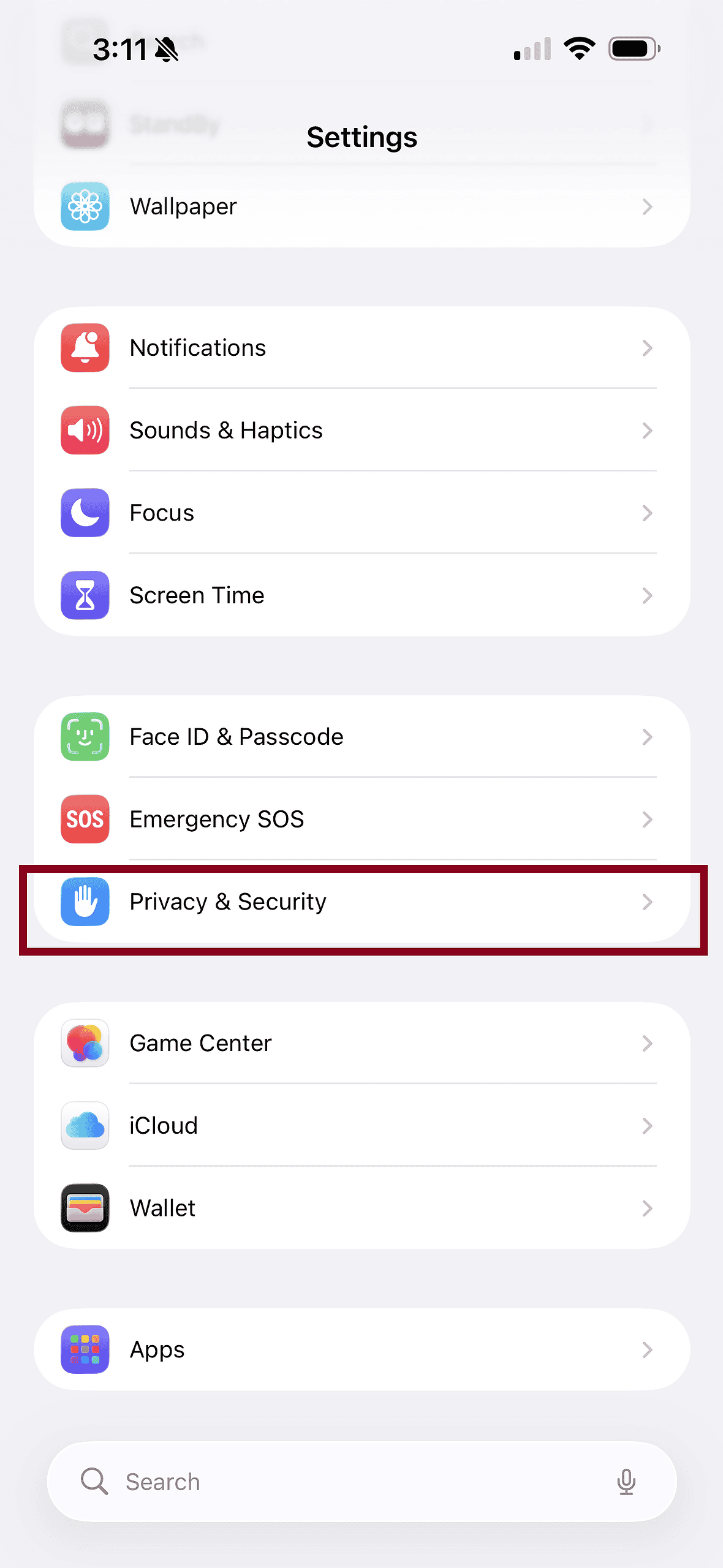
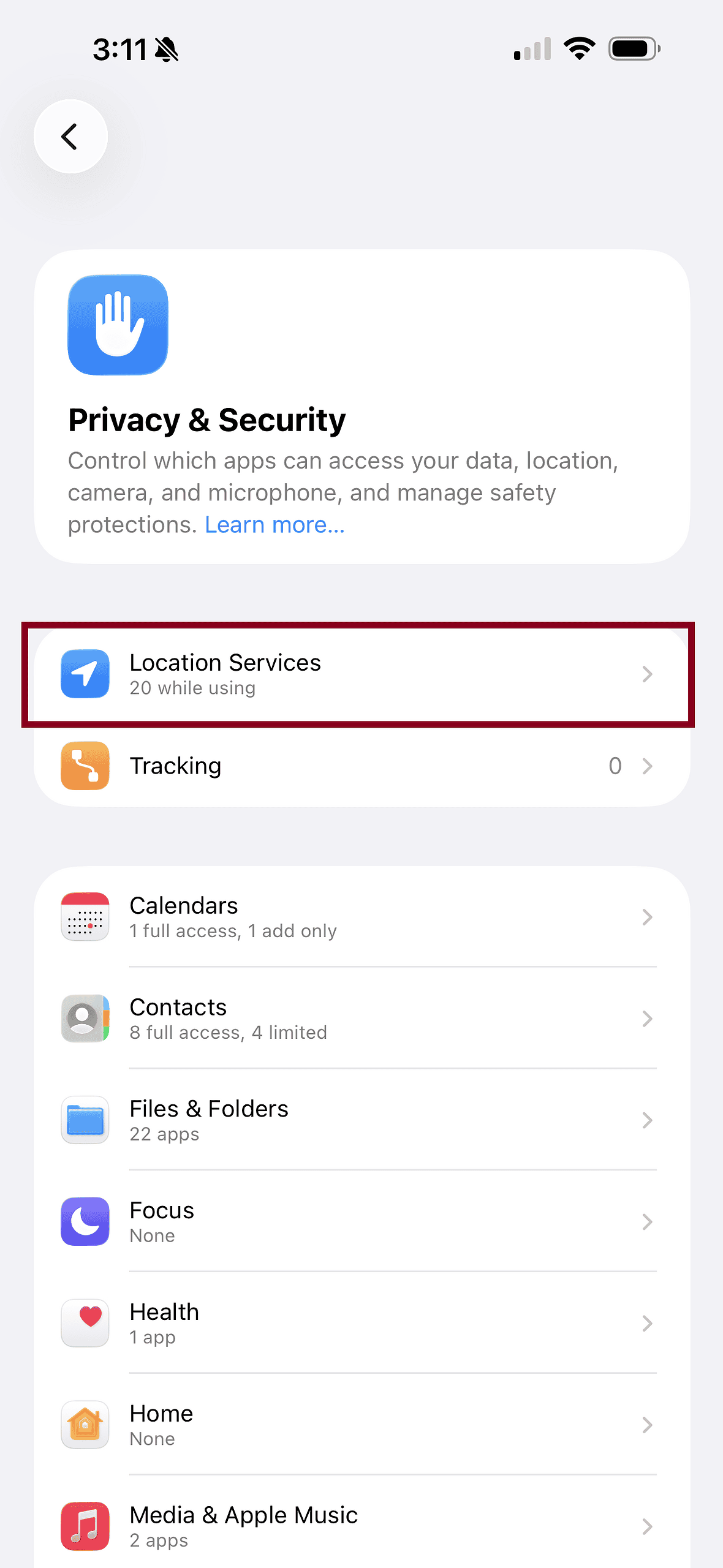
- Scroll down to System Services and make sure Motion Calibration & Distance is on.
This allows the watch to learn your stride and pace patterns.
Winter hiking adds another variable: gloves and poles. If you’re using trekking poles, arm motion can become more rhythmic or restricted. That’s fine, but consistency is key during calibration.
Calibrate before you trust the data
Here’s the most overlooked step. Before your first serious winter hike, do a 20-minute outdoor walk or hike in conditions similar to what you’ll actually do.
Pick flat ground if you can. Let your arms swing naturally, poles included if you normally use them. Don’t rush it. The watch is learning how your stride length changes with boots, layers, and cold muscles.
If GPS is available, this outdoor calibration helps far more than indoor workouts. Snow, tree cover, and canyons can mess with signals later, so teaching the watch early helps it fill in gaps when GPS gets spotty.
Use the right workout every time
When you hike, open the Workout app and choose Outdoor Hike. Don’t default to Outdoor Walk just because it feels similar. The watch uses different models depending on the workout, especially for elevation gain and effort tracking.
If you carry a pack, that added weight changes heart rate and exertion. Over time, the watch adapts, but only if you’re consistent with workout selection.
When accuracy drifts, reset and relearn
If distances start looking off or pace feels wrong, reset calibration data.
- Open the Watch app, go to Privacy.
- Tap Reset Fitness Calibration Data.
You’ll need to recalibrate again with another outdoor session, but it often fixes lingering inaccuracies.
Bottom line: the Apple Watch Ultra 3 is built for winter hiking, but it still needs to learn you. Spend half an hour calibrating before the season gets serious, and every snowy mile after that will make a lot more sense.




Discussion