
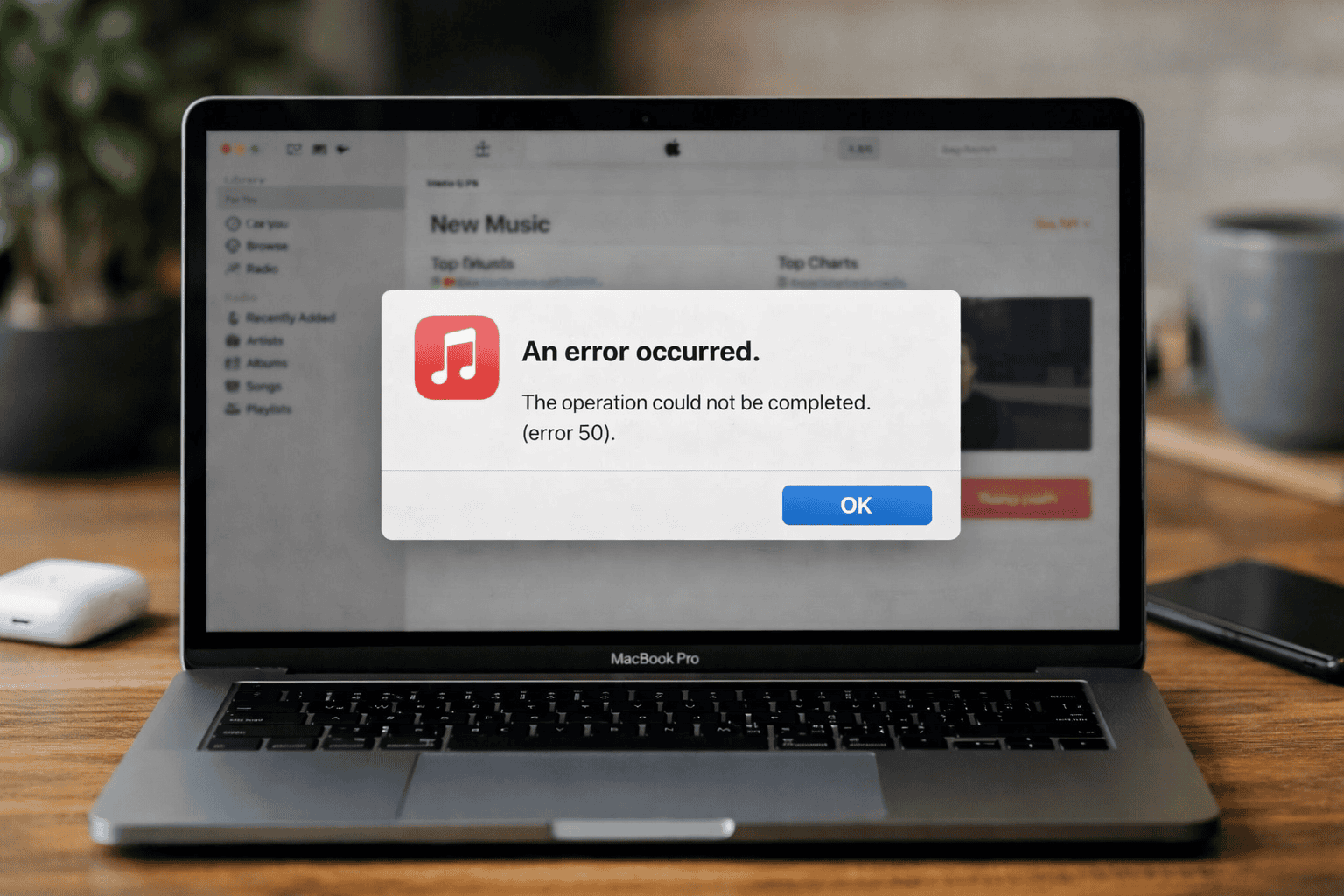
Apple Music error 7513 usually shows up when something breaks during playback or downloads, often without much explanation. One minute everything works. The next, songs refuse to play, downloads stall, or the app throws this error and stops cooperating. Here’s the thing: error 7513 isn’t mysterious. It’s Apple Music telling you it hit a wall, usually related to account sync, network hiccups, or local data problems.
Table of contents
What Error 7513 Actually Means

Error 7513 tends to appear when Apple Music can’t properly verify or sync content with your Apple ID. That can happen if your connection drops mid-stream, Sync Library gets confused, or cached data goes sideways. It can also pop up after an app update or iOS upgrade when the Music app hasn’t fully settled yet.
This error is more common during downloads than streaming, but it can hit either.
Don’t miss the best of The Mac Observer
Set us as a preferred source and our Apple reporting ranks higher in your Google Search results and Discover feed — one tap, no account changes.
Start With the Basics That Actually Matter
Before diving into deeper fixes, check the obvious things that still trip people up.
Make sure your internet connection is stable. Switching between Wi-Fi and cellular mid-download is a classic trigger. Pick one and stick with it.
Restart your device. Not a soft reset. Fully power it off, wait a moment, then turn it back on. This clears temporary processes that often cause error 7513.
Next, open Settings, go to Music, and confirm Sync Library is turned on. If it already is, turn it off, wait about 30 seconds, then turn it back on. This forces Apple Music to resync your library instead of relying on broken metadata.
When Downloads Are the Problem

If error 7513 appears while downloading songs, storage is worth checking. Apple Music needs free space not just for the file, but for temporary download data. If your storage is almost full, downloads can fail silently and throw this error.
Delete a few unused apps or large files, then try again.
Also check whether you’re signed into the correct Apple ID. A mismatch between your Apple Music subscription and the signed-in account can cause downloads to fail even though streaming still works.
Last Resorts That Actually Work

If nothing above fixes it, delete the Apple Music app and reinstall it. This clears corrupted cache files that don’t reset any other way.
Still stuck? Sign out of your Apple ID, restart the device, then sign back in. It’s annoying, but it often resolves stubborn sync errors like 7513.
The Bottom Line
Apple Music error 7513 is frustrating, but it’s rarely permanent. Most fixes come down to stabilizing your connection, resetting Sync Library, or clearing bad data. Once that’s done, Apple Music usually snaps back into place and behaves like nothing ever happened.




Discussion