
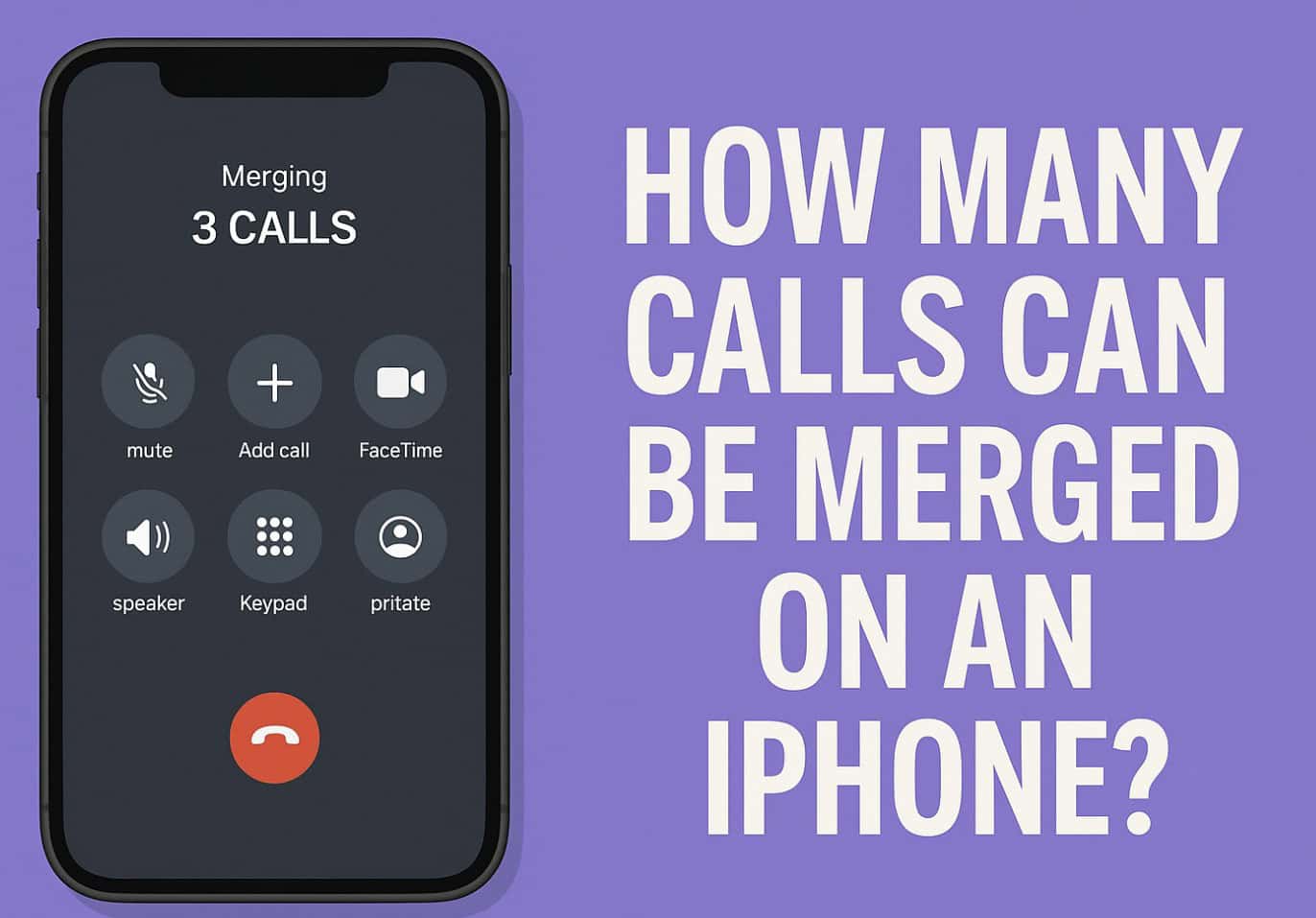
If you’ve ever tried adding more than one person to a call on your iPhone, you might wonder how many calls can actually be merged at once. The answer depends on your iPhone model, your carrier, and the type of call you’re making. Here’s a quick breakdown so you’ll know exactly what’s possible before you start merging calls.
Table of contents
1. What’s the Limit on Merging Calls?
Carrier-Dependent Conference Call Limits
- Most iPhones can handle a conference call with up to five participants—yourself plus four others.
- Some carriers support slightly more or less:
- AT&T & T-Mobile → up to 5 callers
- Verizon HD Voice → up to 6 callers
- Sprint → up to 3 callers
- With FaceTime, you can go much higher—up to 32 participants if everyone uses Apple devices.
2. How to Merge Calls on iPhone
- Start the first call and wait for it to connect.
- Tap Add Call and dial the next person.
- When the second call connects, tap Merge Calls.
- Repeat steps to add more people until you hit your carrier’s limit.
Tip: If you get a new incoming call, tap Hold & Accept, then Merge Calls to include them in the group.
3. Why This Matters
Knowing the merge limit helps you plan ahead for group discussions or quick team updates.
If you need more participants than your carrier allows, switching to FaceTime or a dedicated conferencing app may be the better option.
Don’t miss the best of The Mac Observer
Set us as a preferred source and our Apple reporting ranks higher in your Google Search results and Discover feed — one tap, no account changes.
FAQs
Q: Can I merge more than five calls on an iPhone?
No, not for regular calls. The limit is set by your carrier, usually five or six. FaceTime can go up to 32.
Q: Why can’t I merge calls sometimes?
Your carrier may not support conference calling, or your plan might have restrictions.
Q: Does merging work with international calls?
It depends on the carrier and international calling rules—check with your provider first.




Discussion