
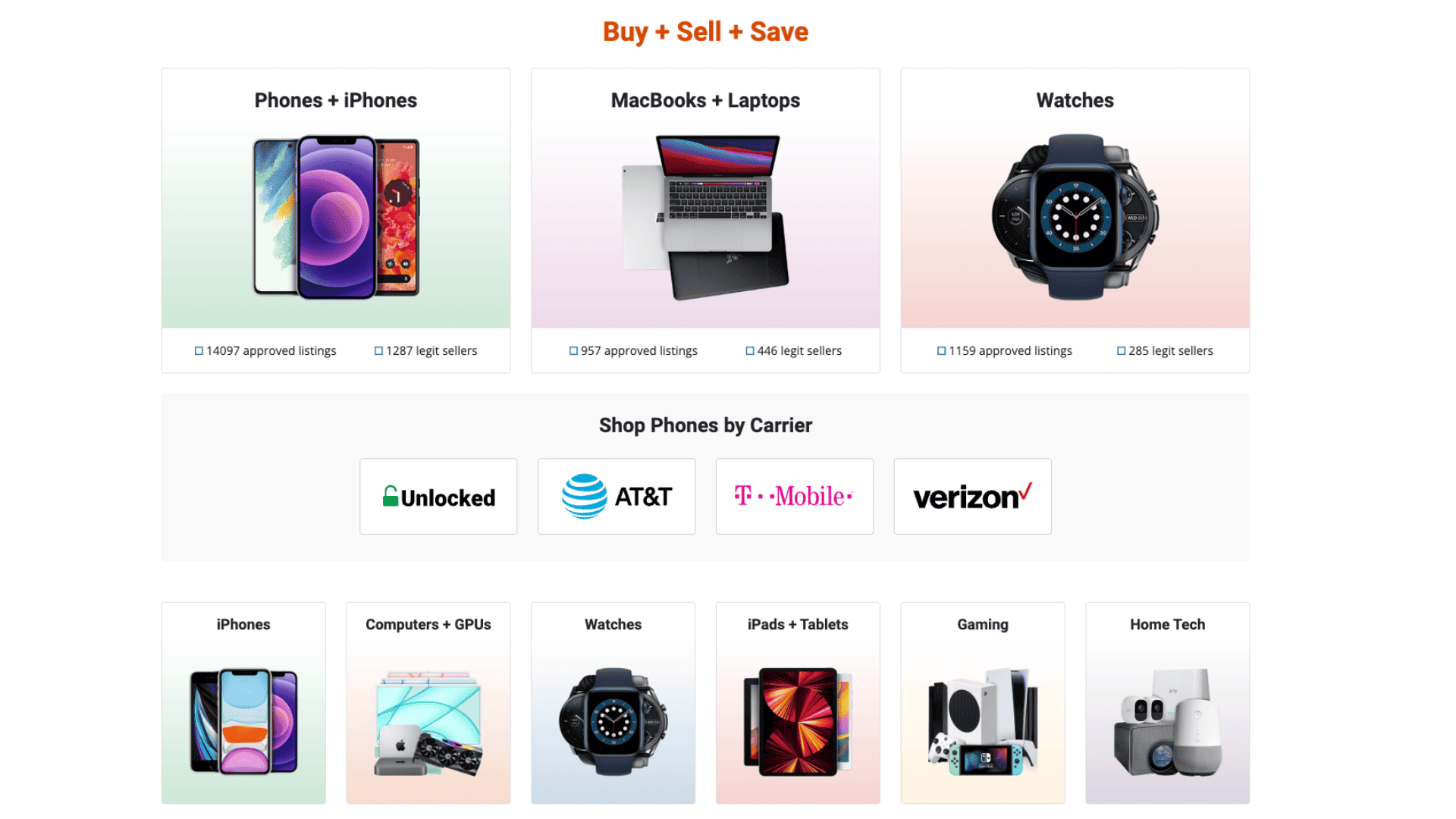
Want to sell your old iPhone or pick up a more affordable MacBook? Swappa is one of the safest and most transparent marketplaces for buying and selling Apple devices. Unlike random online listings, every product on Swappa is verified before going live, giving you peace of mind that your iPhone, iPad, or Mac will arrive as advertised. In this guide, we’ll walk you through exactly how Swappa works, what to expect as a buyer or seller, and how to stay safe while making the most of the platform.
Table of contents
How Does Swappa Work?
Swappa is a user-to-user marketplace where individuals sell directly to one another, with Swappa acting as the middle layer of security. Unlike many resale sites that charge high fees or allow listings without oversight, Swappa keeps its process clear and structured, especially for Apple users.
For sellers, the process begins with creating a listing for your device—say, an iPhone 14 Pro or a MacBook Air. You’ll upload photos of the actual device, enter details like storage, condition, and carrier, and submit the listing for Swappa’s approval. Before your listing goes live, Swappa staff verify key details, including that the IMEI or serial number isn’t blacklisted. This step helps protect buyers from accidentally purchasing stolen or locked iPhones. Once your device is approved, it appears on Swappa’s marketplace, ready for buyers.
Don’t miss the best of The Mac Observer
Set us as a preferred source and our Apple reporting ranks higher in your Google Search results and Discover feed — one tap, no account changes.
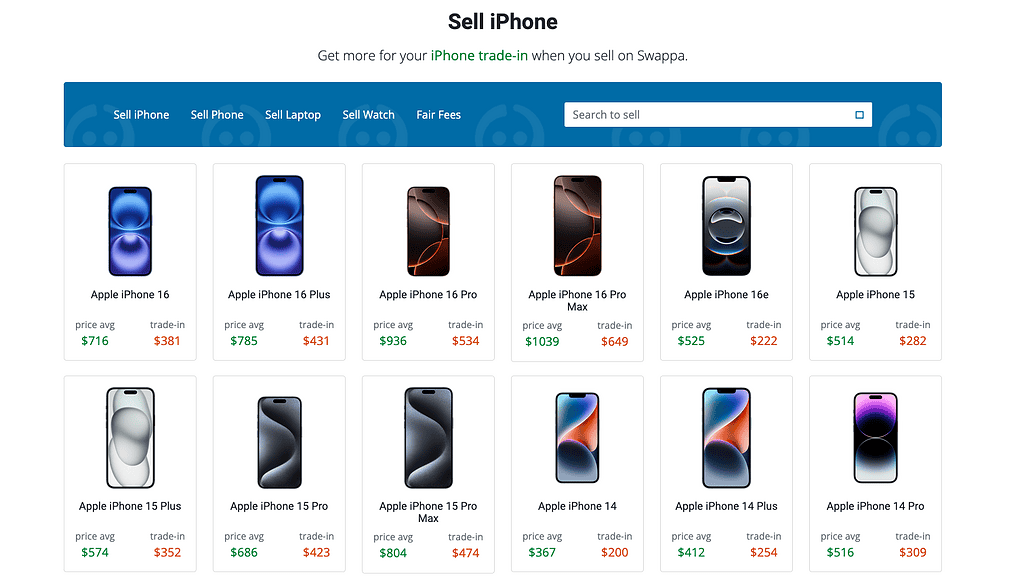
For buyers, the experience is straightforward. You browse through listings, each with clear photos, condition notes, and price. Because sellers must meet strict listing criteria, you won’t find vague or misleading ads. Payment is processed securely through PayPal, giving both buyer and seller protection in case of disputes. Once you’ve purchased a device, the seller ships it directly to you. Most Apple devices sold on Swappa arrive within a few business days, depending on the shipping option chosen.
Swappa also ensures transparency with pricing. Instead of adding hidden fees on top of the sale price, the buyer pays exactly what they see listed. Sellers pay a small fee (included in the listing price) to keep the marketplace running, but it’s much less than what traditional resale platforms charge. This system makes Swappa attractive for both sellers trying to maximize profit and buyers looking for fair deals.
Tips for Buying and Selling on Swappa
When using Swappa, both buyers and sellers can take steps to ensure smooth and safe transactions. For sellers, it’s essential to be honest about your device’s condition. If your iPad has a scratch or your iPhone’s battery health isn’t perfect, include that information in your listing. Detailed photos build trust and reduce the chance of disputes later.
Pricing is another key factor. Swappa provides historical data on recent sales, so you can price your MacBook or iPhone competitively. Overpricing often leads to listings sitting unsold, while underpricing might mean losing out on value. Using Swappa’s suggested price range helps strike the right balance.
For buyers, always check the listing photos carefully and review the seller’s rating history. Swappa’s community rating system lets you see how reliable a seller has been in previous transactions. It’s also smart to confirm the ESN or IMEI check result shown in the listing to ensure the iPhone isn’t locked or blacklisted.
Lastly, take advantage of PayPal’s buyer protection. If a device doesn’t arrive, isn’t as described, or turns out to be unusable, you can file a claim to get your money back. Swappa’s team often steps in to mediate, but PayPal’s protection offers an extra layer of reassurance.
Frequently Asked Questions
You create a listing with photos and details of your Apple device. Swappa staff review and approve it before it goes live. Once it sells, you ship it to the buyer, and payment is processed through PayPal.
Yes. Every listing is manually reviewed, ESN/IMEI numbers are checked, and PayPal adds secure payment protection. This makes Swappa safer than many peer-to-peer marketplaces.
Swappa requires sellers to provide actual photos of the device, along with the IMEI or serial number. Their team confirms that the device isn’t reported lost, stolen, or carrier-locked before approving the listing.
Shipping times depend on the seller’s chosen method, but most buyers receive their iPhones or Macs within 2–5 business days after purchase.
No. Swappa only allows fully functional, carrier-ready devices. Locked or blacklisted iPhones cannot be listed.
Summary
- Sellers list their iPhones, iPads, or Macs with photos and details.
- Swappa verifies listings for safety and accuracy.
- Buyers browse verified listings and pay through PayPal.
- Sellers ship directly to buyers, usually within a few days.
- Buyer and seller are protected through Swappa and PayPal’s safeguards.
Conclusion
Swappa has become a trusted hub for Apple users who want to buy or sell devices without the risks of shady online marketplaces. With its strict verification process, transparent pricing, and built-in buyer protection, Swappa makes upgrading to a new iPhone or passing along an old MacBook much safer. Whether you’re selling your old iPad for some extra cash or looking to score a deal on the latest iPhone, Swappa offers a straightforward and secure path. By following the tips outlined here, you’ll have a smooth experience while getting the most value out of your Apple devices.




Discussion