
If you’ve ever opened your Photos app and felt like you were staring into the aftermath of a digital tornado, you’re not alone. Screenshots mixed with selfies, receipts mixed with sunsets, random memes floating between vacation photos. The chaos builds quietly until one day you try to find that one picture and realize you have no system.
Here’s the thing: Apple actually gives you a simple structure to fix these albums and folders. The problem is most people treat them like the same tool. They’re not. Once you understand what each one is meant to do, your photo library starts to feel intentional instead of accidental.
Let’s break it down.
Don’t miss the best of The Mac Observer
Set us as a preferred source and our Apple reporting ranks higher in your Google Search results and Discover feed — one tap, no account changes.
Table of contents
Albums: Your Quick Way to Group Photos
Think of albums as baskets. You pick some photos, toss them in, and now they live together in a category that makes sense. A birthday party. A weekend trip. A set of project photos. A collection of your dog doing extremely important things.
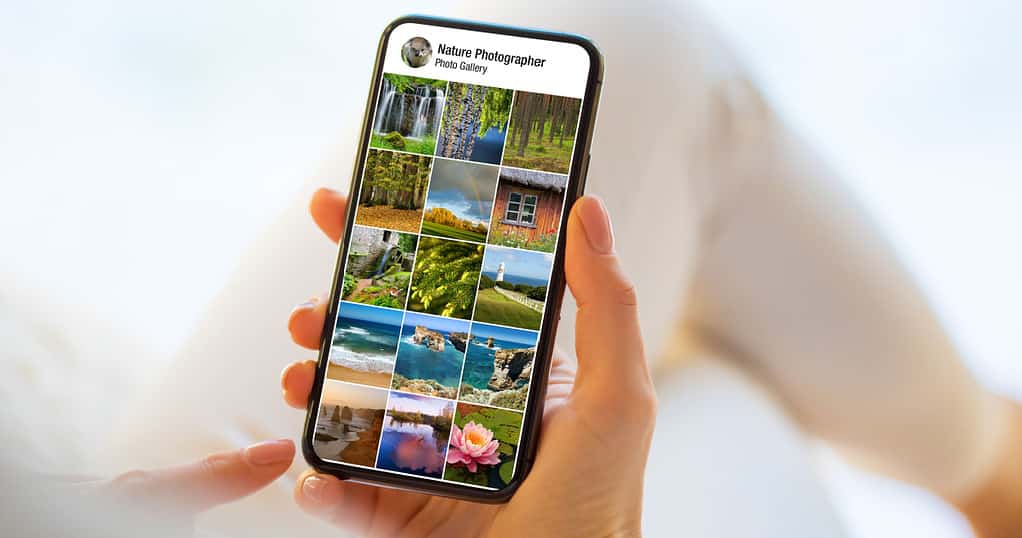
Albums don’t move or duplicate your photos; they simply reference them from your main library. That means you can create as many albums as you want without worrying about storage.
What albums are good for:
- Grouping photos from a single event
- Keeping track of people, places, or themes
- Collecting reference images
- Quickly sharing a curated set
Creating an album takes a few taps:
Albums tab → + → New Album → Name → Add photos.
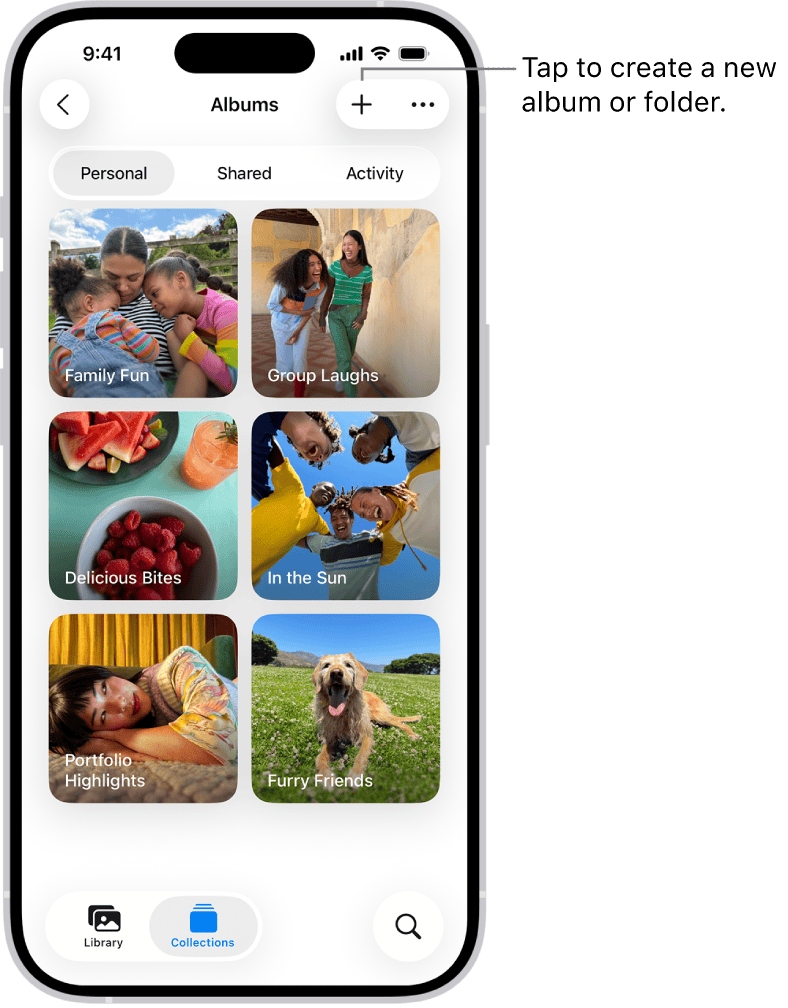
Image Source: Apple
Once it exists, you can add more photos anytime, rearrange them, or change the album cover to something that actually represents what’s inside instead of a random snap.
Albums are flexible. They’re personal. And they’re where most people should start.
Folders: The Organizers for Your Organizers
Folders don’t hold photos at all. They hold albums. In other words, folders give structure to your structure.
If albums are baskets, folders are the shelves those baskets live on.
A folder is perfect when your albums start growing faster than your patience. Say you travel a lot. You can make an overall Travel folder, then drop in albums like Japan 2024, Spain 2023, and Weekend in Seattle. If a single trip is a monster with multiple cities, events, or photo categories, you can even create subfolders.
What folders are good for:
- High-level organization
- Grouping multiple albums under a theme
- Reducing visual clutter in the Albums tab
- Keeping long-term projects tidy
Creating a folder is just as easy:
Albums → + → New Folder → Name → Add albums.
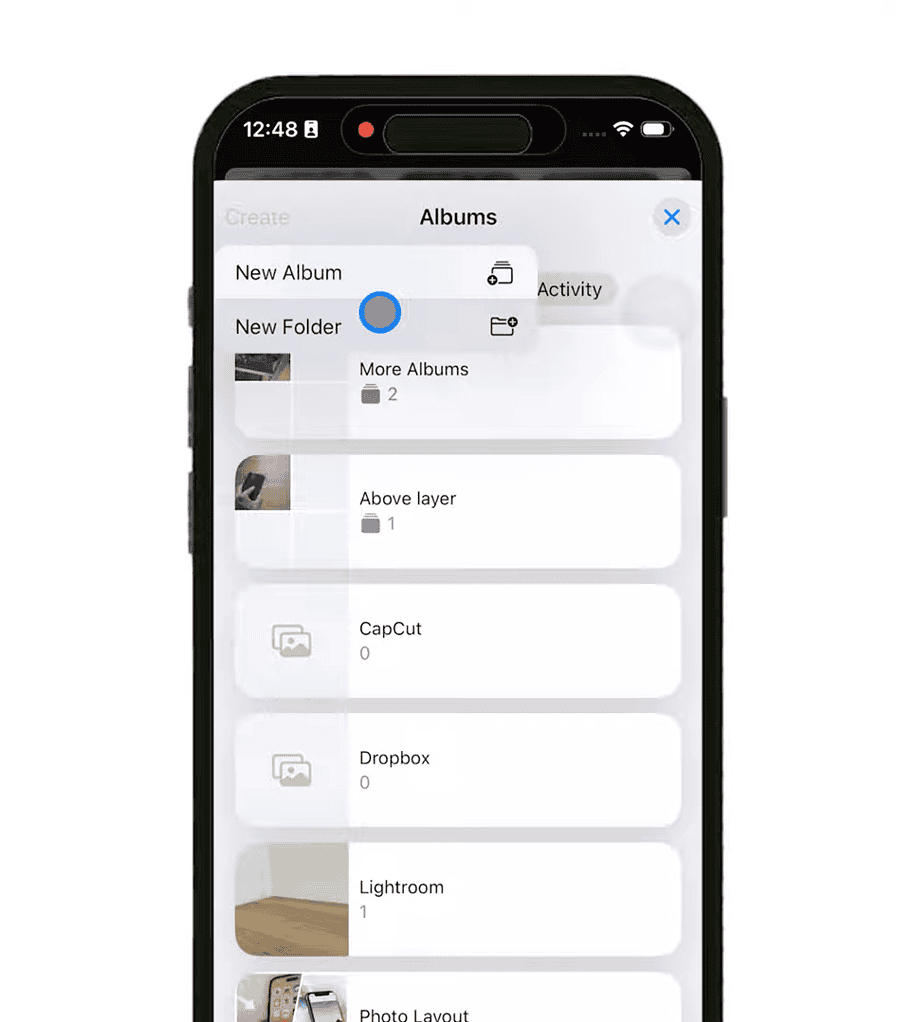
Image source: YouTube
Folders don’t show up in your main grid of photos, so they’re the perfect backstage system, quiet, efficient, hidden until you need them.
When to Use an Album vs. When to Use a Folder
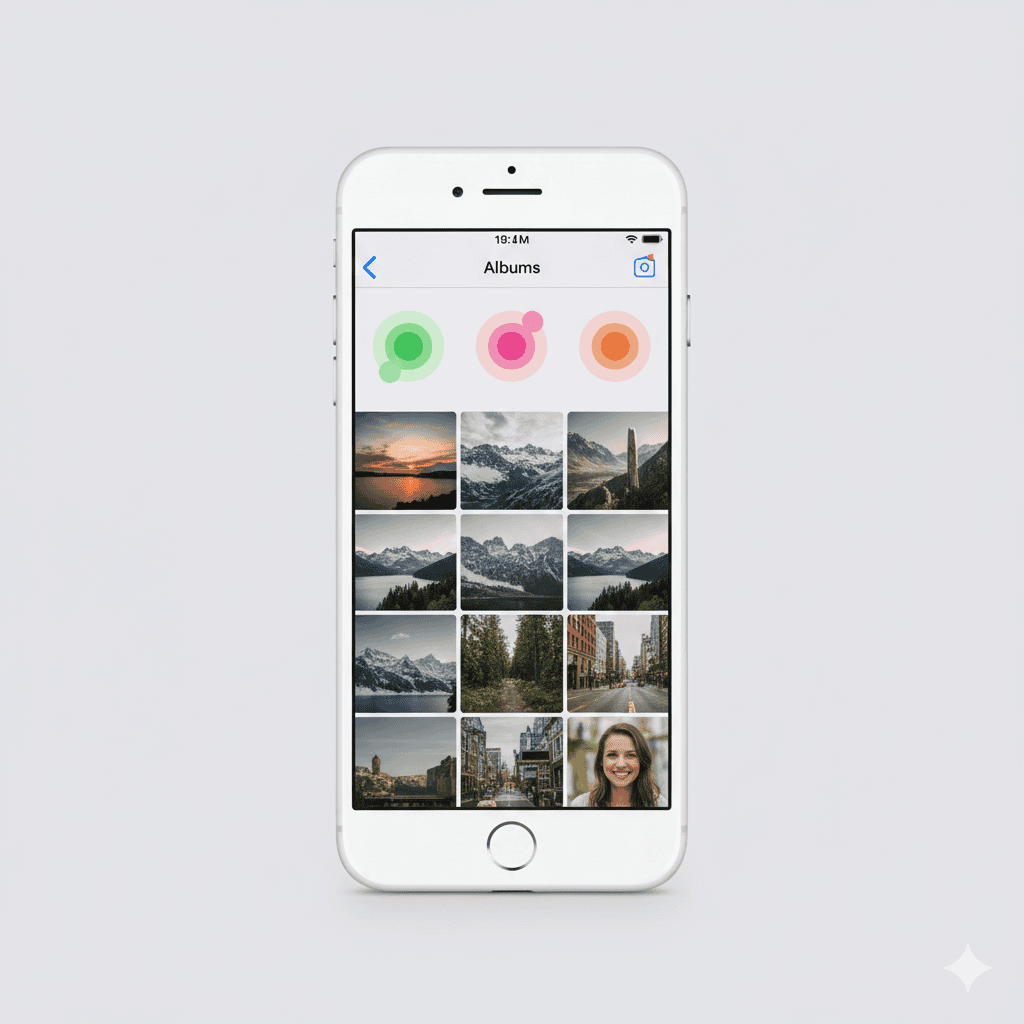
Here’s the simplest way to decide:
- If you want to gather photos → make an album.
- If you want to tidy your albums → make a folder.
That’s it.
But let’s spell out a few examples.
Use an album when:
- Your cousin gets married, and you want all the photos together
- You start a fitness progress journal
- You want a collection of recipes you screenshotted
- You’re building inspiration boards
- You need to share a group of images with someone
Use a folder when:
- You have multiple vacation albums and want them in one place
- You track multiple hobbies or projects
- You keep monthly albums and want them sorted by year
- You want to hide bulk folders from the main album list for sanity
Once you start nesting albums inside folders, your Photos app stops feeling overwhelming. It becomes a system.
Moving Existing Albums Into Folders
Apple doesn’t give you a clean “Move Album” button, but you can still do it.
The easiest method:
- Create a new album inside your folder.
- Add all the photos from the original album into the new one.
- Delete the old, empty album.
It takes a minute, but you only have to do it once. After that, every new album can live where it belongs from the start.
Why This Matters More Than You Think
A well-organized photo library isn’t just about aesthetics. It saves time. It lowers stress. And it makes your entire digital life feel a little more under control.
You don’t realize how often you search for a specific photo until you suddenly can’t find it.
Albums help you group what matters.
Folders help you tame the sprawl.
Together, they give you a photo library you can actually navigate.
And once you experience that, you won’t go back.




I know this is a little tangential, but will this organizational method actually update the internal storage in terms of file folders on the iphone. I want to get all these ancient folders containing 1 photo defragmented/sorted into a few folders. They are automatically named by date. I fear that simply throwing them into folders dated by the year may wreak havoc, but am unsure about using photos actually moving things to new folders.
I just read from this page that Albums go inside Folders! Now, this post above says Folders go inside Albums! PLEASE STRAIGHTEN THIS OUT, because I need to put ONE bunch of photos already in albums in ONE PLACE!
Unless I missed it, there’s no way to later find out what folder a given album is in by searching the album name.
This is important because when you want to later add new photos to an existing album, you have to had MEMORIZED what folder you put the original album in.
Why couldn’t Apple give us a way to hierarchically view alum and folder structurer in Photos like they do in the Finder.
(b/c they are too lazy, cheap, have lost the imagination to do good programming?)
Folders go inside Albums not the other way around. Say you create an album named “Family”. inside that album you put seperate files like “Tom”, “Dick”, “Harry”, ETC.