

Apple’s new Digital ID feature has people excited — and asking a lot of questions. One of the big ones is whether you can load more than one passport into Apple Wallet. If you travel often, live abroad, or juggle dual citizenship, it’s a reasonable thing to wonder. Let’s break down what Apple actually allows right now, and what that means for you.
Table of contents
Can You Add Multiple Passports to Apple Wallet?
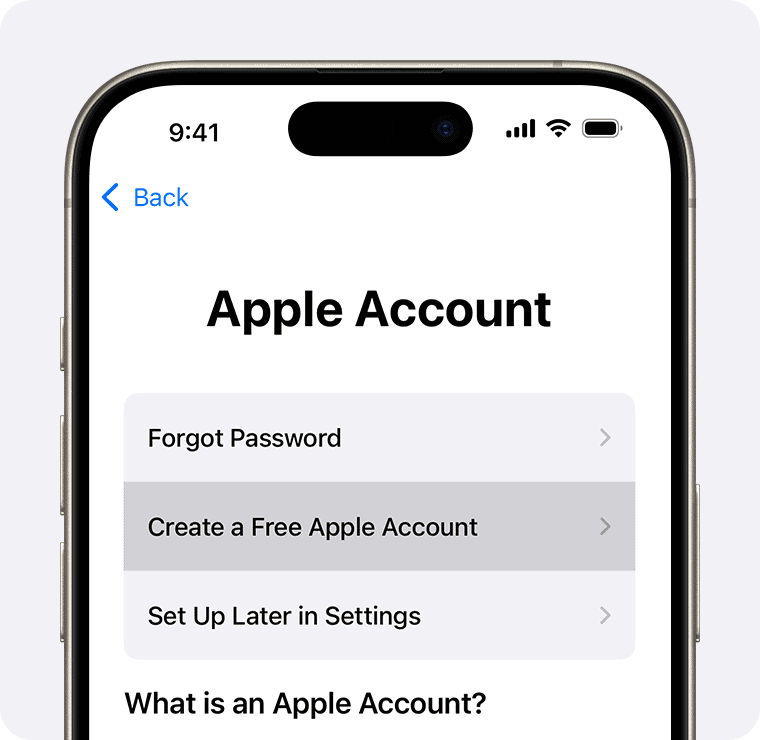
Here’s the thing: Apple Wallet currently supports only one Digital ID per Apple Account, and that Digital ID can only be created from one valid, unexpired U.S. passport.
That’s the key part — the Digital ID is derived from a U.S. passport only, and it’s tied to:
Don’t miss the best of The Mac Observer
Set us as a preferred source and our Apple reporting ranks higher in your Google Search results and Discover feed — one tap, no account changes.
- One Apple Account
- one device owner
- one verification flow
- One Digital ID
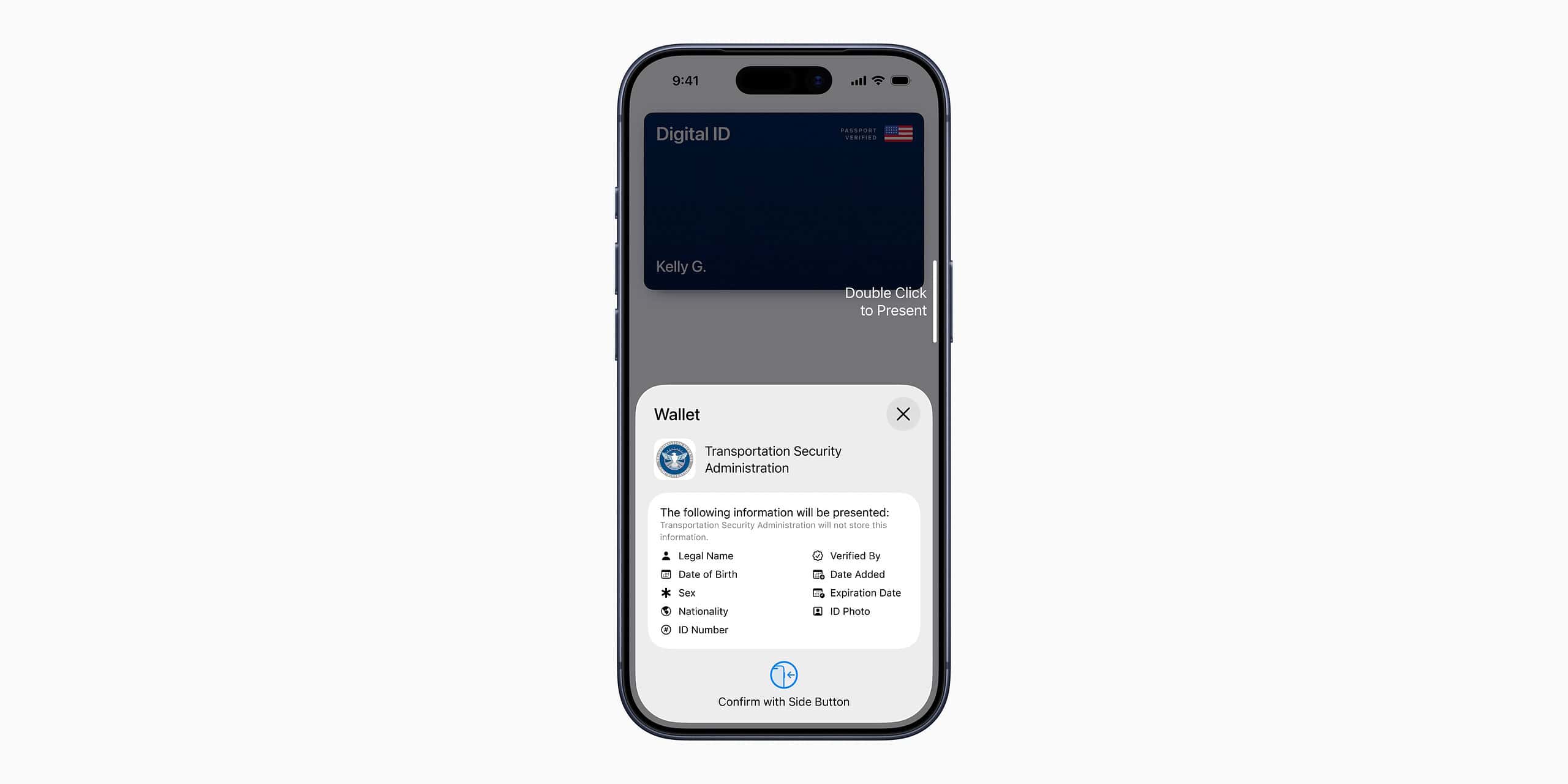


So even if you have more than one passport (say dual citizenship) or multiple valid U.S. passports (frequent travelers sometimes renew early and have two during a transition), Apple Wallet isn’t ready to handle more than one.
There’s no workaround, and Apple hasn’t said anything about expanding this limit.
Why Only One Passport?
Apple built Digital ID as a very controlled identity structure. It has to match one human, one device owner, and one Apple Account. That’s also why the setup process is so rigorous:
- scanning the passport photo page
- reading the passport’s embedded chip
- Taking a Live Photo
- completing facial and head movements
- authenticating with Face ID or Touch ID
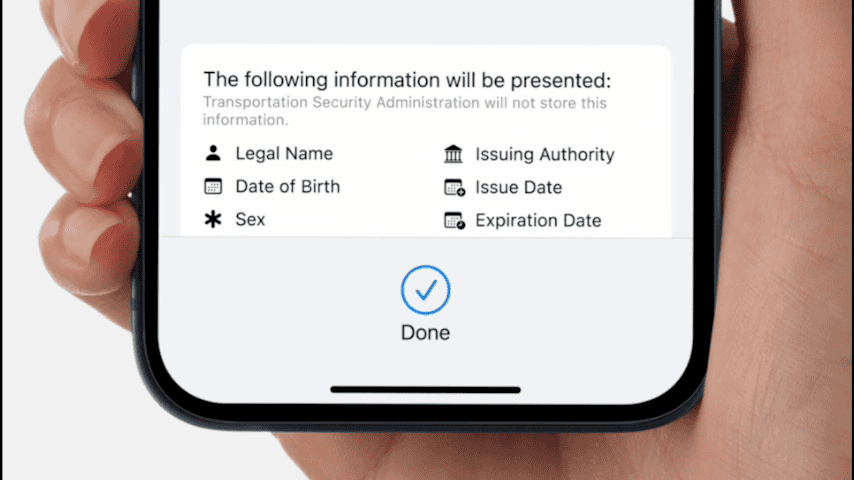

Everything is designed to verify a single identity with no ambiguity.
Adding multiple passports would complicate that entire chain — especially since Apple can’t see or track your Digital ID usage. Privacy cuts both ways.
What if You Need Another Digital ID?
You have two options, depending on what “another” means.
1. You Want a Second Passport From the Same Country (U.S.)
Not possible. Apple only supports one Digital ID tied to one U.S. passport at a time.
If you try to set up another Digital ID from a different passport, the system won’t let you create a second one under the same Apple Account.
2. You Want a State ID or Driver’s License Too
That you can do. Your Digital ID (passport-based) can coexist with:
- a driver’s license
- a state-issued ID
- other eligible IDs from participating states

Apple Wallet is fine with multiple types of IDs — just not multiple passports.
Why You Might Still Be OK With Just One
Even with its limitations, the Digital ID already covers the main use case Apple launched it for:
identity verification at more than 250 TSA checkpoints for domestic travel.
A second passport doesn’t give you anything extra at the airport, because the checkpoints only require one Digital ID from one identity.
And remember:
Digital ID cannot be used for international travel.
You’ll always need your physical passport anyway.
If You Switch Phones, What Happens?
Your Digital ID does not automatically move to a new iPhone. You’ll need to remove it from the old device and set it up again:
- Remove ID in Wallet
- Pair your new phone
- Re-run the entire verification flow with your physical passport
That also reinforces why Apple doesn’t allow multiple passports every Digital ID has to be freshly verified.
If You Use Multiple Apple Accounts?
Still no. A Digital ID can only be created under one Apple Account at a time. Even if you juggle accounts for work and personal life, your Digital ID stays tied to the single account you originally used.
Quick FAQ
Can I add my foreign passport to Apple Wallet?
No. Only U.S. passports are supported.
Can my partner and I store our passports on the same iPhone?
No. Digital ID is tied to the device owner’s Apple Account.
Can I switch to a new passport later?
Yes — just remove the old Digital ID, then set it up again with the updated passport.
The Bottom Line
Apple Wallet’s Digital ID is still early in its rollout. Right now, it’s strict by design:
One Apple Account. One U.S. passport. One Digital ID.
If you have multiple passports, only one of them can live in Apple Wallet — and it must be a U.S. passport. That may change in the future, but for now, Apple is keeping this feature tightly scoped, heavily verified, and simple to secure.




Discussion