
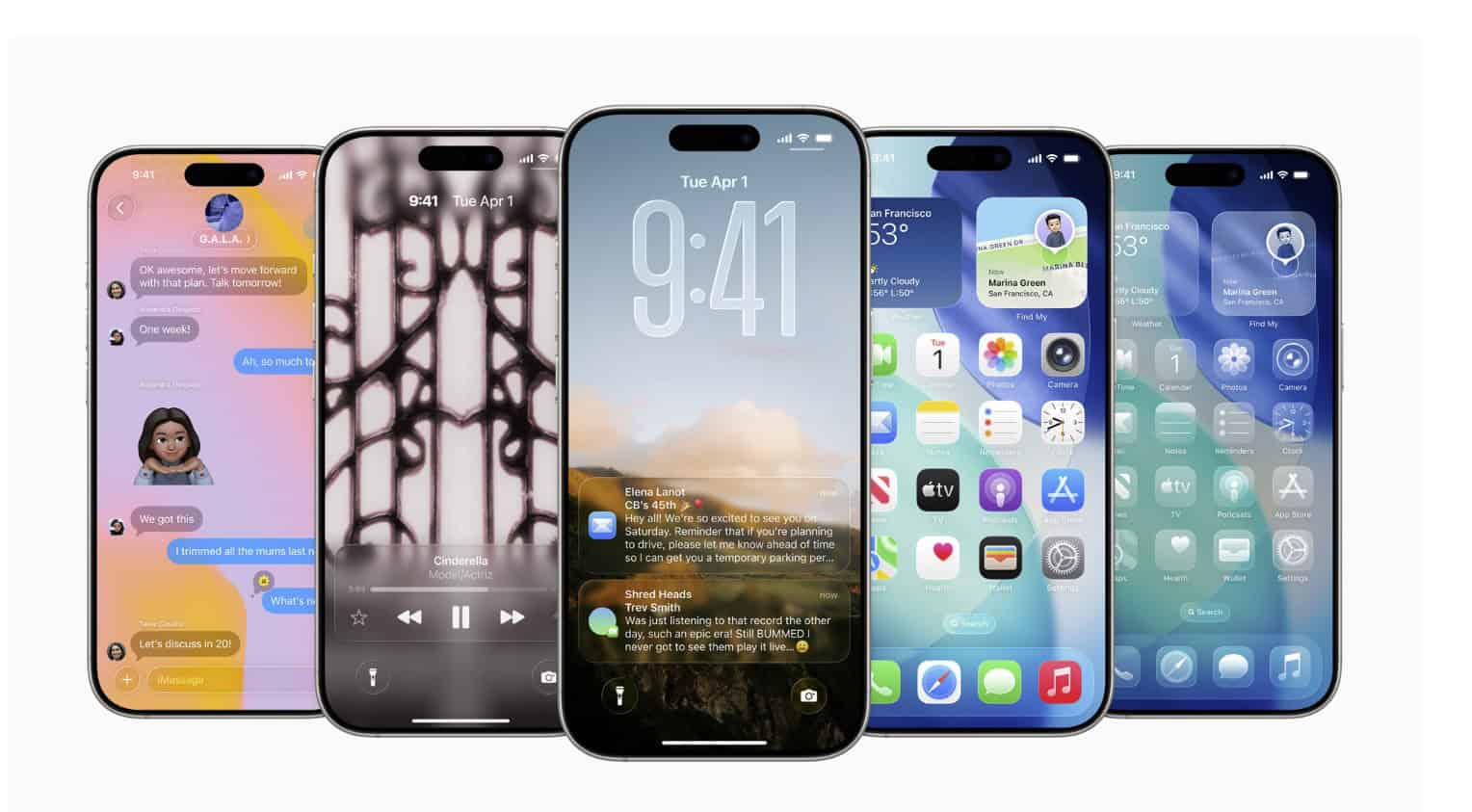
In iOS 26, saving a website via Add to Home Screen gives it an app-like presentation. The shortcut opens full-screen, hides browser clutter, and sits in the App Switcher as its own card. You do not need a Web App Manifest or service worker to get this basic standalone behavior.
This is a shift from older iOS versions where only polished PWAs felt truly separate. Now even a regular site gets cleaner chrome and tighter task switching, which makes short, focused sessions feel more like using a native app.
Why it matters
The gap between native and web is smaller when the last-mile experience feels consistent. Internal dashboards, niche tools, and lightweight services can live on your Home Screen without extra developer work. That reduces friction for teams that do not ship native clients and helps users keep critical sites one tap away.
Don’t miss the best of The Mac Observer
Set us as a preferred source and our Apple reporting ranks higher in your Google Search results and Discover feed — one tap, no account changes.
For businesses, this can speed adoption. A support portal, booking page, or analytics view can be “installed” by staff in seconds, with an icon on the Dock and reliable task switching during the workday.
Who gets it
Any iPhone running iOS 26 and any iPad on iPadOS 26. It uses Safari’s engine under the hood, so cookies, logins, and permissions follow Safari’s rules on that device and account.
How to use it
- Open the site in Safari.
- Tap Share → Add to Home Screen.
- Name it and confirm.
- Launch it from your Home Screen and use it like an app.
Real-world tips
- Put work-critical web apps in the Dock for muscle-memory access.
- Create a Home Screen page for “web apps” and pair it with a Focus filter so they surface only in Work or Study.
- If the site later ships a full PWA with a manifest and icons, your existing shortcut automatically benefits from the richer treatment.
- For cleaner icons, ask site owners to provide high-resolution favicons and app icons. Otherwise you may see a generic tile.
Caveats and limitations
- Capabilities still depend on what the site supports. Offline, background sync, and rich system integrations require developer work.
- Some desktop-centric layouts may feel cramped on smaller screens. Favor responsive sites for the best “app” feel.
- Enterprise SSO or aggressive timeout policies can still require periodic re-authentication, just like in Safari.
Why this is a quiet but meaningful upgrade
This change modernizes the last-mile experience for web tools on iPhone and iPad. It does not replace full PWAs or native apps, but it reduces adoption hurdles and blends better with how people already multitask on iOS. Expect more “apps” to live on Home Screens without an App Store step, especially in workplaces and schools.



Discussion