
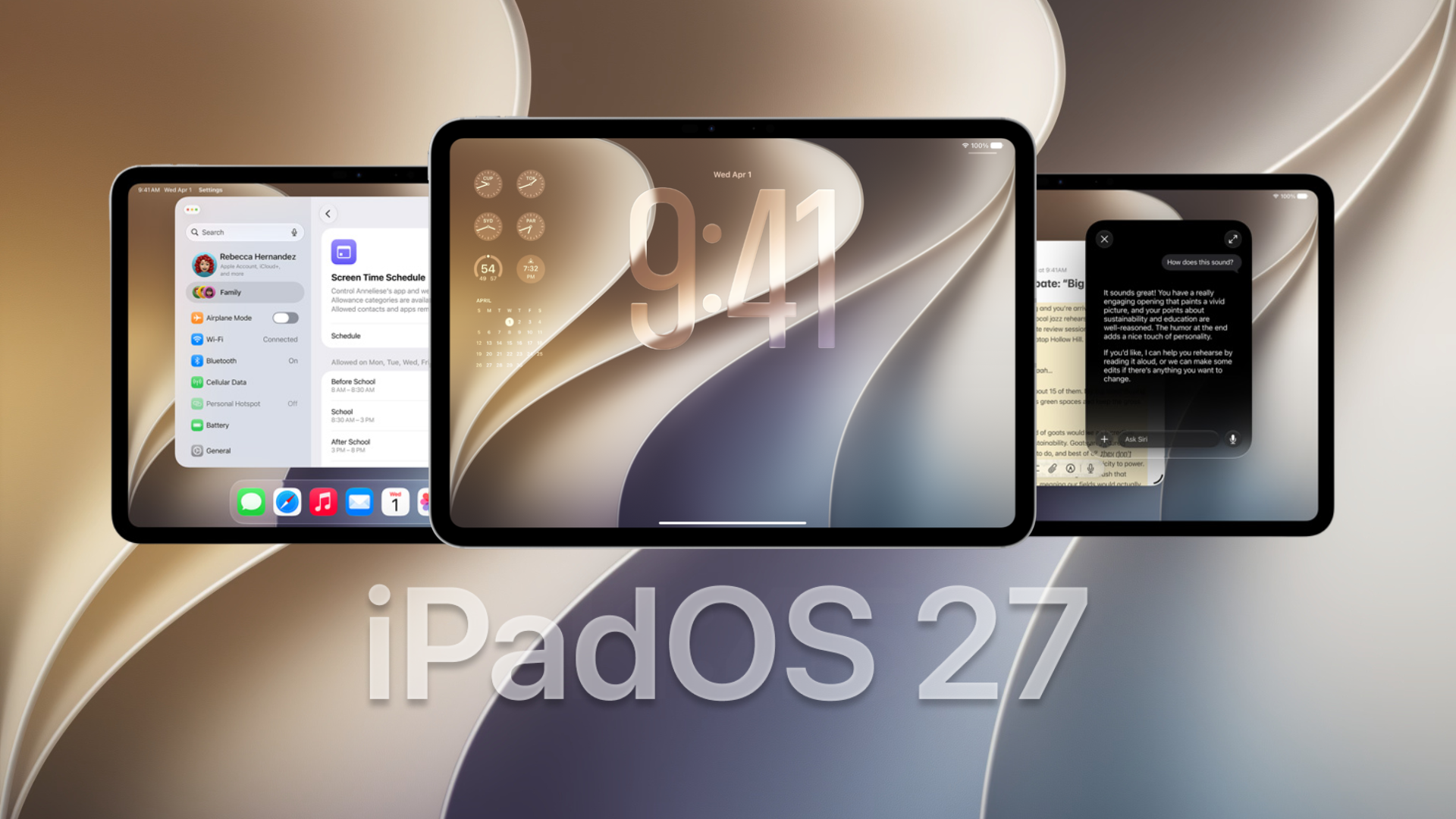
Apple is officially rolling out the first public beta for iPadOS 27.3 to testers everywhere. This update arrives shortly after the company pushed the first developer beta version earlier this week. The brand is giving users an early look at big software upgrades. If you like testing out tools on your iPad before the final release, this software drop brings plenty of fresh additions.
Check out the top features added to your tablet experience
This update brings identical builds to what developers saw days ago. It means testers get a solid preview of what is coming next. Here is a breakdown of the new additions you will find:
- Upgraded artificial intelligence: The Siri AI tool gains support for new languages and adds massive app skills to control more functions hands-free.
- A new way to browse: Safari now features vertical tabs and adaptive dark mode to make reading and organizing pages much easier on the eyes.
- Fresh health tracking: Users get the redesigned health app back, which restores the health redesign that went missing in the previous 27.2 update.
- Smarter workouts: The fitness platform introduces a new gym strength program built to give you custom plans for your daily workouts.
- Visual search updates: There is a new Siri mode for the camera that lets you use visual intelligence straight from the lens.
Alongside the tablet features, the company also released the first macOS golden gate beta for its desktop users. You will also find new public builds for tvOS and HomePod. Additionally, the watchOS 27.3 beta adds support for new Siri recap and live rewind tools.
Don’t miss the best of The Mac Observer
Set us as a preferred source and our Apple reporting ranks higher in your Google Search results and Discover feed — one tap, no account changes.
Follow these simple steps to get the beta running today
The public version is now ready for anyone willing to try it out. Installing the software requires just a few minutes of your time.
Keep in mind that early software versions usually carry some bugs or performance drops. You should back up your data before proceeding with the iPadOS 27 upgrade.
- Open your web browser and go to beta.apple.com to sign up for the free testing program.
- Log in using the main account connected to your device.
- Enroll your device by following the prompts on the screen.
- Go to the settings application on your tablet and tap on the general menu.
- Select software update, choose the beta updates menu, and turn on the public beta option.
- Wait for the screen to refresh, then tap download and install to begin.
Trying out beta software is a fun way to experience upcoming tools ahead of the crowd. While performance hiccups are normal in early releases, the new additions to Safari, Health, and Siri offer plenty of reasons to upgrade. Just make sure to keep your device backed up as the company continues polishing the system for its final public launch.



Discussion