
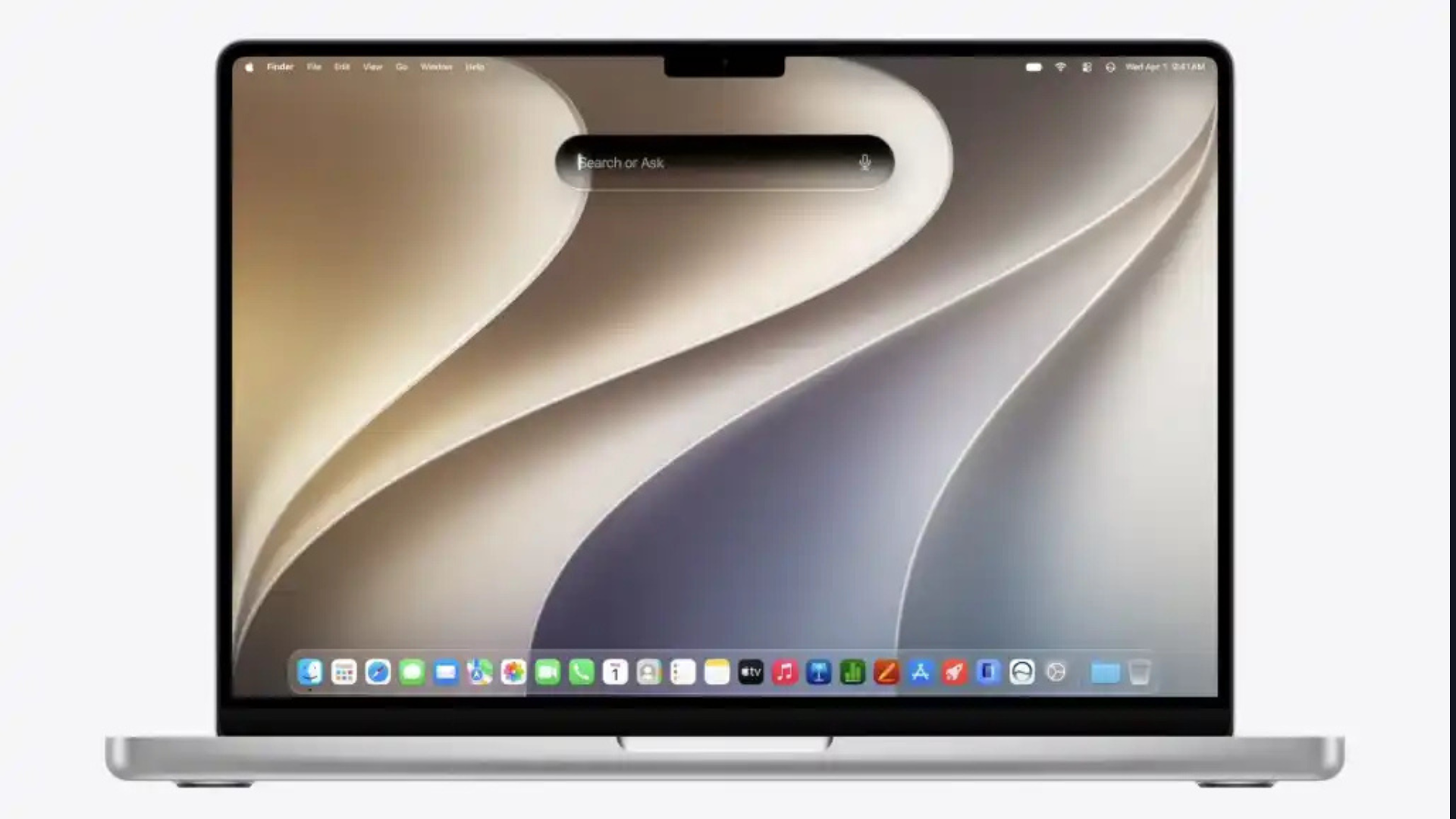
Apple has released macOS 27 Golden Gate public beta 4 for Mac users enrolled in its public beta program. The update carries build number 26A5416b, matching macOS 27 developer beta 6 released earlier on August 17.
The latest beta arrives one week after the previous developer build as Apple continues polishing macOS 27 ahead of its public release later this year.
How to update
If your Mac is already enrolled in the macOS 27 public beta, follow these steps:
Don’t miss the best of The Mac Observer
Set us as a preferred source and our Apple reporting ranks higher in your Google Search results and Discover feed — one tap, no account changes.
- Open System Settings on your Mac.
- Select General from the sidebar.
- Click Software Update.
- Wait while your Mac checks for the latest update.
- When macOS 27 Golden Gate public beta 4 appears, click Update Now.
- Follow the on-screen instructions and restart your Mac when prompted.
If the update does not appear, click the information button next to Beta Updates and make sure the macOS public beta option is enabled. It is also a good idea to back up important data before installing beta software.
All the changes in macOS 27 public beta 4
Public beta 4 is based on the same build as developer beta 6, and Apple has made a few visible design changes alongside its usual bug fixes and performance improvements.
- Redesigned window controls: Apple has updated the familiar red, yellow, and green window buttons with additional depth and detail. The new appearance has similarities to the classic Aqua-style controls used in older versions of Mac OS X while fitting into the current Liquid Glass design.
- New dynamic wallpapers: The update adds new Golden Gate Bridge dynamic wallpapers, including daytime and evening scenes that use animated video backgrounds.
- Bug fixes and refinements: Apple continues addressing issues across macOS 27 as development moves closer to the final release. The latest developer release notes also list resolved issues, while broader beta development remains focused on stability and performance.
macOS 27 Golden Gate itself includes a redesigned Siri experience, improvements to Liquid Glass, updated Search, changes to Safari and Shortcuts, and several system performance improvements.
If you’ve already installed macOS 27 public beta 4, let us know your experience in the comments.




Discussion