
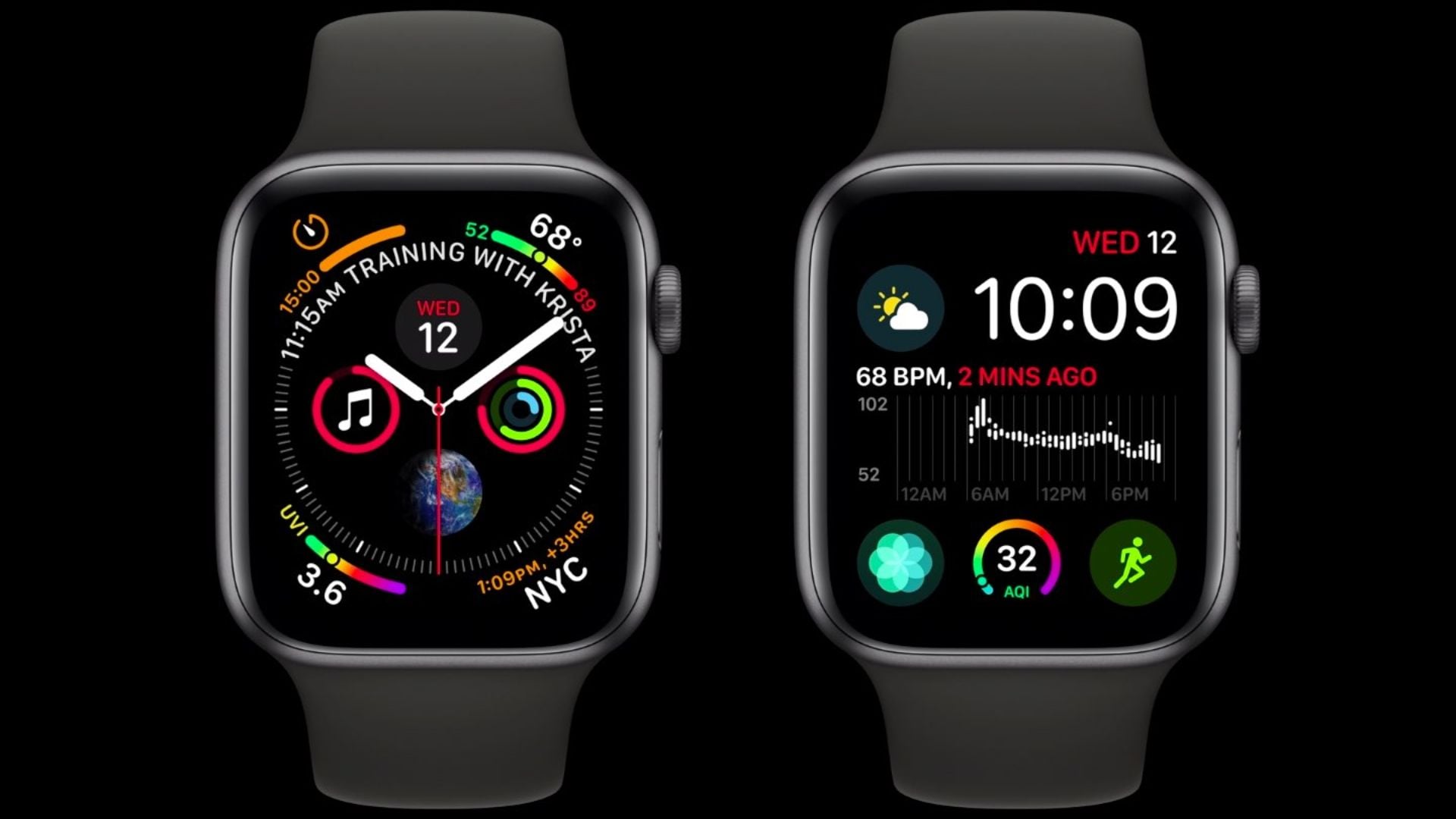
Recently, Apple has released a new support document to help users dealing with a daylight saving time bug on the Apple Watch. Following the recent clock changes in the United States and Europe, some users noticed their device displaying the wrong time by one hour. This specific issue only happens on the Always On display when your wrist is resting down. When you raise your wrist or tap the screen, the display wakes up and shows the correct time.
Switch your watch face or restart the device to fix it
Apple notes that this bug does not affect alarms or other basic functions. If you want to correct the display immediately, there are a few simple methods you can try. The first option is to switch to a different watch face. You can do this by touching and holding your current screen, swiping left or right to another face, and selecting it. After doing that, simply repeat those steps to return to your normal layout.
If swapping the face does not help, you can restart the hardware. Just power the device off and turn it back on. You can do this by holding the side button until the power slider appears, dragging it to turn the device off, and holding the button again to boot it back up.
Don’t miss the best of The Mac Observer
Set us as a preferred source and our Apple reporting ranks higher in your Google Search results and Discover feed — one tap, no account changes.
If you prefer not to touch the settings, you can simply do nothing. The support document states that the display will naturally correct itself at midnight following the time change. Users who see the wrong time just need to wait until the next day begins for the issue to disappear. While this bug only targets wearables, you might occasionally need to fix daylight saving clock problems on your other devices using their main system settings.




Discussion