
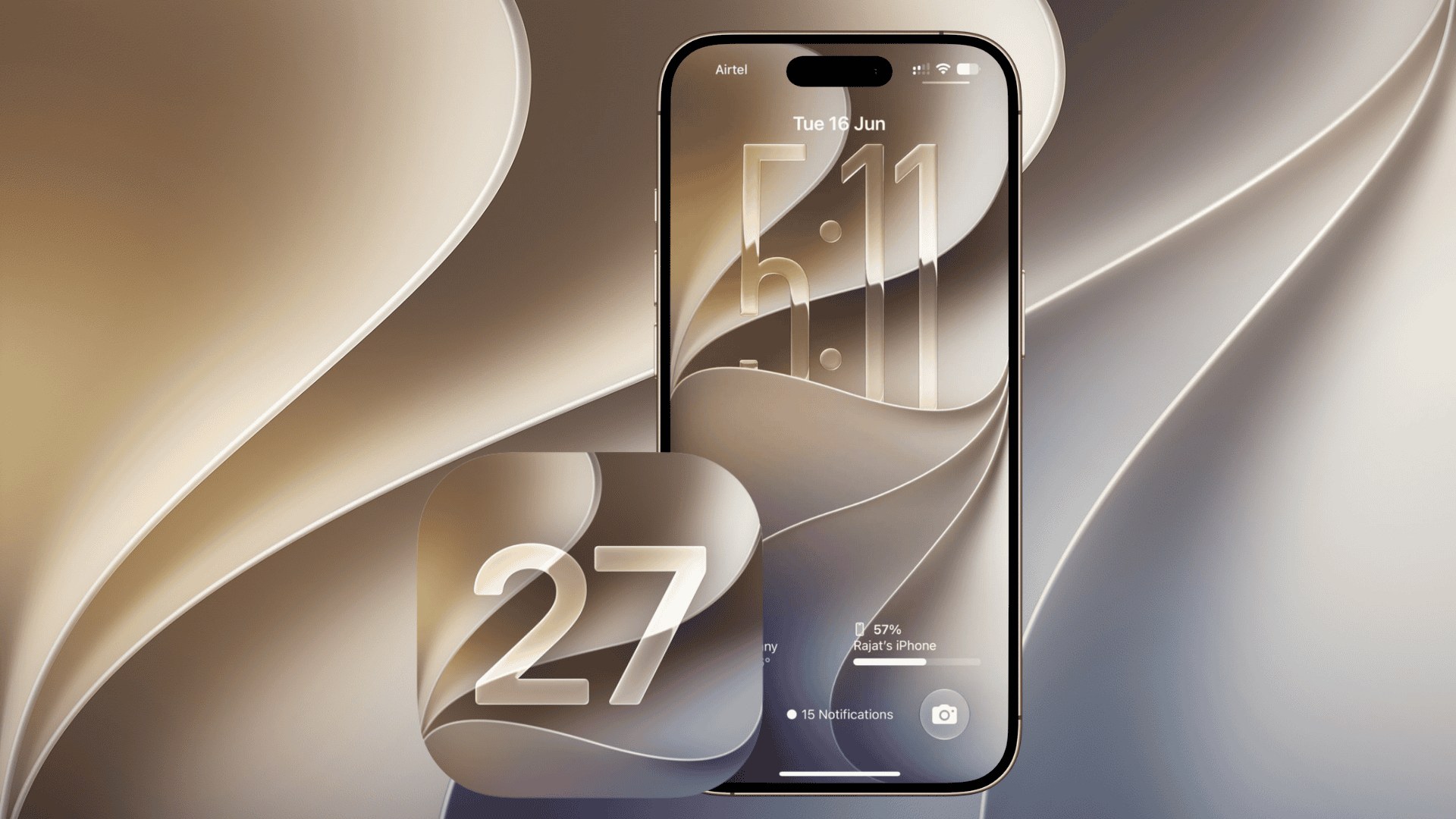
Apple has released the first iOS 27.3 developer beta for iPhone, introducing another round of software testing following the public release of iOS 27.2 on October 26. The update, carrying build number 24C5037i, arrived on November 3 and brings back Apple’s redesigned Health app alongside preparations for expanding Apple Intelligence to China.
The company has also released developer betas of iPadOS 27.3, macOS 27.3, watchOS 27.3, tvOS 27.3, and visionOS 27.3, with a wider public release expected in December.
What’s New in iOS 27.3 Beta 1?
One of the biggest changes is the return of Apple’s redesigned Health app, which previously appeared during iOS 27.2 beta testing before Apple removed it ahead of the public release.
Don’t miss the best of The Mac Observer
Set us as a preferred source and our Apple reporting ranks higher in your Google Search results and Discover feed — one tap, no account changes.
The updated app introduces a new Insights tab with personalized health summaries and recommendations based on activity, sleep, fitness, and other health data. It also includes Health Age and additional health-related services.
Meanwhile, Apple is preparing several other improvements:
- Apple Intelligence in China: Writing Tools, Genmoji, Clean Up, Visual Intelligence, and selected notification features are coming to supported iPhones.
- Apple Watch integration: New Audio Intelligence features, including Siri Recap and Live Rewind, are available for testing alongside watchOS 27.3.
- Apple Fitness+: New Gym Strength workouts expand Apple’s fitness offerings.
Apple has confirmed that its newer Siri AI features will remain unavailable in China during the initial rollout.
How to Install iOS 27.3 Developer Beta
Registered developers can install the update directly through their iPhone settings.
- Open Settings on your iPhone.
- Navigate to General > Software Update.
- Select Beta Updates.
- Choose iOS 27 Developer Beta.
- Return to Software Update and tap Download and Install.
Apple recommends testing beta software on secondary devices because early builds can contain bugs, performance issues, and compatibility problems.
The first public beta has not yet arrived, while Apple is targeting December for the stable iOS 27.3 release. If you’ve installed the developer beta, let us know about your experience in the comments.




Discussion