
Apple announced iOS 18 during its WWDC 24 event. The new iOS version introduces all sorts of improvements, like notification summaries, genmoji, improved Siri, and more.
But besides the headliners, we also got some interesting iOS 18 features and changes Apple didn’t announce on stage.
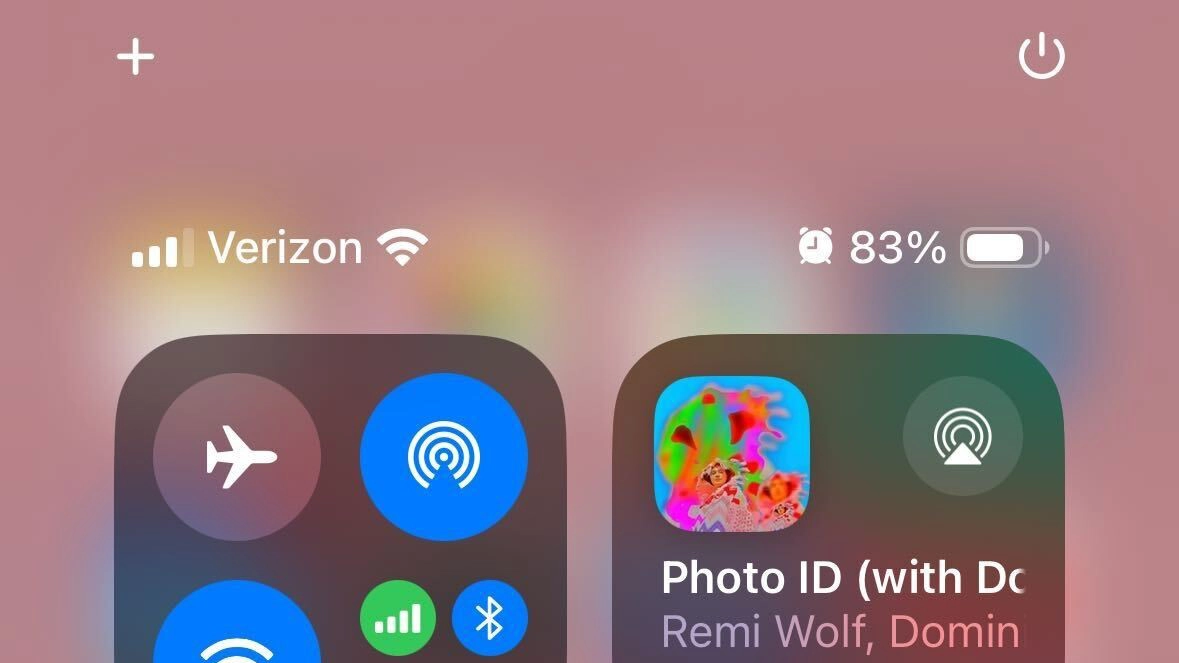
One of these changes is the Power button in the revamped Control Center. If you’re running iOS 18, you can power off your iPhone from the system, without physically pressing the power button. This is similar to what we have on laptops and PCs.
Don’t miss the best of The Mac Observer
Set us as a preferred source and our Apple reporting ranks higher in your Google Search results and Discover feed — one tap, no account changes.
Personally, I’m glad Apple has decided to introduce this change. Those rare occurrences when I had to turn my iPhone off were always kind of awkward. I can’t even remember how many times I took a screenshot instead of shutting down the phone.
iOS 18 is now available as Developer Beta, with the public version arriving this fall.
Official iOS 18 wallpapers are now available for download!


Discussion