
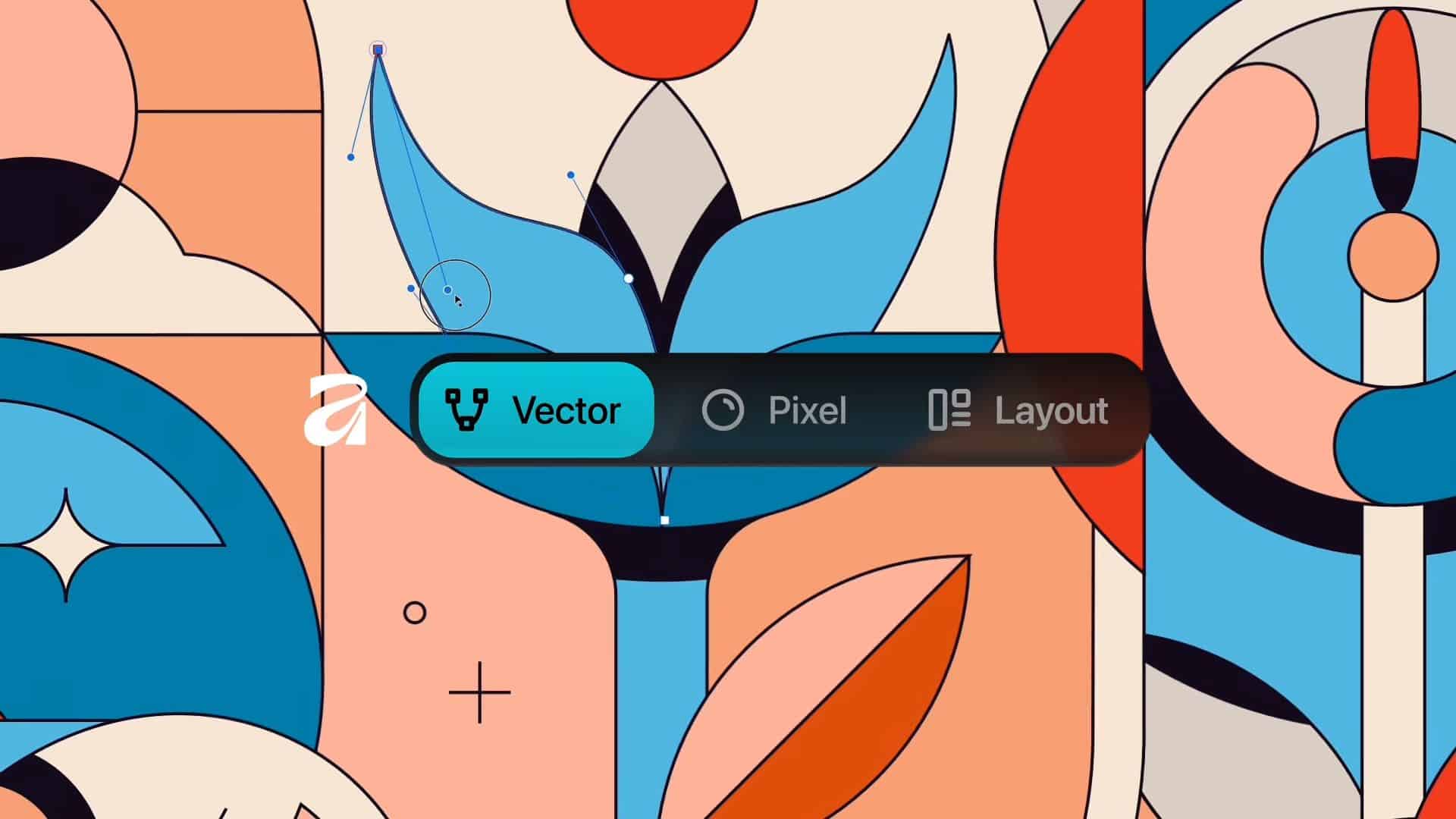
Canva has rebuilt Affinity into one desktop app. The new Affinity by Canva combines vector, photo, and layout work that previously lived in separate Designer, Photo, and Publisher apps. You switch modes inside one interface using Vector, Pixel, and Layout tabs.
The app also gives you a flexible workspace. You can mix tools from different studios, rearrange panels, and save multiple setups for specific tasks. Teams and communities can share these custom configurations to standardize workflows.
After Canva’s 2024 acquisition of Serif, Affinity now ties more closely to Canva’s platform. Everyone needs a free Canva account to use the software. Canva’s premium subscribers also unlock integrated AI features inside Affinity through Canva AI Studio, including Generative Fill, Expand and Edit, and Remove Background. Affinity says these AI features respect privacy and do not train on your work. Affinity CEO Ash Hewson framed the launch as a true free release, saying there is no catch and no reduced version.
Don’t miss the best of The Mac Observer
Set us as a preferred source and our Apple reporting ranks higher in your Google Search results and Discover feed — one tap, no account changes.
Access and pricing
Affinity is free to download and use, which will reassure users who expected a subscription. The account requirement and premium AI upsells make this a clear freemium model. That tradeoff will test how longtime customers feel about deeper Canva integration after years of one-time licenses.
The redesigned interface aims to cut app switching. You can build project-specific studios that surface the exact tools you need and hide the rest. Saving and sharing these layouts should help teams align on the process without adding extra steps.
Availability
The new Affinity is available today for Mac and Windows. An iPad version arrives next year. Existing Affinity V2 license holders can keep using their purchased apps if they prefer the older model without Canva features. You can download the new release from the Affinity Studio website.




I’ve downloaded Affinity Studio for Mac and Windows but the option to change to the UI light style is missing on both. I’ve tried deleting the app and re-installing it on Mac but the problem remains. As far as I can tell from research, it is supposed to be available as per previous versions of the Affinity software. Any suggestions?
Thanks
Terence McKenna
It sounds like you’re running into a known issue with the Affinity suite’s newer unified “V2” versions, the option to switch between Light and Dark UI themes was removed from the app preferences in these builds. In Affinity Designer/Photo/Publisher 2.x, the interface style now follows your system’s appearance settings by default. So, on macOS, you can change the UI by going to System Settings → Appearance → Light or Dark, and on Windows by choosing Settings → Personalization → Colors → Choose your mode. The app will automatically adapt. Unfortunately, the manual toggle that existed in earlier (V1) releases is no longer available, and reinstalling won’t bring it back.