

When choosing between Apple Music vs Pandora, the right option depends on how you listen to music. Apple Music focuses on full control, offline libraries, and deep Apple ecosystem integration. Pandora, on the other hand, is built around effortless music discovery through radio-style stations.
This comparison breaks down how Apple Music and Pandora differ in features, pricing, audio quality, and everyday use, so you can decide which service actually fits your listening habits.
Table of contents
How Apple Music and Pandora Work
The biggest difference in the Apple Music vs Pandora debate comes down to control.
Don’t miss the best of The Mac Observer
Set us as a preferred source and our Apple reporting ranks higher in your Google Search results and Discover feed — one tap, no account changes.
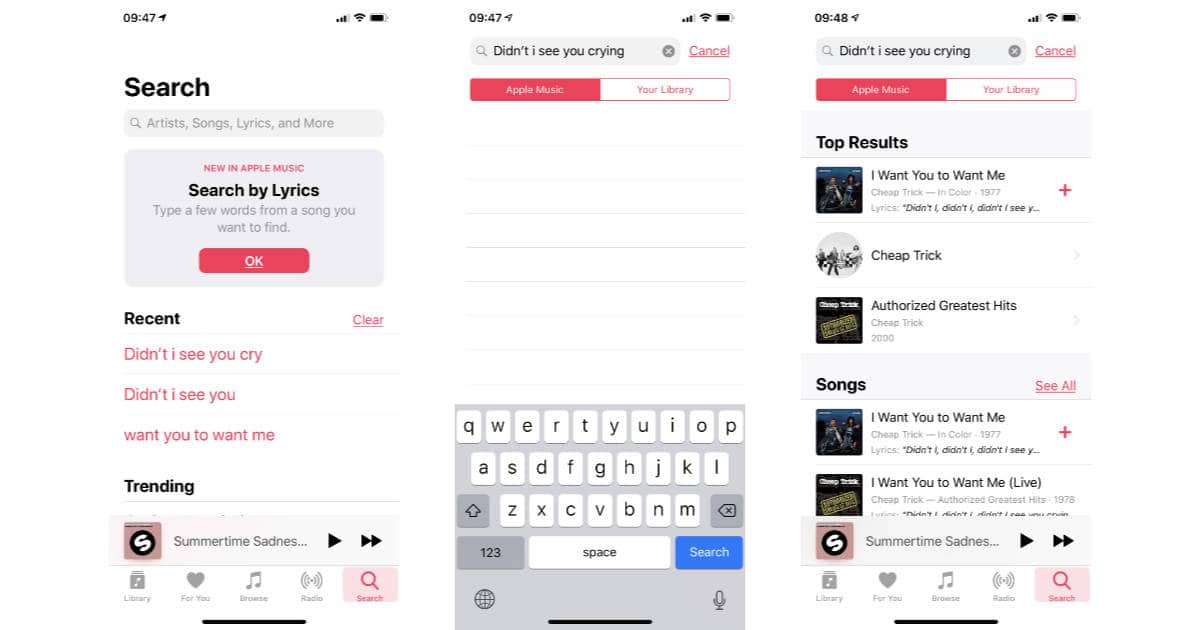
Apple Music lets you:
- Search and play specific songs on demand
- Download music for offline listening
- Build and manage your own library

Pandora is centered around:
- Music discovery through stations

- Algorithm-driven playlists
- Minimal interaction once playback starts
If you want to pick exact tracks, Apple Music is designed for that. If you prefer letting the app decide what plays next, Pandora leans heavily in that direction.
Music Library and Discovery
Apple Music offers a massive on-demand catalog with curated playlists, albums, and artist pages. You decide what plays and when, making it similar in structure to other full streaming platforms.
Pandora shines at discovery. You start with a song, artist, or genre, and Pandora builds a station around it. Over time, the service learns your preferences through thumbs up and down.
If you’ve already compared Apple Music with other platforms, this difference may sound familiar. MacObserver previously explored how Apple Music stacks up in its Apple Music vs Spotify comparison, and Pandora takes an even more passive approach than Spotify.
Audio Quality and Listening Experience
Apple Music supports:
- Lossless audio
- Dolby Atmos with Spatial Audio
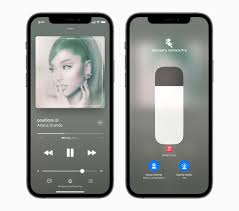
- High-quality streaming across Apple devices
Pandora’s audio quality is more limited, especially on its free and lower-tier plans. While it’s perfectly fine for casual listening, it doesn’t target audiophiles or users with high-end headphones.
If sound quality matters to you, Apple Music clearly has the advantage.
Pricing and Subscription Plans
Apple Music offers a single core experience across its paid plans, with pricing based on individual, family, or student access. All paid users get the same audio quality and features.
Pandora’s plans are more tiered:
- Free (ad-supported, limited skips)
- Pandora Plus (ad-free radio)
- Pandora Premium (on-demand listening)
You can review current options directly on Pandora plans and pricing, which shows how features change across tiers.
Apple outlines everything included in Apple Music features, and there’s less variation between plans compared to Pandora.
Ecosystem Integration on Apple Devices
On Apple hardware, Apple Music integrates tightly with:
- iPhone, iPad, Mac, Apple Watch, and HomePod
- Siri voice commands
- iCloud Music Library
Pandora works well across devices but doesn’t offer the same system-level integration on Apple hardware.
If you’re already deep into Apple’s ecosystem, Apple Music feels like a native extension rather than a third-party app.
Offline Listening and Downloads
Apple Music allows offline downloads on all paid plans. You can download albums, playlists, or individual songs and listen without an internet connection.
Pandora limits offline listening depending on your plan. For example, full offline access is only available on higher-tier subscriptions.
Cancelling or Switching Services
If you’re testing Apple Music and decide it’s not for you, cancelling is straightforward. MacObserver has already covered how to cancel an Apple Music subscription directly from your iPhone.
Pandora cancellations depend on how and where you subscribed, similar to most streaming apps.
Final Takeaway
In the Apple Music vs Pandora comparison, the right choice depends on how hands-on you want to be with your music. Apple Music is built for listeners who prefer full control, higher audio quality, offline downloads, and tight integration across Apple devices. As a result, it suits users who actively search for songs, build playlists, and manage their own libraries.
Pandora, on the other hand, focuses on effortless discovery. Its radio-style stations learn your preferences over time and require very little interaction once playback starts. For listeners who prefer passive listening and discovering new music without choosing every track, Pandora offers a simpler experience.




Discussion