
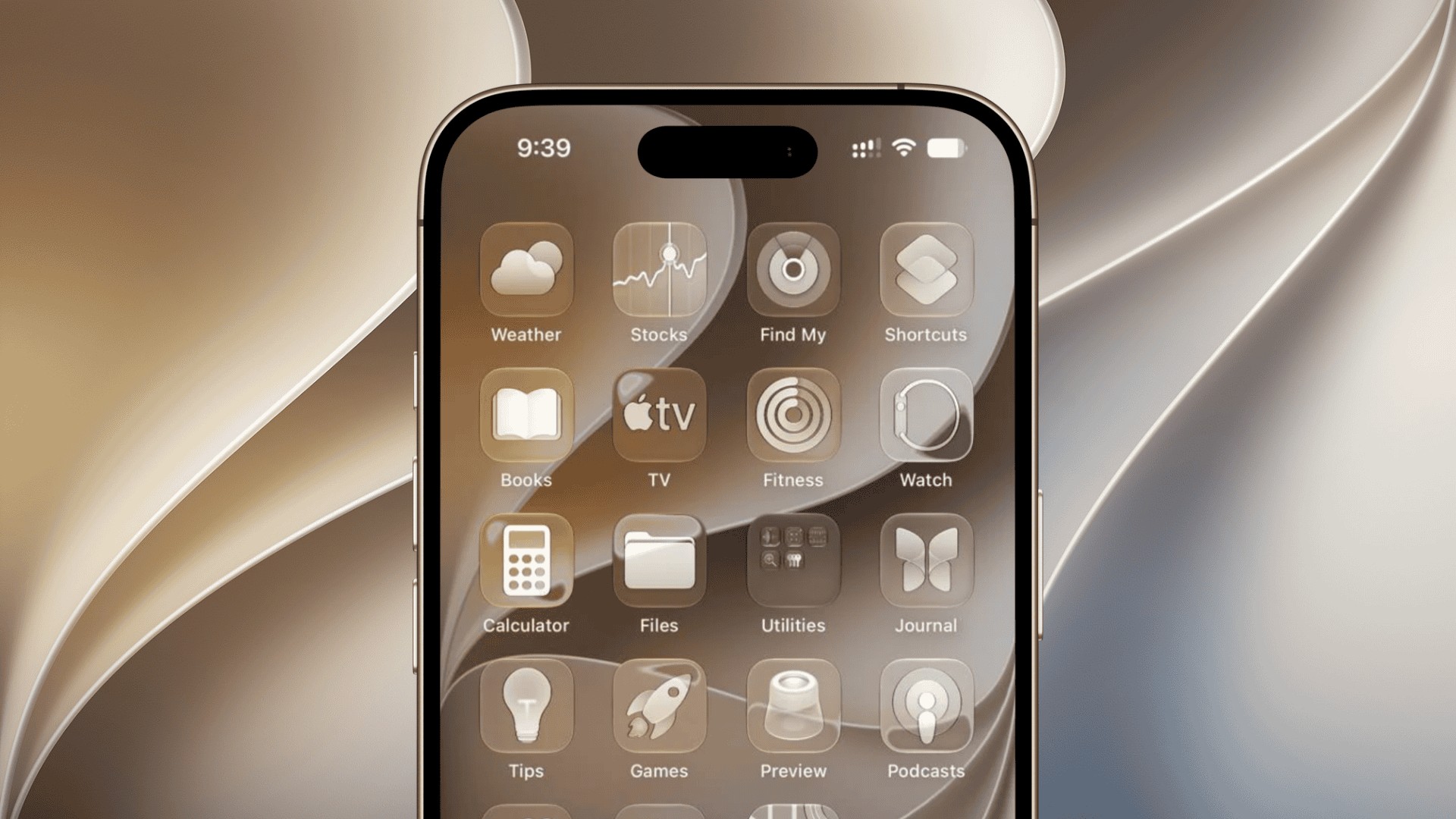
Apple has released iOS 27.2.1 for iPhone users, bringing important bug fixes and security updates just two weeks after the iOS 27.2 public release. The update arrived on November 9, 2026, and addresses several vulnerabilities affecting Messages, Bluetooth, AirPlay, and other system components.
The latest release carries build number 24B156 for most supported iPhones, while the iPhone Duo receives a separate build, 24B91034. Apple has also released iPadOS 27.2.1 alongside security updates for devices running older operating systems.
What’s New in iOS 27.2.1?
According to Apple’s official release notes, iOS 27.2.1 focuses on fixing bugs and addressing security vulnerabilities rather than introducing additional features.
Don’t miss the best of The Mac Observer
Set us as a preferred source and our Apple reporting ranks higher in your Google Search results and Discover feed — one tap, no account changes.
Apple describes the update as follows:
This update provides bug fixes and security updates for your iPhone.
The company has published details of several security vulnerabilities addressed in this release, including:
- Messages: Fixes an issue that could allow a remote attacker to join an iMessage group conversation without authorization and potentially access private messages.
- Bluetooth: Addresses a memory management vulnerability that could allow a nearby attacker to corrupt process memory.
- AirPlay: Fixes a security issue that could allow an attacker within Bluetooth range to bypass pairing code attempt limits.
- App Intents: Resolves an authorization issue that could allow applications to access sensitive user information.
Apple has not indicated that these vulnerabilities were actively exploited before the update became available.
How to Download and Install iOS 27.2.1
The update is available for the iPhone 11 and newer models, including compatible iPhone SE devices. You can install it by following these steps:
- Open Settings on your iPhone.
- Navigate to General > Software Update.
- Wait for iOS 27.2.1 to appear.
- Tap Update Now and follow the on-screen instructions.
Make sure your iPhone has sufficient battery power and storage space before installing the update. You can also follow our step-by-step iOS update guide if you encounter installation problems.
Apple has also released iOS 26.7.3 and iOS 18.7.12 for devices running older software versions, ensuring those users receive important security protections.
Meanwhile, Apple continues testing iOS 27.3, which is expected to introduce additional features in a future public release.


Discussion