
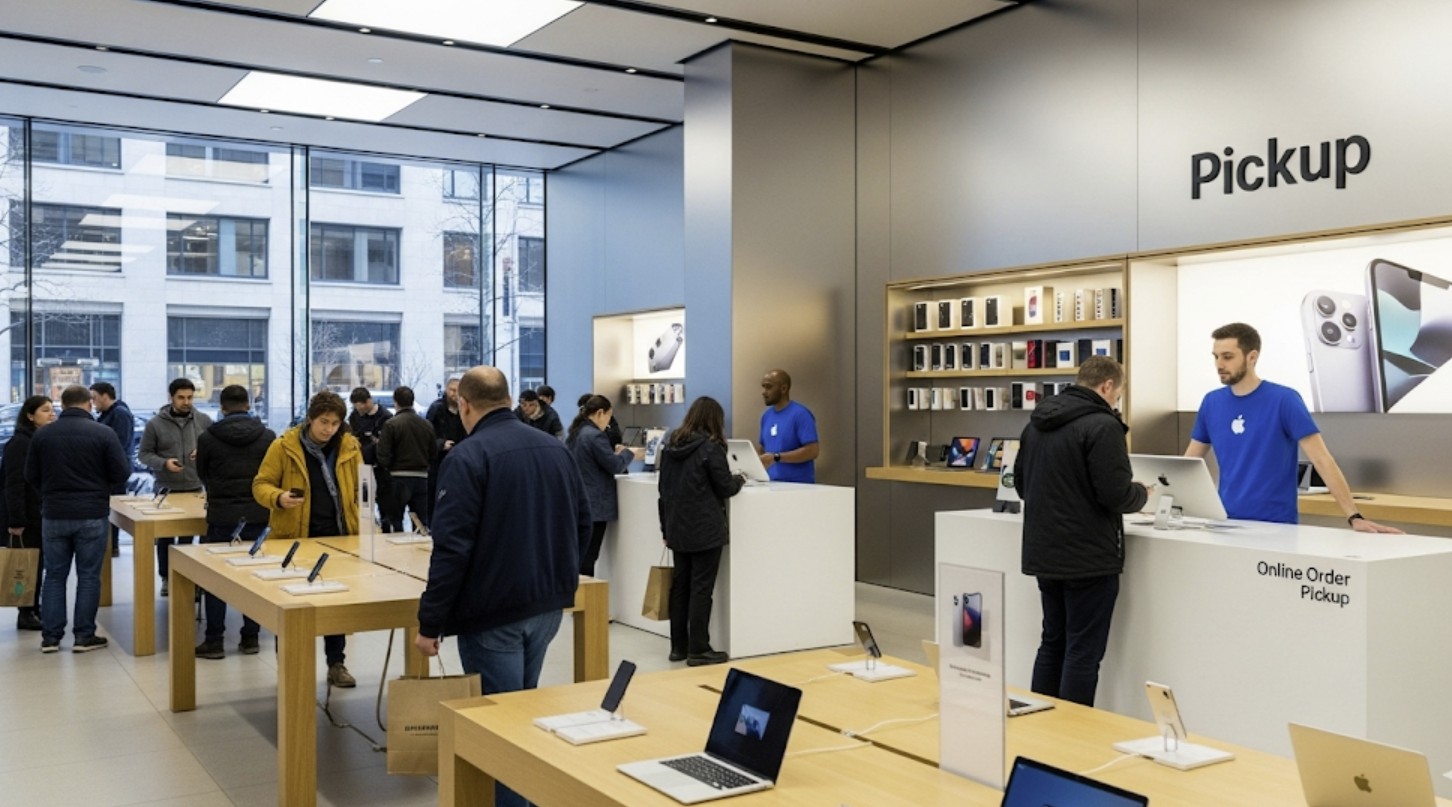
It’s generally not possible to pick up your Apple order before you receive the official “Ready for Pickup” notification. The pickup time provided during checkout is an estimate, and the confirmation email is the signal that your item has been processed and is physically waiting for you at the store.
Understanding Apple’s Pickup Process
When you place an order for in-store pickup, several steps happen behind the scenes. Your order needs to be received, the item located in the store’s inventory, and prepared for you. This process ensures that the specific product you purchased is set aside and reserved under your name.
The “Ready for Pickup” email or notification is the final step in this internal process. It confirms that your order has been fulfilled and is staged at the pickup counter. Arriving before you receive this message means the store staff will not have your order ready and cannot release it to you, even if they have the same item in stock for general sale.
Don’t miss the best of The Mac Observer
Set us as a preferred source and our Apple reporting ranks higher in your Google Search results and Discover feed — one tap, no account changes.
Checking Your Order Status
The most reliable way to know when to head to the store is to monitor your order status. You can do this in a few ways:
- Email Notification: Keep an eye on your inbox for an email with the subject line “Your order is ready for pickup.”
- Apple Store App: The app will send you a notification and update the order status within your account.
- Online Order Status: You can check the status by logging into your account on Apple’s website.
Until the status changes from “Processing” or “In Transit to Store” to “Ready for Pickup,” your order is not yet available.
Why You Must Wait for the Notification
Attempting to pick up an order early can lead to a wasted trip. Store employees access order information through a system that will not allow them to release an item until it is officially marked as ready. This policy ensures inventory accuracy and a smooth customer experience. For highly anticipated new product launches, this rule is especially strict to manage demand and adhere to official release dates.
For a successful and quick pickup, it’s best to wait for Apple’s official confirmation. Once you receive the notification, you’ll know your item is secured and waiting for you, making the final step of getting your new device simple and efficient.


Any stats available which documents accuracy of Apples estimated pick up date (ie early, on time or late)