
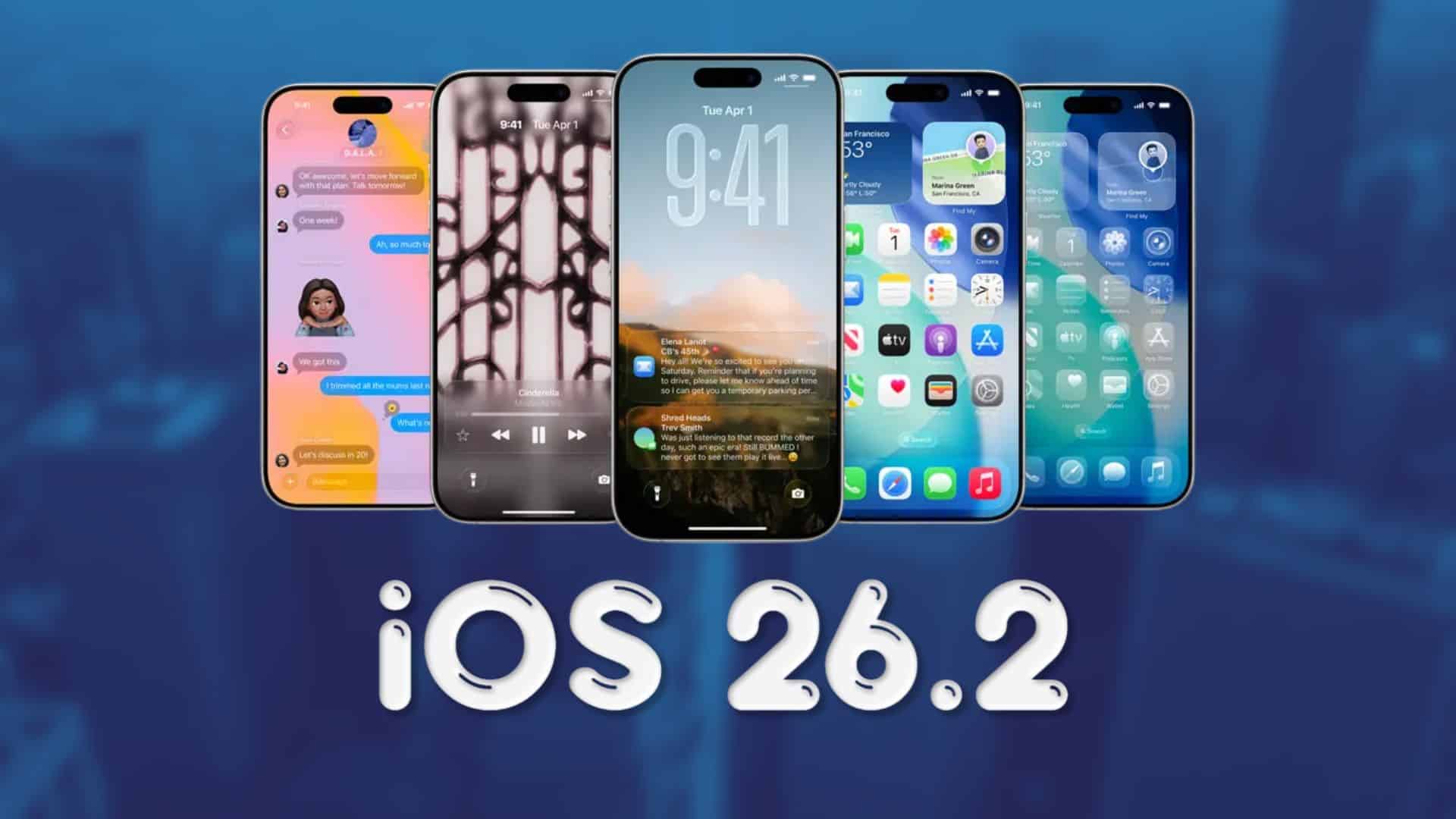
Apple released iOS 26.2 beta 3 for developers yesterday, and now the same build is rolling out as iOS 26.2 public beta 3 for everyone in the Apple Beta Software Program. The update continues to refine the big iOS 26 redesign and prepares the ground for the December stable release.
This public beta matches the developer build, so you get the same features and fixes Apple has been testing on the dev channel. Apple is still shipping new tweaks rather than only bug fixes, which shows that 26.2 remains an active feature update and not just a small maintenance patch.
If you already run a previous 26.2 beta, the update appears over the air in Settings. If you join the program today, you can jump straight to public beta 3.
Don’t miss the best of The Mac Observer
Set us as a preferred source and our Apple reporting ranks higher in your Google Search results and Discover feed — one tap, no account changes.
How to install iOS 26.2 public beta 3
- Back up your iPhone with iCloud or a computer.
- On your iPhone, go to Settings > General > Software Update.
- Tap “Beta Updates” and select “iOS 26.2 Public Beta” with your Apple ID.
- Go back to Software Update, then tap “Download and Install.”
- Keep your iPhone on Wi-Fi and connected to power until the install finishes.
You can switch back to standard releases later by turning off beta updates in the same menu and installing the next public version when it arrives.
iOS 26.2 beta 3 changes and overall 26.2 features
In beta 3, Apple continues to build on the earlier 26.2 betas. There are new hints of an upcoming AirDrop feature that lets two people share items using temporary “codes,” so you can send files without saving each other as contacts for 30 days.
The Games app now shows a splash screen that teases better library filters, smoother controller navigation, and real-time challenge score updates, turning it into more of a proper gaming hub instead of a simple folder. Reminders highlights the new “Urgent” setting that can trigger alarms for important tasks, so key to-dos can ring through even when Focus modes are active.
Beyond beta 3, iOS 26.2 as a whole adds a Liquid Glass slider for the Lock Screen clock, offline lyrics in Apple Music, revised Sleep Score ranges, screen-flash alerts, smarter Apple Podcasts chapters, a refreshed Apple News layout, and AirPods Live Translation support in the EU.
That is a long list for a point-release update, especially this close to the expected December launch. Let us know in the comments what change in iOS 26.2 stands out the most to you.


There is nothing in this update that interests me.
What i find most incredible is that Apple still hasn’t improved the keyboard. No overlays. No themes. No improvements to word prediction.