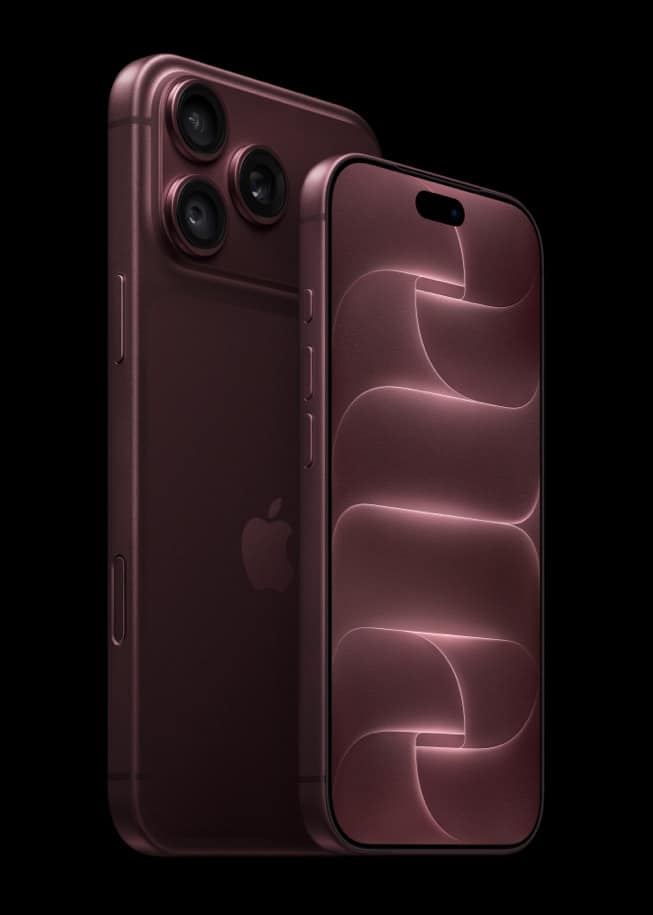
If you bought your iPhone 18 Pro directly from Apple, you can book a free online session with an Apple Specialist to set it up and move your data. Apple emails a personal invitation as soon as your order is delivered, and you can also start a session from your Orders page.
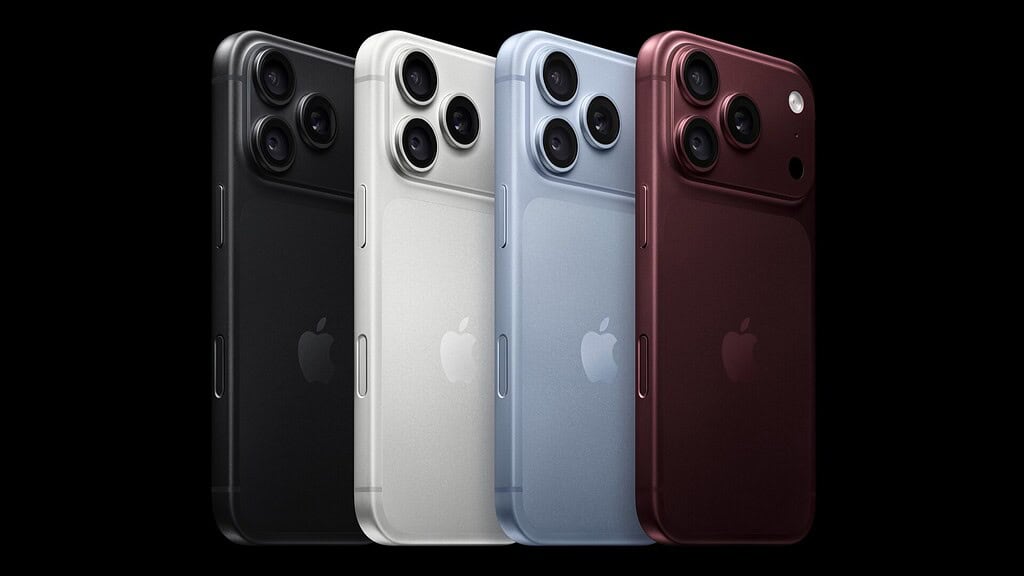
Apple calls the service Personal Setup. Its US store page promises online, one-on-one sessions “with a Specialist who will help you set up and make the most of your new device,” which you can join “whenever works for you, from wherever you are.” Apple’s UK, Canadian and Australian stores carry the same page and the same terms.
Who qualifies
The rule is one line: “Personal Setup is available only when you buy your new device directly from Apple.” That includes a phone bought in person at an Apple Store, though in-store buyers take an extra step.
Don’t miss the best of The Mac Observer
Set us as a preferred source and our Apple reporting ranks higher in your Google Search results and Discover feed — one tap, no account changes.
A phone from a carrier or another retailer doesn’t qualify. The iPhone 18 Pro buy page describes the sessions as “free online, one-on-one sessions with a Specialist who can help you set up your new iPhone and start your data transfer.”
The offer isn’t limited to iPhone. The Personal Setup page links to Apple’s shops for iPhone, Mac, iPad, Apple Watch and Apple Vision Pro, so a new watch bought from Apple qualifies too.

How to start a session
- Ordered online from Apple. Look for the email invitation, which Apple says arrives “as soon as your order is delivered.” If you can’t find it, go to apple.com/shop/personal-setup, choose Sign in under “Already purchased?” and start a session from your Orders page.
- Bought in an Apple Store. Apple’s page says: “If you purchased in store, contact us to receive an email invitation.” That “contact us” link opens a chat with a Specialist, which is where to ask.
Because the invitation follows delivery, it won’t arrive while the phone is still on its way. If you collected an online order at a store and no email has turned up, check your Orders page first, then use the chat link.
What a Specialist can help with
Apple splits the sessions into two tracks. Setup Focus gets the device ready, “from setup to starting your data transfer.” Its topics:
- Data Transfer: moving “all your photos, messages, and files.”
- Switching: for anyone “moving from Android or PC.”
- Unboxing: “See what you’re getting,” and how it all works together.
- Pairing: “the easiest way to connect your devices.”
- Adjustments: “how to get the best fit.”
- Apple Entertainment: finding out “if you’re eligible for a free trial.”
Feature Focus is the “see what your device can do” track. It covers hardware (“all the buttons, dials, and ports”), customizations such as wallpapers and widgets, gestures, photography and productivity. Apple also suggests asking your Specialist about the latest Feature Focus sessions.
That second track suits anyone coming from an older model. iPhone 18 Pro adds variable aperture and manual camera controls, and photography is on Apple’s list, so it’s a good thing to ask about once your photos and messages have moved across. Because Feature Focus assumes the phone is already set up, it makes sense to book it after a few days with the new iPhone.