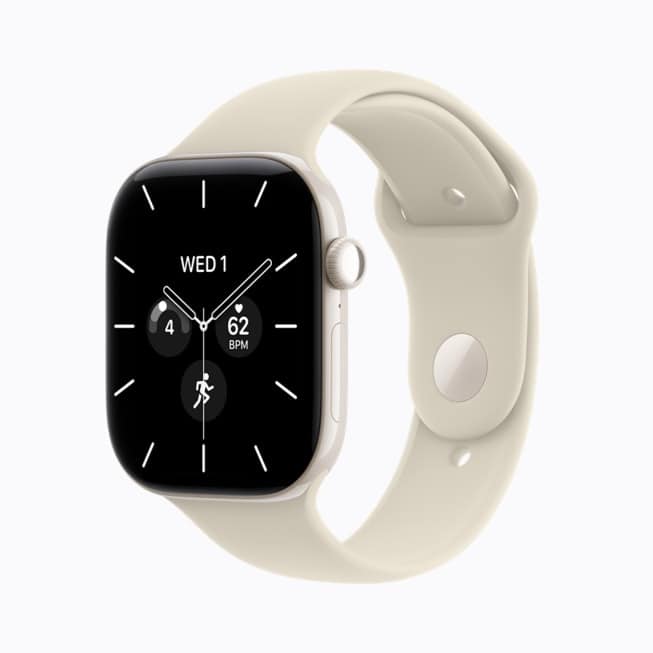
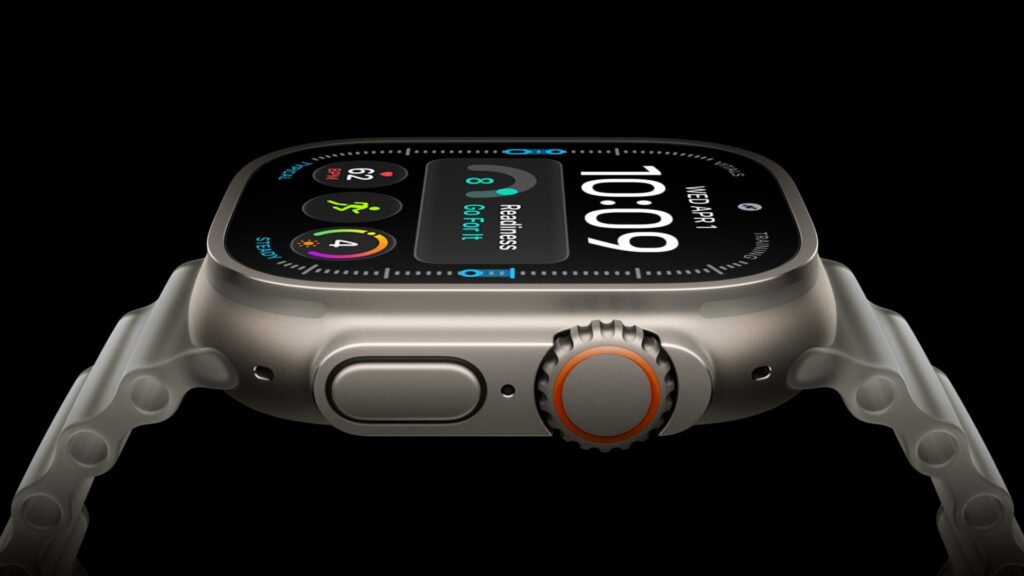
Hypertension notifications may not be available on Apple Watch Series 12 or Ultra 4 in 33 countries and regions, including Canada, India, Australia and Japan. Apple’s watchOS feature availability page gives the reason in a footnote on each one: “additional regulatory clearances for these devices are in process.”
Apple gives no date for when they will finish. All 33 places still appear on Apple’s list for the feature, and the footnote names only the two new watches. Apple’s support document for the feature, published September 14, carries the same caveat.
What hypertension notifications do
In plain terms, the watch looks for signs of long-term high blood pressure and tells you if it finds them. It doesn’t measure your blood pressure. Instead, Apple’s US Series 12 page says the optical heart sensor feeds an algorithm that analyzes “how your blood vessels respond to beats of the heart over 30-day periods.”
Don’t miss the best of The Mac Observer
Set us as a preferred source and our Apple reporting ranks higher in your Google Search results and Discover feed — one tap, no account changes.
Apple describes hypertension as an ongoing condition “that can cause damage to your heart, blood vessels, and other organs.” The first 30-day evaluation starts the day you turn the feature on. If the watch spots a pattern, you get a notification, Apple suggests discussing it with your healthcare professional, and you’re prompted to set up a Blood Pressure Log and track your blood pressure for 7 days with a third-party cuff.
It has limits. The feature is “not intended to diagnose, treat, or aid in the management of hypertension,” and “not all people with hypertension receive a notification.” Silence from the watch doesn’t mean your blood pressure is fine.
To use it, you need:
- Apple Watch Series 9 or later, or Apple Watch Ultra 2 or later, with the latest watchOS. Apple Watch SE doesn’t support it.
- iPhone 11 or later with the latest iOS.
- Wrist Detection turned on.
- To be 22 or older, not pregnant, and not already diagnosed with hypertension.

The 33 regions with the footnote
Apple attaches the Series 12 and Ultra 4 footnote to Australia, Bahrain, Brazil, Canada, Christmas Island, Cocos (Keeling) Islands, Colombia, Costa Rica, Ecuador, Heard and McDonald Islands, Honduras, India, Indonesia, Israel, Japan, Kuwait, Malaysia, Moldova, Norfolk Island, Palestinian Territories, Paraguay, Peru, Saudi Arabia, Serbia, Singapore, South Africa, South Korea, Taiwan, Thailand, Türkiye, Ukraine, United Arab Emirates and Vietnam.
The United States, United Kingdom, Puerto Rico, Hong Kong, New Zealand and Chile are listed without it, as are EU countries including France, Germany, Italy and Spain. Mexico and China aren’t on Apple’s hypertension list at all.
Apple’s product pages line up with that. When we checked on September 15, the US and UK Series 12 pages described hypertension notifications, while the Series 12 pages on Apple’s Canadian, Indian, Australian and Japanese sites didn’t mention the feature.
If you live in one of those regions
- Buying mainly for this feature? Check Apple’s feature availability page for your country before you buy a Series 12 or Ultra 4.
- Already using it on an older watch? The footnote names only Series 12 and Ultra 4. It doesn’t apply to earlier supported models.
Where the feature is available, turn it on from iPhone:
- Open the Health app.
- Tap the Profile button in the upper corner.
- Under Features, tap Health Checklist.
- Tap Hypertension Notifications.
- Confirm your age and whether you’ve ever been diagnosed with hypertension, then tap Continue.
- Tap Next to follow the onscreen prompts, then tap Done.
If you use a second iPhone that isn’t paired with your watch, notifications are delayed until your primary iPhone is unlocked and finishes the analysis. And Apple Watch can’t detect heart attacks. If you have chest pain, pressure or tightness, call emergency services.