
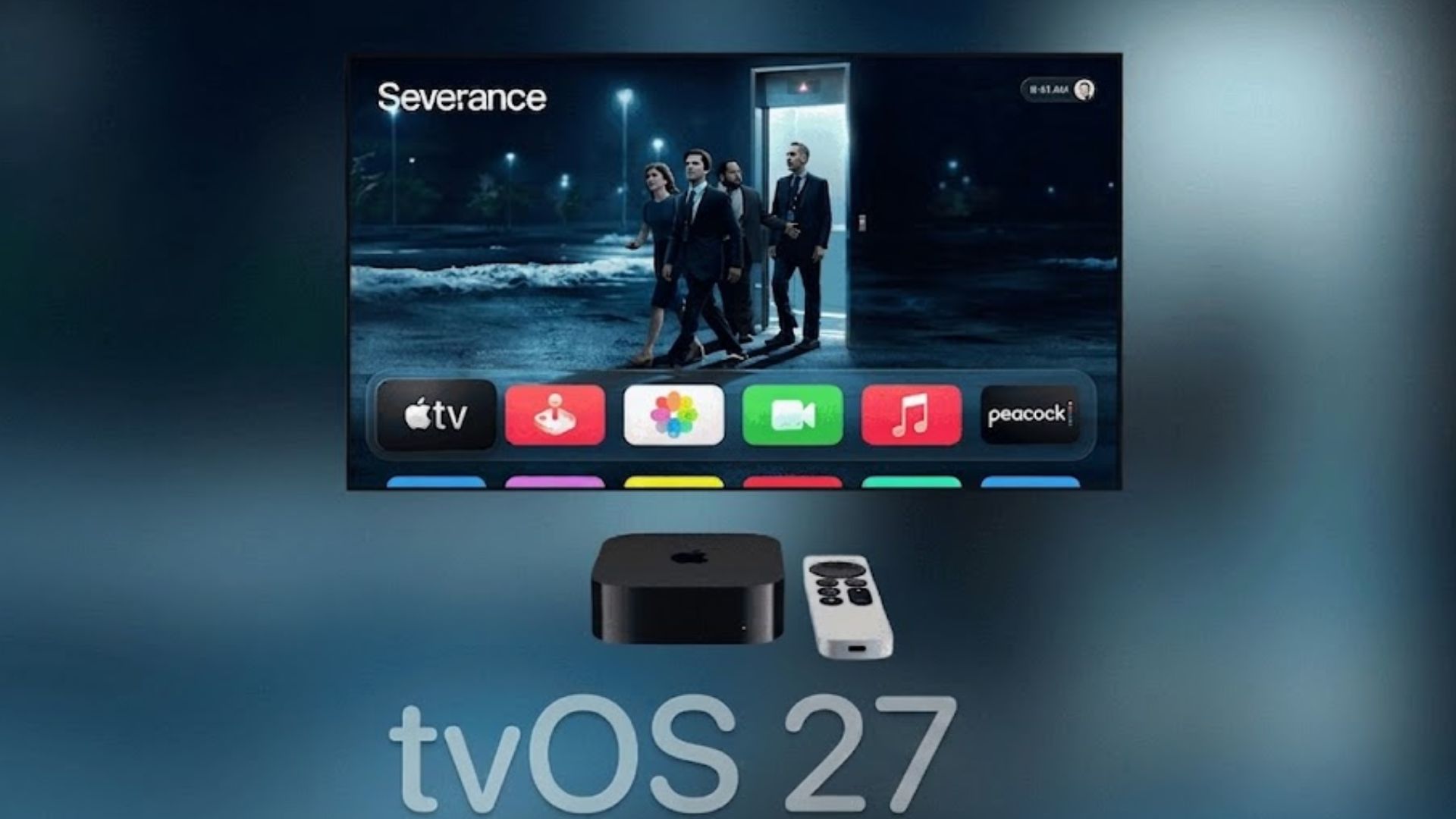
Apple has released tvOS 27 public beta 4 for Apple TV users enrolled in its public beta program. The latest update carries build number 24J5353b, the same build released as tvOS 27 developer beta 6 on August 17.
The new public beta arrives one week after public beta 3 as Apple continues testing tvOS 27 ahead of its wider release later this year.
How to update
If your Apple TV is already enrolled in the tvOS 27 public beta, follow these steps:
Don’t miss the best of The Mac Observer
Set us as a preferred source and our Apple reporting ranks higher in your Google Search results and Discover feed — one tap, no account changes.
- Open Settings on your Apple TV.
- Select System.
- Choose Software Updates.
- Select Update Software.
- When tvOS 27 public beta 4 appears, choose Download and Install.
- Keep your Apple TV connected to power while the update downloads and installs.
The Apple TV will restart during the installation process and restart again once the update finishes.
If you have not joined the beta program yet, you need to enroll with the Apple Account associated with your Apple TV and enable the public beta option before checking for updates.
All changes in tvOS 27 public beta 4
Apple has not announced any major user-facing features specifically for tvOS 27 public beta 4. The build corresponds with tvOS 27 developer beta 6, and this stage of testing appears focused mainly on stability improvements, bug fixes and final refinements ahead of the public release.
tvOS 27 as a whole includes changes such as an updated Podcasts app, Hi-Res Lossless audio and AutoMix support in Apple Music, easier profile switching and performance improvements across Apple TV.
If you’ve already installed the update, let us know your experience in the comments.


Discussion