
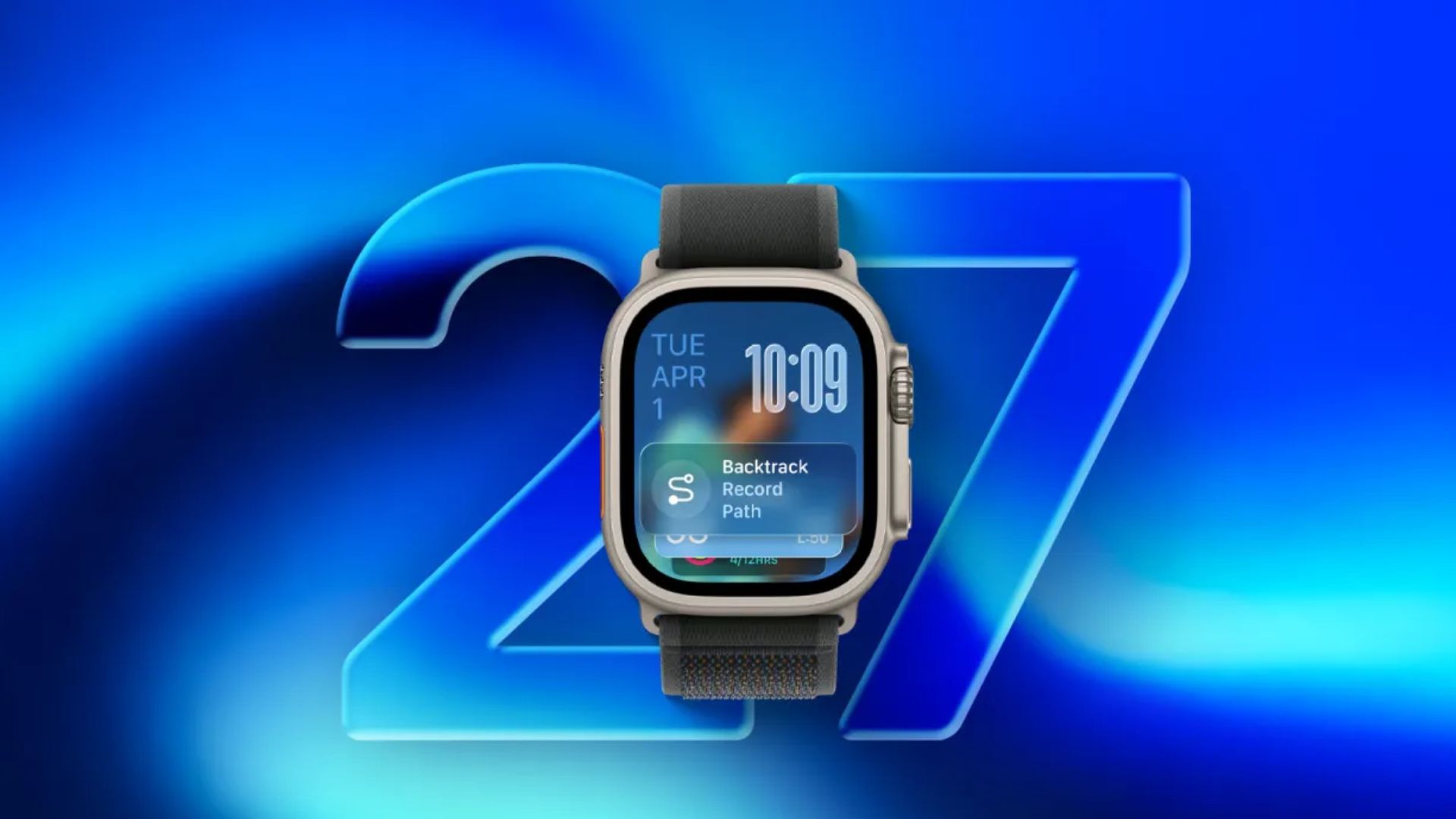
Apple has released watchOS 27.2 developer beta 1 for registered developers. The first build is 24S5086l. Apple’s current release notes do not list a watch-specific consumer feature, but they do document StoreKit Testing updates for developers.
Use a secondary Apple Watch for beta software where possible. Apple warns that pre-release software may contain errors, and its beta-program guidance says an Apple Watch cannot be restored to a previously released watchOS version after a beta is installed.
How to update to watchOS 27.2 beta 1
- On the paired iPhone, open the Apple Watch app and select the My Watch tab.
- Tap General, then Software Update.
- Open Beta Updates and choose watchOS 27 Developer Beta for the Apple Account enrolled for developer betas.
- Return to Software Update, tap the watchOS 27.2 beta when it appears, and follow the onscreen instructions. Keep the Apple Watch on its charger during the update.
All changes in watchOS 27.2 beta 1
- No watch-specific consumer changes are listed: Apple’s watchOS 27.2 beta 1 notes do not identify a new Apple Watch feature, interface change, or general bug fix for users.
- StoreKit Testing fixes: developers can expect fixes involving introductory-offer eligibility, storefront and locale updates, and disabled purchase dialogs when using Xcode’s StoreKit test environment.
- StoreKit Testing known issue: a subscription-bundle member purchase may allow an unbundle action instead of producing the expected error during testing.
The StoreKit entries are for developer testing and should not be read as Apple Watch app fixes. Apple may add more detail in later seeds. If you’ve already installed the update, let us know your experience in the comments.
Don’t miss the best of The Mac Observer
Set us as a preferred source and our Apple reporting ranks higher in your Google Search results and Discover feed — one tap, no account changes.




Discussion