

You cannot install Android APK files directly on an iPhone without jailbreaking. iOS does not support APK formats, even on newer versions.
Table of Contents
Why APK Files Do Not Work on iPhone
APK files are built for Android systems. iOS uses a completely different app format and security model.
This is why installing an APK on iOS is not possible. That’s a limitation of the OS itself, so you can’t install an APK on your iPhone without jailbreak, but also won’t be able to do so by jailbreaking it.
Don’t miss the best of The Mac Observer
Set us as a preferred source and our Apple reporting ranks higher in your Google Search results and Discover feed — one tap, no account changes.
Ways People Try To Use APK Files on iPhone
There are, however, ways you can run standalone apps on your iPhone. You won’t be exactly installing APKs, but these methods allow you to either (somewhat) run Android within iOS, or sideloading apps made for iPhone.
Use Android Emulation With Virtual Machines
Some users try Android emulation instead of installing apps natively. This runs Android inside a virtual environment.
Time needed: 30 minutes
- Install a virtual machine app like UTM.
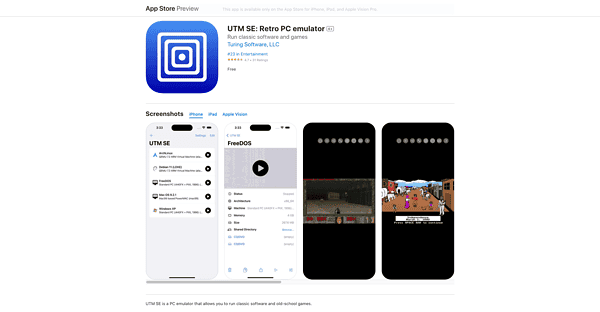
- Load an Android system image inside the app.
- Install APK files within the virtual Android system.

This method does not install the APK on iOS itself. Performance is limited, and many apps do not work correctly. There’s a faster version of UTM available, but that one requires jailbreaking your device.
Use Web Versions Instead of APK Apps
Many Android apps offer web-based alternatives. These run in Safari without installing anything.
- Open the service website in Safari.
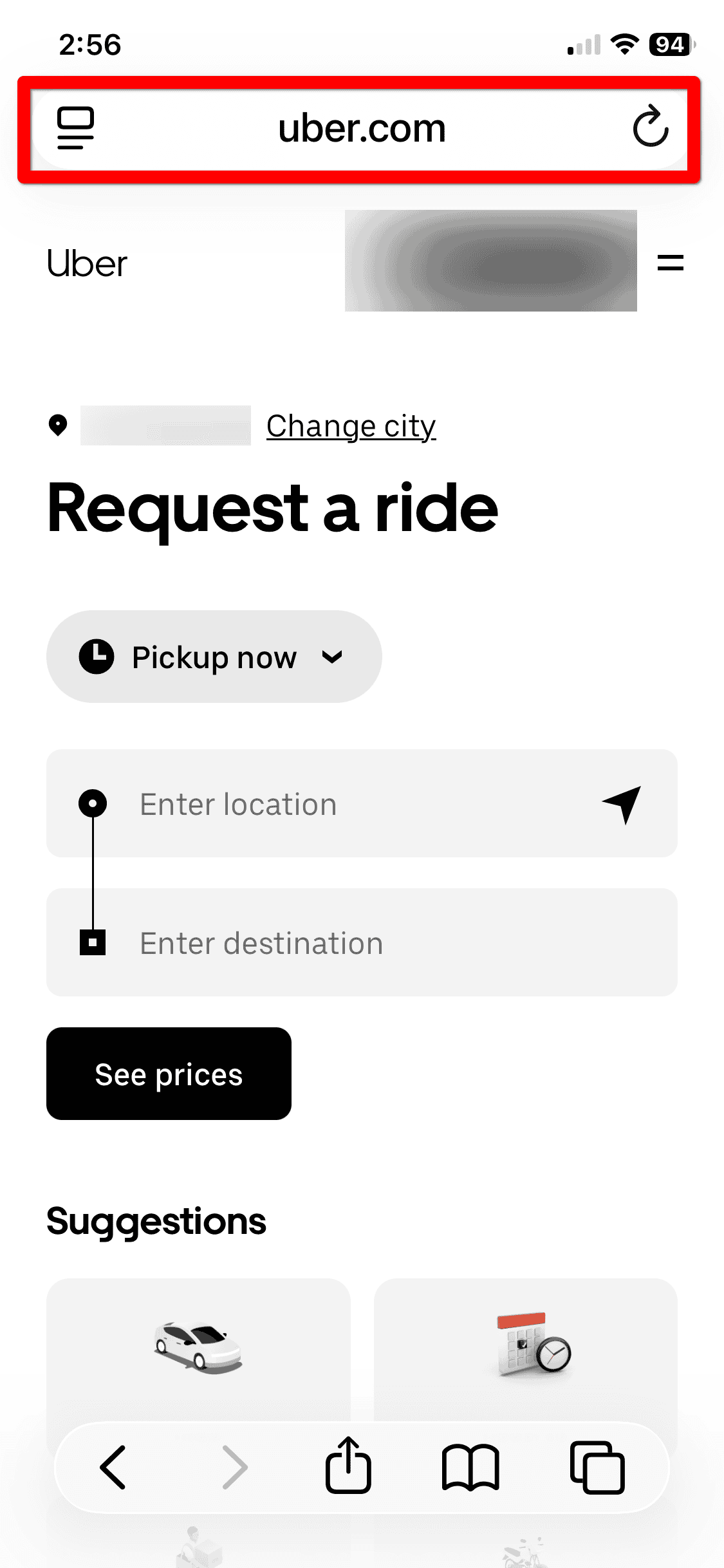
- Sign in with your account.
- Add the site to the Home Screen if supported.

This option works well for messaging, streaming, and productivity tools.
Sideload iOS Apps Instead of APK Files
While you cannot use APK files, iOS supports sideloading of iPhone apps using IPA files. Sideloading requires a computer, an Apple ID, and tools like Xcode or third-party signing utilities.
This approach works for testing apps or installing open-source software not available on the App Store.
Use Alternative App Marketplaces Where Available

In some regions, iOS allows alternative app distribution methods. These still do not support APK files. Apps must be built specifically for iOS, signed, and approved under Apple rules.
Installing APK Files on iPhone Without Jailbreak: Tips
- APK files only work on Android.
- Virtual machines do not equal native performance.
- Web apps are often the safest alternative.
- Sideloading works only with IPA files.
FAQ
No. iOS cannot recognize or run APK packages.
No. Even jailbroken iPhones cannot run Android apps natively.
It is safe when using trusted tools, but functionality is limited.
Summary
- iPhones cannot install APK files.
- Android emulation runs apps indirectly.
- Web apps replace many Android tools.
- IPA sideloading works for iOS apps.
Installing an APK on iPhone without jailbreak is not possible. Safer alternatives include web apps, emulation, or sideloading iOS apps.


Discussion