
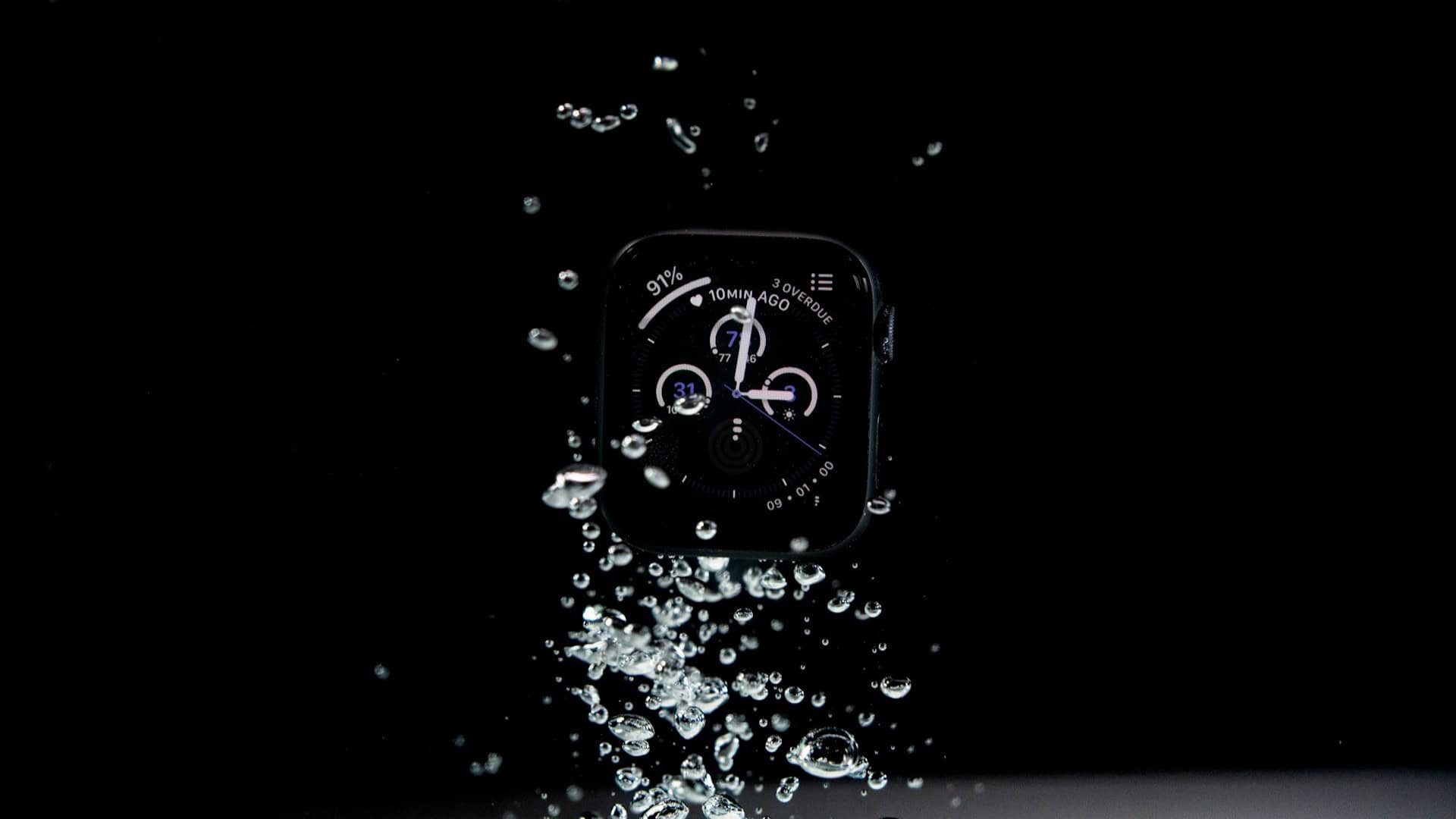
It’s common for water to get into your Apple Watch, especially if you swim, run in the rain, or wash your hands with it on. The good news is that the Apple Watch has a special feature called Water Lock that helps remove water from the speaker.
Along with this, there are a few extra things you can do if your watch still feels damp or the sound is muffled. Let’s go through the steps!
Table of contents
How to Remove Water from an Apple Watch?
Step 1: Turn On Water Lock
- Swipe up from the watch face to open Control Center and tap the Water drop icon. This locks the screen so it won’t respond to accidental touches while wet. You’ll see the water drop appear at the top of the display.
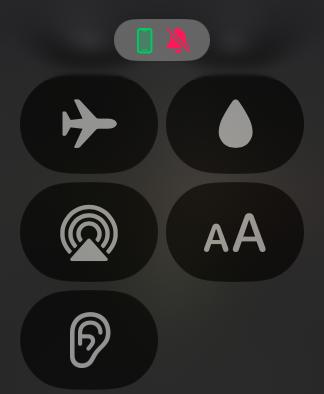
Step 2: Turn Off the Water Lock to Eject Water
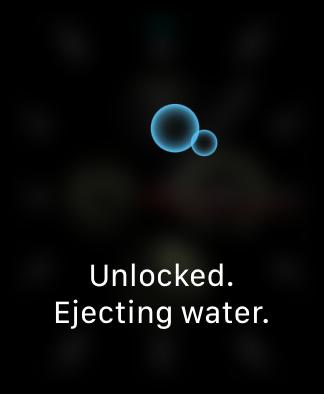
- After you are done with water, press and hold the Digital Crown until you see “Unlocked.” The watch will make a series of sounds to push water out of the speaker using vibrations. On older watch models, you may need to rotate the Digital Crown instead of pressing it to turn off Water Lock.
Step 3: Repeat if Needed
- If the sound is still muffled, repeat the process once or twice more. Sometimes extra water droplets need another round to clear.
Step 4: Wipe with a Soft Cloth
- Gently dry your watch with a clean, lint-free cloth. This removes any leftover moisture from the screen and case.
Step 5: Use Airflow for Stubborn Water
- If your watch still seems damp, place it in a dry spot and let air circulate naturally. Avoid using heat from a hair dryer, as it can damage the seals. A small fan or just leaving it in a well-ventilated room helps the last drops to evaporate.
Step 6: Use Silica Gel Packs if Necessary
- For watches that feel damp inside after heavy water exposure, place the Apple Watch in a container with silica gel packs for several hours. These packs absorb moisture safely. Do not use rice, as dust and starch can enter the speaker holes.
Tips
- Always turn on Water Lock before swimming or showering.
- Do not expose your Apple Watch to soapy water, hot water, or steam.
- Use a soft cloth right after removing water to prevent marks.
- If the sound is still unclear, repeat the Water Lock ejection more than once.
- Store your watch in a dry environment after water activities.
Frequently Asked Questions
Yes, it is best to use Water Lock whenever you know water will touch your Apple Watch. It makes removing water afterward much easier.
The noise is intentional. The watch uses sound vibrations from the speaker to push water droplets out.
Place it in a dry place with good airflow or in a container with silica gel packs. This helps absorb any remaining moisture.
Most models are water-resistant for shallow water, like swimming pools. Only the Apple Watch Ultra is designed for more demanding water activities.
Summary
- Turn on Water Lock before entering water.
- Turn off Water Lock and press or rotate the Digital Crown to eject water.
- Repeat if the sound is muffled.
- Wipe with a soft cloth to remove surface moisture.
- Use natural airflow or silica gel packs for stubborn water.
Conclusion
Removing water from your Apple Watch is simple and effective when you use Water Lock. Combined with gentle drying methods like airflow and silica gel packs, you can keep your watch safe, clear, and working perfectly after every splash.
Don’t miss the best of The Mac Observer
Set us as a preferred source and our Apple reporting ranks higher in your Google Search results and Discover feed — one tap, no account changes.
Despite all these ways to remove water from the Apple Watch, find out what could happen if you wear your Apple Watch SE while swimming!




Discussion