

If you’re using an Apple Watch Series 2 or later, Water Lock mode may be preventing you from using the touch screen. Fortunately, I know what to do on my Apple Watch SE, and I can show you how to turn off Water Lock while also ejecting any water in your device.
How Do I Turn off Water Lock on My Apple Watch?
Time needed: 1 minute
If you need to turn off Water Lock, simply follow these steps:
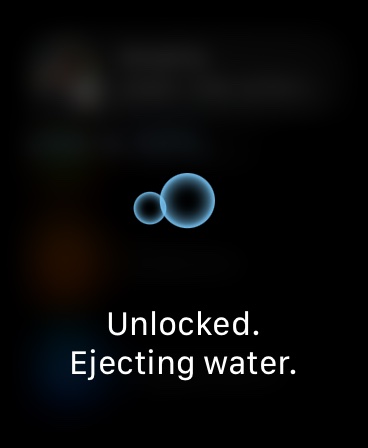
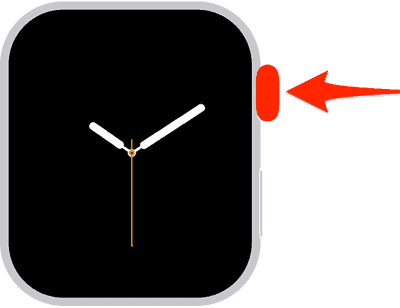
- Press and hold your Digital Crown until you see the words Unlocked on your Watch screen. This will turn off Water Lock and remove any water in your Apple Watch.
- If you are using watchOS 8 or earlier, rotate your Digital Crown instead of pressing and holding it.


Don’t miss the best of The Mac Observer
Set us as a preferred source and our Apple reporting ranks higher in your Google Search results and Discover feed — one tap, no account changes.


Discussion