
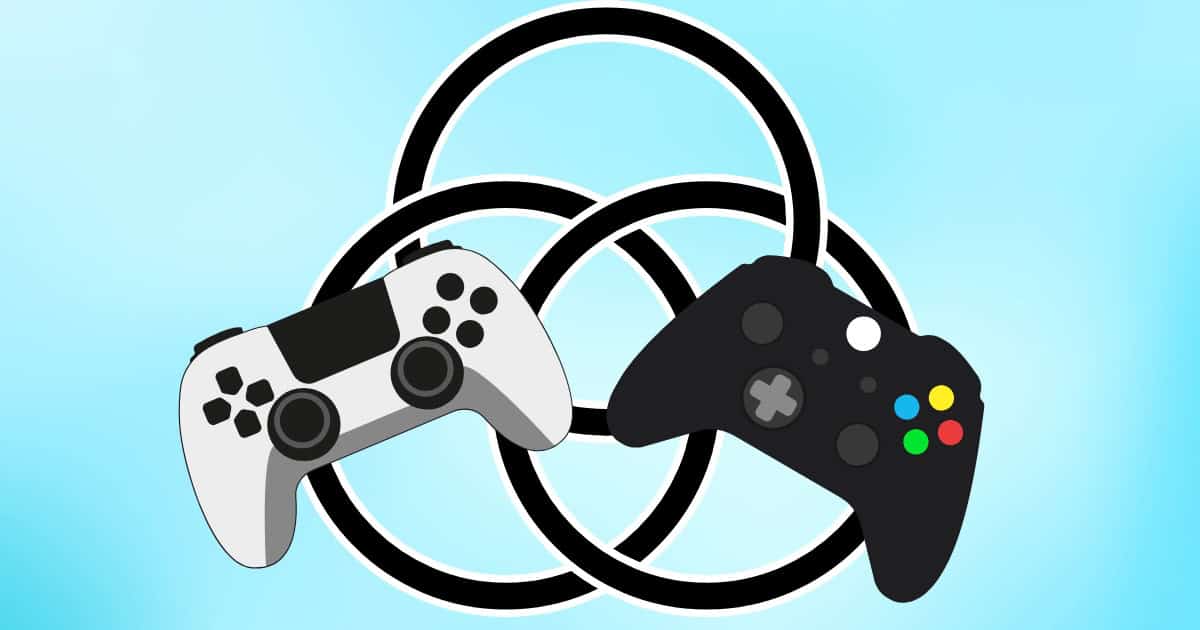
In gaming, timing isn’t just important — it’s everything. One perfect dodge, one clutch parry, one last-second jump can make the difference between triumph and defeat. But on Mac, there’s an extra challenge: not every controller plays nice. Between Bluetooth quirks, input lag, and confusing compatibility lists, your controller can either be your sharpest weapon—or your weakest link.
Get it right, though, and the experience transforms. Whether you’re dodging attacks in Elden Ring via CrossOver, exploring No Man’s Sky, or trading blows in Hades II, the right controller doesn’t just respond, it syncs with you.
Precision Is What Delivers Power

Mac gaming has come a long way. Thanks to Apple Silicon and native support for popular titles on Steam, the platform’s no longer an afterthought. But one truth remains: your controller determines your control. There’s plenty of gaming controllers on Mac that can help you go up against even the best PC controllers.
Don’t miss the best of The Mac Observer
Set us as a preferred source and our Apple reporting ranks higher in your Google Search results and Discover feed — one tap, no account changes.
The gold standard? The Xbox Wireless Controller. It connects effortlessly to macOS via Bluetooth, works flawlessly in most modern games, and offers tactile triggers with just enough resistance. It’s ergonomic, responsive, and built for long sessions, all without needing any drivers.
Prefer something lighter? The PlayStation DualSense brings precision haptics and adaptive triggers that actually shine in supported titles. On a MacBook Pro’s ProMotion display, pairing that fluid input with buttery visuals feels like choreography. Even better, the DualSense also works natively over Bluetooth too — no dongles, no drama.
The Real Hidden Gems
It might surprise you, but Nintendo’s Pro Controller is one of the most reliable Mac gaming companions around. Its sturdy design, excellent battery life, and responsive D-pad make it perfect for platformers, indie gems, and retro titles. Pair it once, and it’ll reconnect instantly every time. It’s a small touch, but certainly one that Mac users will appreciate.
Meanwhile, Joy-Cons are fun for couch co-op or casual play. They’re not built for precision, but their flexibility is unmatched. If you’re running Apple Arcade games like Fantasian or Oceanhorn 2, their compact size and instant connectivity make them ideal for short bursts of gaming on a MacBook or iPad.
Building an Edge
If you take your gaming seriously, consider 8BitDo’s Ultimate Wireless Controller — a sleeper hit for Mac users. It’s fully customizable, supports both macOS and iPadOS out of the box, and even mimics Xbox-style button layouts for universal compatibility. You can fine-tune stick sensitivity, adjust trigger curves, and remap buttons using 8BitDo’s configuration app.
It’s perfect for players who jump between genres or emulators, and it feels premium without the premium price tag. Think of it as the controller equivalent of a balanced weapon loadout — no weaknesses, just adaptability.
The Best Tips for Setting Up Your Mac Controller
A great controller deserves a great setup. Here’s how to make the most of it:
- Pair via Bluetooth: Go to System Settings > Bluetooth, put your controller in pairing mode, and connect directly. macOS will remember it automatically.
- Use Steam Input: Steam’s built-in controller configurator recognizes most devices instantly, letting you remap and tweak inputs per game.
- Disable Bluetooth Accessories You’re Not Using: Reduce latency by keeping only the controller connected during gameplay.
- Fine-Tune Dead Zones: Some games allow adjustment of analog stick sensitivity — a must for shooters or action titles.
- Charge Smart: Macs don’t love low-power Bluetooth devices; a dying controller battery can introduce delay. Keep it topped up.
The Feel of the Fight
The controller you choose changes everything — from the way you aim to how you move through the world. The DualSense’s nuanced feedback makes Death Stranding’s footsteps feel alive. The Xbox controller’s sturdy triggers make Hades II’s frantic combat flow naturally. And the 8BitDo’s customization lets you match your playstyle to your instincts, not the other way around.
Mac gaming is about precision, efficiency, and flow — values baked into Apple’s DNA. The right controller brings that same design philosophy to your fingertips.
Your Next Victory
Here’s your challenge: the next time you boot up a game on your Mac, don’t settle for half measures. Pair the right controller, dial in your settings, and make every dodge, block, and combo count. Whether you’re slaying bosses, drifting through races, or conquering indie adventures, the difference between frustration and flow is often just a controller swap away.
So go ahead — sync up, grip tight, and take control. On a Mac, smooth precision isn’t just possible. It’s part of the experience.




Discussion