
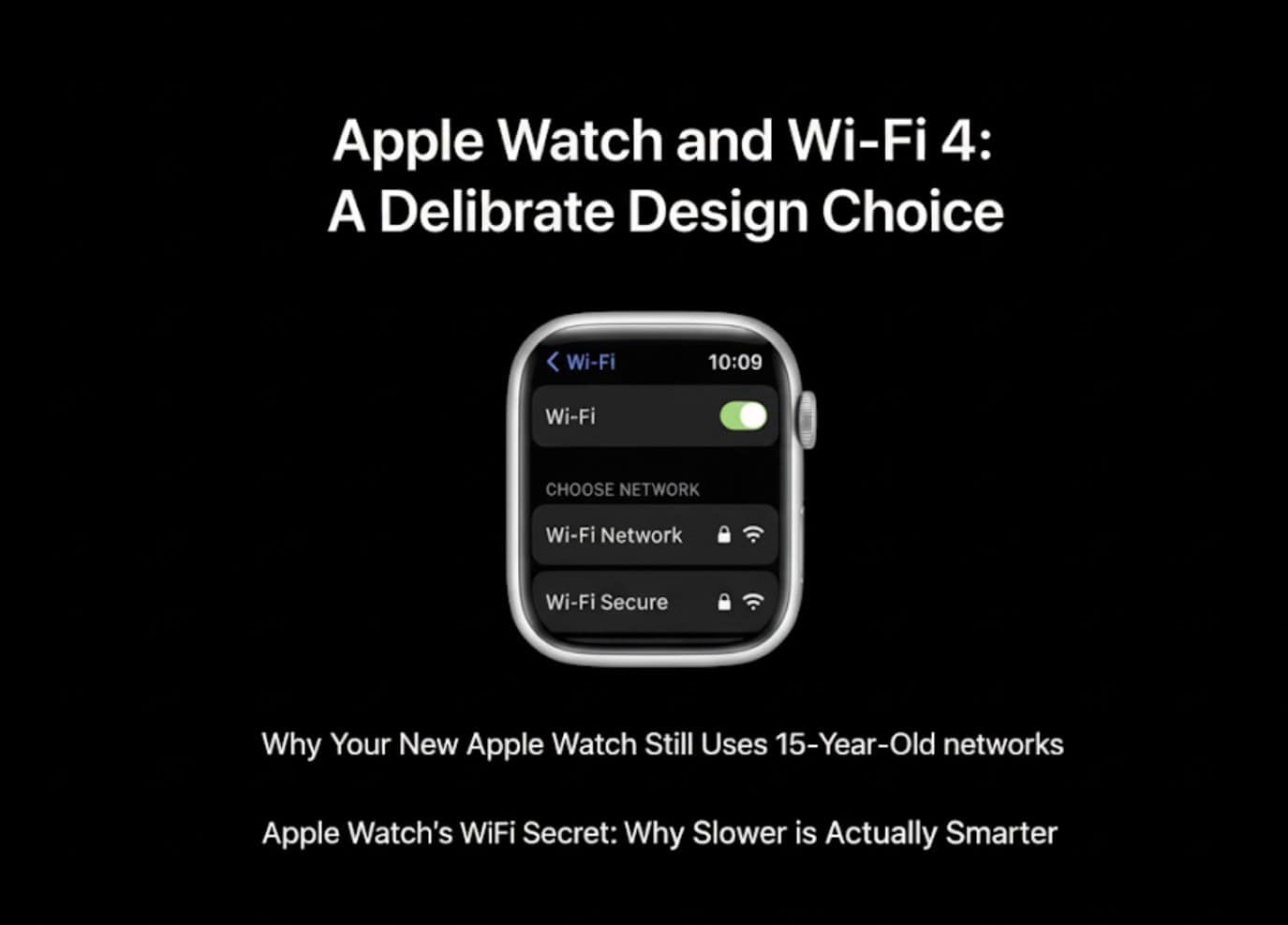
Apple Watch Ultra 3 and Series 11 ship with Wi-Fi 4 (802.11n), not Wi-Fi 5/6. On paper that looks archaic. In practice, it’s a calculated battery trade-off for a tiny device that rarely needs phone-grade throughput.
What Apple actually ships
Both Ultra 3 and Series 11 support 2.4 and 5 GHz on Wi-Fi 4; SE 3 sticks to 2.4 GHz only. That means no Wi-Fi 6/6E niceties like OFDMA or 160 MHz channels, but it also means lower radio complexity and power draw—critical on a watch battery measured in tiny milliamp-hours.
Why “slow” Wi-Fi can be the right call
Most watch traffic isn’t bulk data. Notifications trickle over the air, background syncs are small, and cellular (now via 5G RedCap) covers on-the-go moments better than Wi-Fi handoffs ever did. If you’re curious how Apple is reframing connectivity on the wrist, our Ultra 3 vs Ultra 2 specs breakdown and Series 11 vs 10 guide spell out the bigger picture: battery resilience first, spec sheet flex second.
Don’t miss the best of The Mac Observer
Set us as a preferred source and our Apple reporting ranks higher in your Google Search results and Discover feed — one tap, no account changes.
Power budgets beat peak speeds
Wi-Fi 6 brings wider channels, more spatial streams, and more scheduling overhead—great for laptops, tougher for wearables. Apple can keep radio-on time short with Wi-Fi 4, favoring quick wake → send → sleep cycles that align with watch usage. That’s part of how Ultra 3 squeezes up to 42 hours (72 h in Low Power Mode) while juggling brighter displays and new radios.
Where you might notice the cap
- Large app or playlist downloads done directly on the watch will top out far below modern Wi-Fi 6 speeds. In practice, most people still push those syncs through the iPhone on home Wi-Fi, or schedule them while charging.
- Crowded networks can benefit from Wi-Fi 6’s efficiency tricks. But the watch’s tiny throughput needs—and the option to lean on cellular—blunt the real-world gain.
If you’re tuning your setup for reliability, our watchOS 26.0.2 update brief and Ultra 3 unboxing/first look cover the software and hardware sides that matter more day to day.
The quiet offsets Apple did add
Apple didn’t chase Wi-Fi speed; it invested in radios that change reliability:
- 5G RedCap on Series 11/Ultra 3 makes standalone watch lines feel less fragile than past LTE models. See the connectivity section in Series 10 vs Ultra 3 for the on-the-road differences.
- Second-gen UWB improves proximity tasks like Precision Finding—more useful on a watch than raw Wi-Fi throughput. Our UWB coverage starts with Series 9’s UWB intro and continues in newer comparison pieces.
So… is Wi-Fi 4 a dealbreaker?
If your workflow is “download Spotify to the watch over café Wi-Fi every morning,” you’ll wish for Wi-Fi 6. For everyone else, Apple’s bet is that you care more about battery life, off-wrist reliability, and satellite/5G safety nets than about a faster Wi-Fi logo. That bet aligns with how most people actually use a watch—and it’s consistent across the lineup in 2025.
Bottom line
Apple stuck with Wi-Fi 4 not because it forgot, but because it prioritized battery and certainty on a device that spends most of its day sipping packets, not streaming them. If you want speed, your iPhone and home mesh handle it. If you want a watch that stays alive and connected, this is the kind of “boring” spec that quietly helps.


Discussion