
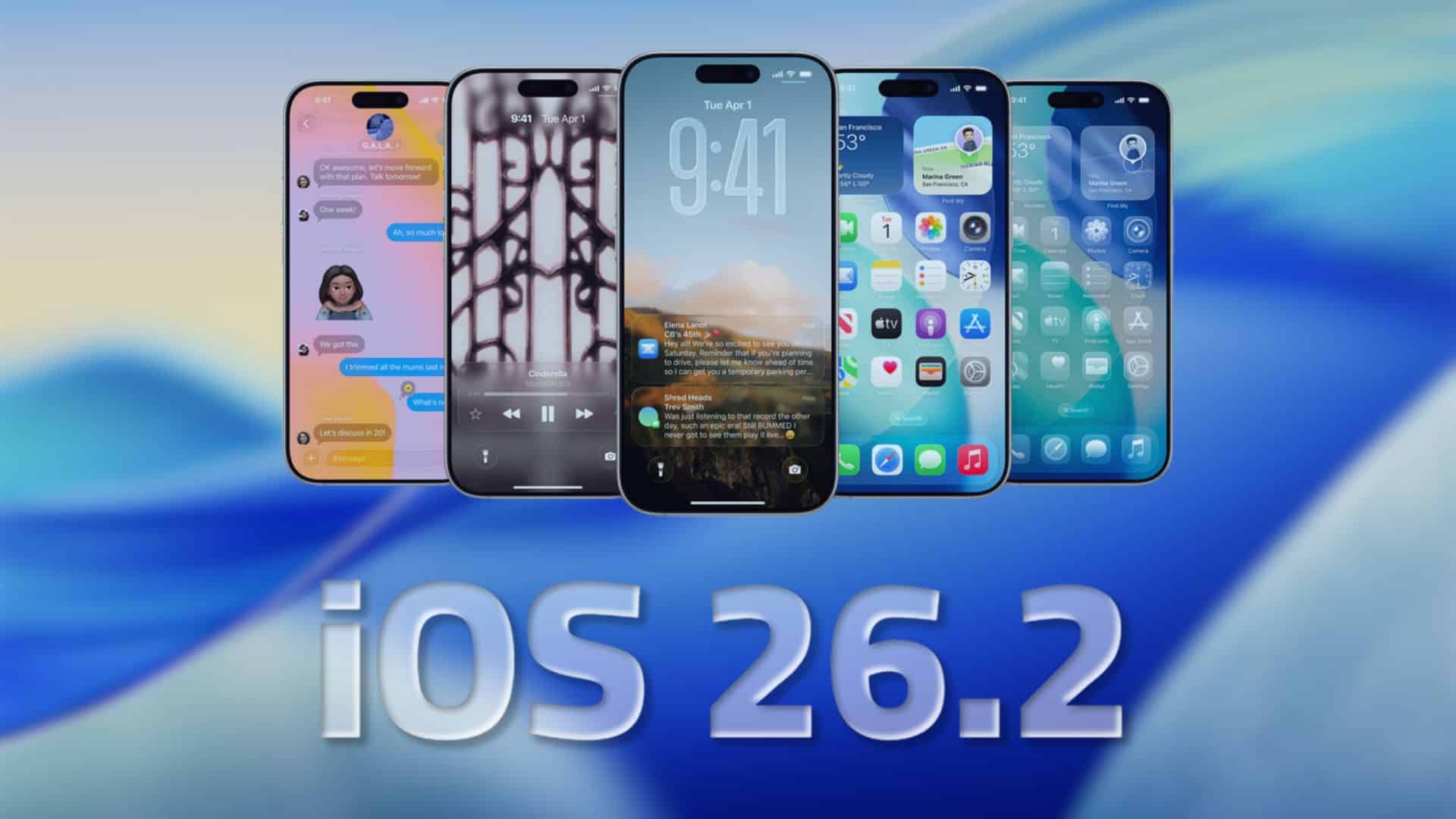
Apple launched iOS 26.2 for testing with developers earlier this week. Now the first public beta is out, so anyone on the Beta Program can try it today. Installation takes a few minutes, and you can roll back later if you keep a backup.
Below is a quick tour of the notable changes you can expect after updating.
What’s new in iOS 26.2 public beta 1
Sleep Score gets new ranges. Apple changed the top category from Excellent to Very High and adjusted thresholds so nightly scores feel more accurate. The aim is to better match how you actually slept.
Don’t miss the best of The Mac Observer
Set us as a preferred source and our Apple reporting ranks higher in your Google Search results and Discover feed — one tap, no account changes.
Apple Podcasts adds AI chapters and timed links. The app can generate chapters automatically when creators do not provide them, and it can surface links tied to specific moments in a show. You also see easier ways to follow shows mentioned in an episode. Creators can opt out.
Apple News gets a faster layout. You will see quick-access buttons for sections like Sports, Puzzles, Politics, Business, and Food, plus a dedicated Following tab for a cleaner browse experience.
Weather speaks in plain dates. Code references point to support for relative labels, such as next Friday or next Tuesday in alerts, which makes upcoming rain or storms easier to read at a glance.
Reminders ties urgent items to alarms or timers. When you mark a reminder as urgent, iOS can prompt you to create an alarm or timer to make sure you act on it.
Freeform gains tables. You can drop simple tables onto a board to organize notes, story beats, or task lists without leaving the canvas.
Liquid Glass tuning continues. Apple keeps refining the interface, with expanded appearance controls so you can pick a clearer or more opaque look across system UI.
Under-the-hood additions. Early code digs mention a reference to Apple Creator Studio, though Apple has not announced what it is or whether it will ship. Treat this as exploratory for now.
How to install the public beta
1) On your iPhone, go to Settings > General > Software Update > Beta Updates.
2) Choose iOS 26 Public Beta, then return and tap Update Now.
3) Back up first. Betas can have bugs, and a backup lets you restore if needed.
That’s the snapshot for public beta 1. If you spot changes we missed or run into issues, let us know in the comments.


Discussion