
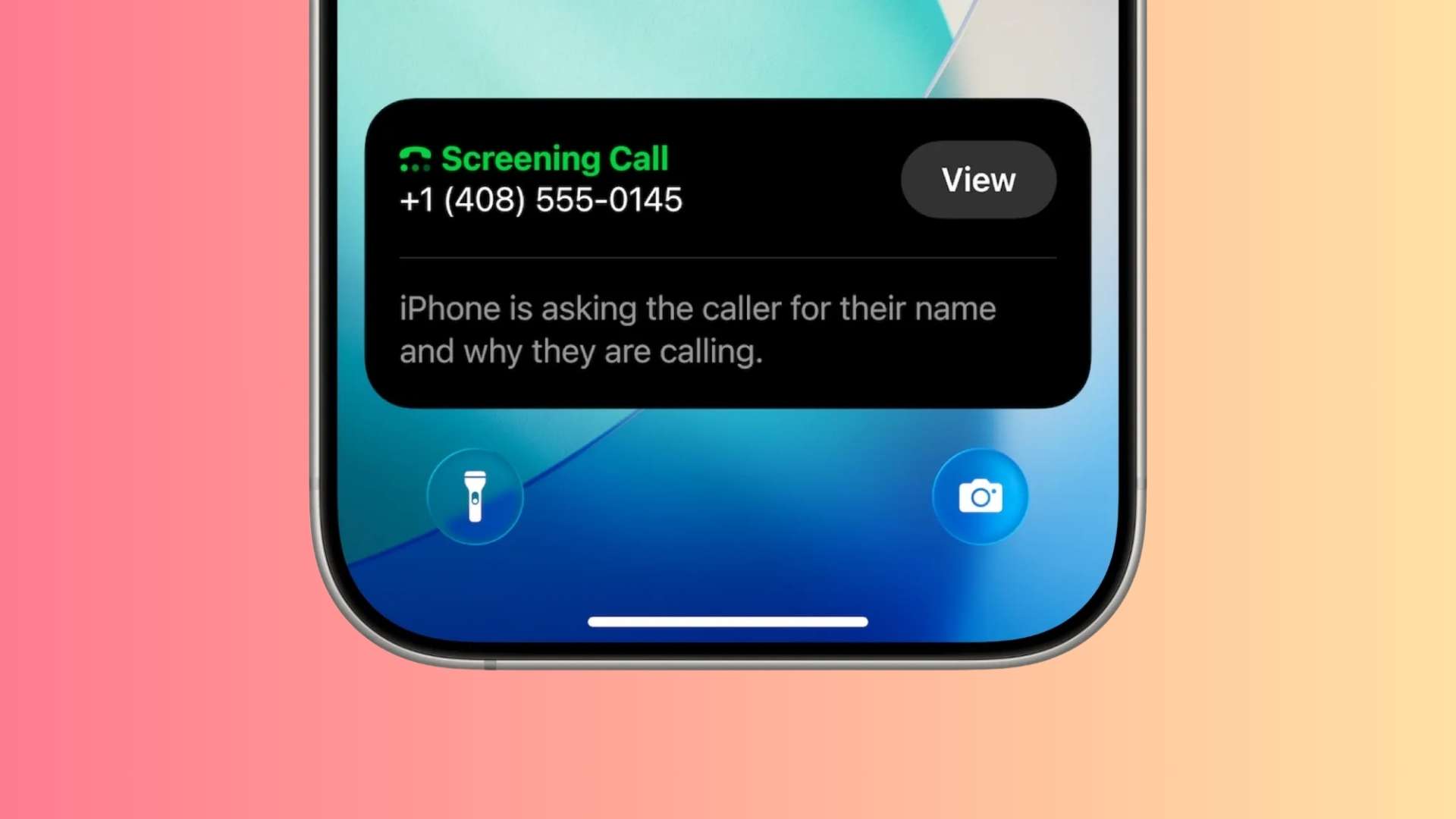
Spam calls have turned your iPhone into a stress machine. With iOS 26, Call Screening finally gives you a proper gatekeeper between you and those endless unknown numbers.
Instead of your phone ringing every time a stranger dials, iOS 26 can now answer first, ask who is calling, and show you a live transcription before you decide to pick up. At the same time, new filters for unknown callers and spam texts keep your Phone and Messages apps much cleaner than before.
Call Screening Feels Like a Lifesaver
For many users, the biggest change is psychological. Suddenly, your iPhone rings far less, yet you still see important calls breaking through. Call Screening automatically answers unknown numbers, asks the caller to state their name and reason, and only then lets the phone ring if it seems legitimate.
Don’t miss the best of The Mac Observer
Set us as a preferred source and our Apple reporting ranks higher in your Google Search results and Discover feed — one tap, no account changes.
On top of that, iOS 26 filters unknown callers and potential spam into separate lists, while “Unknown Senders” in Messages shunts random one time passwords, loan offers, and shady links into their own inbox. This gives you a calmer main Phone and Messages view, even if spam has not disappeared completely.
Call features like Hold Assist also help when you sit in long support queues. iOS 26 can listen to the line and notify you when a real person finally returns, so you do not have to keep listening to music for 40 minutes.
Flaw: Unknown is Not Always Spam
However, iOS 26 also brings a real risk. When you screen or silence unknown callers, the system treats every unsaved number as suspicious, even when it belongs to a doctor, courier, recruiter, or government office. Those calls can end up screened quietly, with only a small missed call entry left behind.
Users already report near misses with job offers, delivery drivers, and ride share calls that never rang loudly enough to catch in the moment. If the caller does not respond to the screening prompt, their call effectively dies in the background and you only see it later in the log or voicemail.
So while the feature cuts a huge amount of noise, it also adds a new kind of anxiety. You win back your attention, but you start to wonder which important call got trapped with the robocalls.
Set It Up And Use It Safely
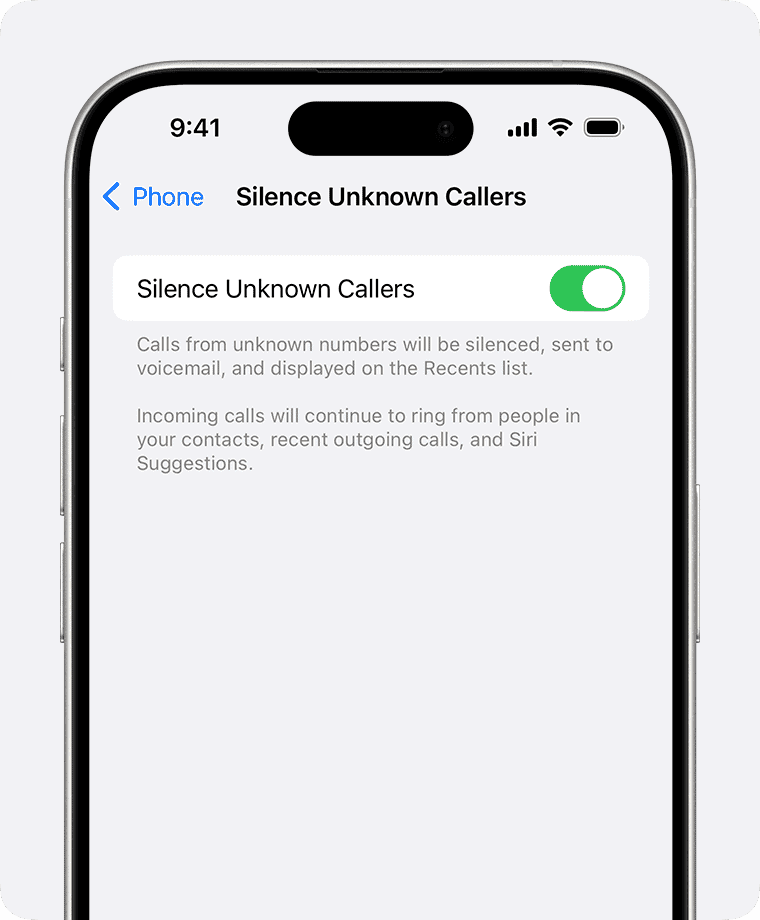
To turn on Call Screening, you go to Settings, open Apps, tap Phone, then choose “Screen Unknown Callers“. From there, you see three options: Never, Ask Reason for Calling, and Silence. “Never” lets all unknown calls ring normally, while “Silence” pushes them straight to voicemail.
For most people, “Ask Reason for Calling” hits the best balance. Your iPhone quietly asks strangers why they are calling, then shows you the transcript. You still hear from doctors, offices, and real humans who play along, while many spam systems hang up before answering and simply leave a muted missed call.
You should also check that Call Screening is actually available in your region and that your device uses the correct country setting, because some users only see the option after changing regional settings. Finally, pairing Call Screening with Unknown Callers and Spam filters for both calls and texts gives you the cleanest experience possible.
In the end, iOS 26 Call Screening feels like a strong first step. It makes your iPhone usable as a phone again, but it still needs more control so unknown does not always mean unimportant.


Discussion