
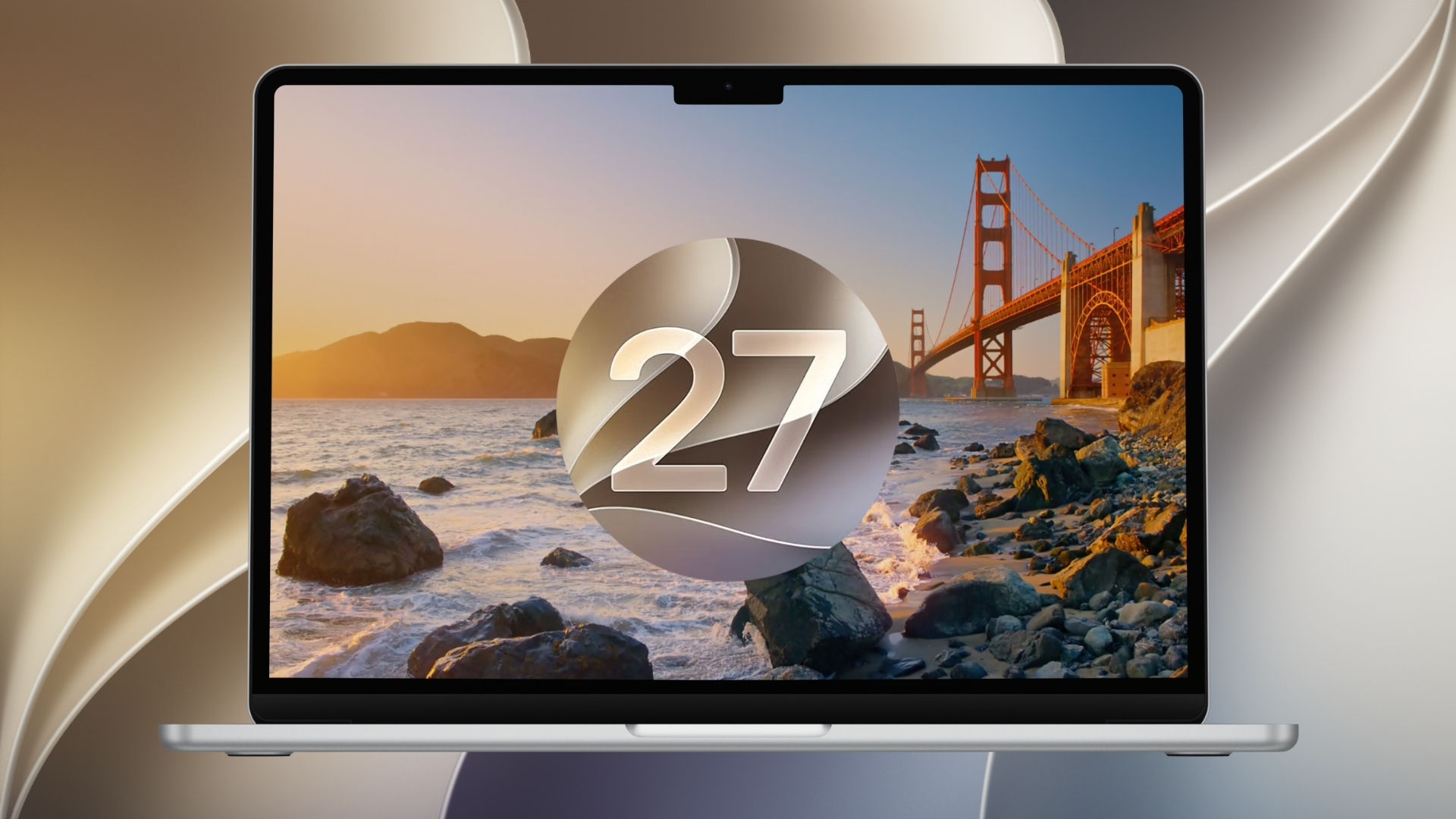
Currently, Apple is making it much easier to read your Markdown files without opening a separate text editor. With the upcoming macOS 27.3 update, the company is adding native Markdown rendering directly into Quick Look. This means Mac users will soon be able to preview fully formatted documents right from the Finder. It saves time and simplifies how you browse your text files on macOS 27 and beyond.
Press the space bar to see formatted text and lists
When you select a Markdown file in the Finder and hit the space bar, the preview will now display styled headings, bold text, bulleted lists, and clickable links. In the past, Quick Look would only show the raw code and symbols. You no longer need to install a third party Quick Look extension or open a dedicated Markdown application just to see how your page looks.
This change is part of a larger push to embrace Markdown across the macOS ecosystem. The default Notes app recently gained Markdown import and export tools, and the latest mobile software introduced the ability to copy and paste formatted Markdown text effortlessly.
Don’t miss the best of The Mac Observer
Set us as a preferred source and our Apple reporting ranks higher in your Google Search results and Discover feed — one tap, no account changes.
Even the new Siri AI features rely on these specific files. Developers are now creating unique skill documents in Markdown to teach the smart assistant how to perform tasks inside their apps.
By building this rendering tool directly into the core system, the tech brand is removing a common hurdle for writers, students, and developers. Seeing a polished document preview instantly makes organizing your digital workspace a much smoother process. As this beta software gets closer to a public release, checking your documents will feel noticeably faster and far more native to the general Mac experience.




Discussion