

If you’re deciding between the Kindle Paperwhite (2025) and the iPad mini 7, your goal is almost certainly reading, whether that means books, PDFs, textbooks, research papers, or a mix of everything. But these two devices approach reading from completely different angles: one is purpose-built for books, while the other is a compact tablet that can also function as an e-reader.
To understand which one actually delivers the best reading experience, here’s a clear breakdown of how they compare.
Table of contents
Display Technology and Reading Comfort
The Kindle Paperwhite (2025) is built around a high-contrast e-ink display that mimics the look of printed paper. It eliminates glare, remains easily readable in direct sunlight, and reduces eye strain during long sessions. The new Paperwhite continues the direction of earlier models but with improved clarity and front-light uniformity.
Don’t miss the best of The Mac Observer
Set us as a preferred source and our Apple reporting ranks higher in your Google Search results and Discover feed — one tap, no account changes.

Image Source: Amazon
By contrast, the iPad mini 7 uses a high-resolution Liquid Retina display with full color, high brightness, and smooth scrolling. It’s better for illustrated books, web reading, and interactive content, and fits neatly into the compact-tablet segment described in the iPad Buying Guide (Late 2025), where the mini is highlighted as one of Apple’s most portable reading-friendly options.
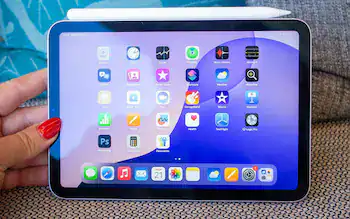
Image Source: Telegraph
When it comes strictly to long-form reading comfort, however, e-ink still wins.
Best for reading comfort: Kindle Paperwhite (2025)
Best for versatility and color content: iPad mini 7
Portability and Everyday Use
The Kindle Paperwhite remains incredibly light and easy to hold for long stretches, ideal for commuting, travel, or reading in bed. Its slim profile and textured back make it feel secure even one-handed.
The iPad mini 7 is also highly portable, but still heavier than a Kindle and less ergonomic for extended one-handed reading sessions. However, its multitasking capabilities mean you can annotate PDFs, use split screen, or jump between apps, something not possible on a dedicated e-reader.
Best for pure portability: Kindle Paperwhite (2025)
Best for multitasking while reading: iPad mini 7
Reading Ecosystem and Content Availability
Amazon’s Kindle ecosystem remains unmatched for book availability, pricing variety, and cross-device syncing. Kindle Unlimited subscribers will naturally benefit from staying in Amazon’s library.
The iPad mini 7 supports Kindle books through the app, but also supports Apple Books, third-party reading tools, and powerful study workflows. Readers who switch between different content styles may find the comparison in Kindle vs Apple Books on iPad mini helpful, particularly for understanding how each platform handles novels, annotated texts, and interactive content.
In practice:
- Kindle is best for readers who stay inside Amazon’s library.
- iPad mini 7 is best for readers who mix books, PDFs, articles, and study material.
Battery Life
Here is where the two devices diverge dramatically.
- Kindle Paperwhite (2025): Weeks of battery life on a single charge
- iPad mini 7: A day or two, depending on mixed use
The e-ink screen consumes far less power, and the difference is noticeable for anyone who reads daily.
Best battery life: Kindle Paperwhite (2025)
Extra Features: Do They Matter for Reading
The Kindle Paperwhite is intentionally simple:
- Waterproof
- Ultra-light
- Distraction-free
- Built exclusively for reading

Image Source: LinkedIn
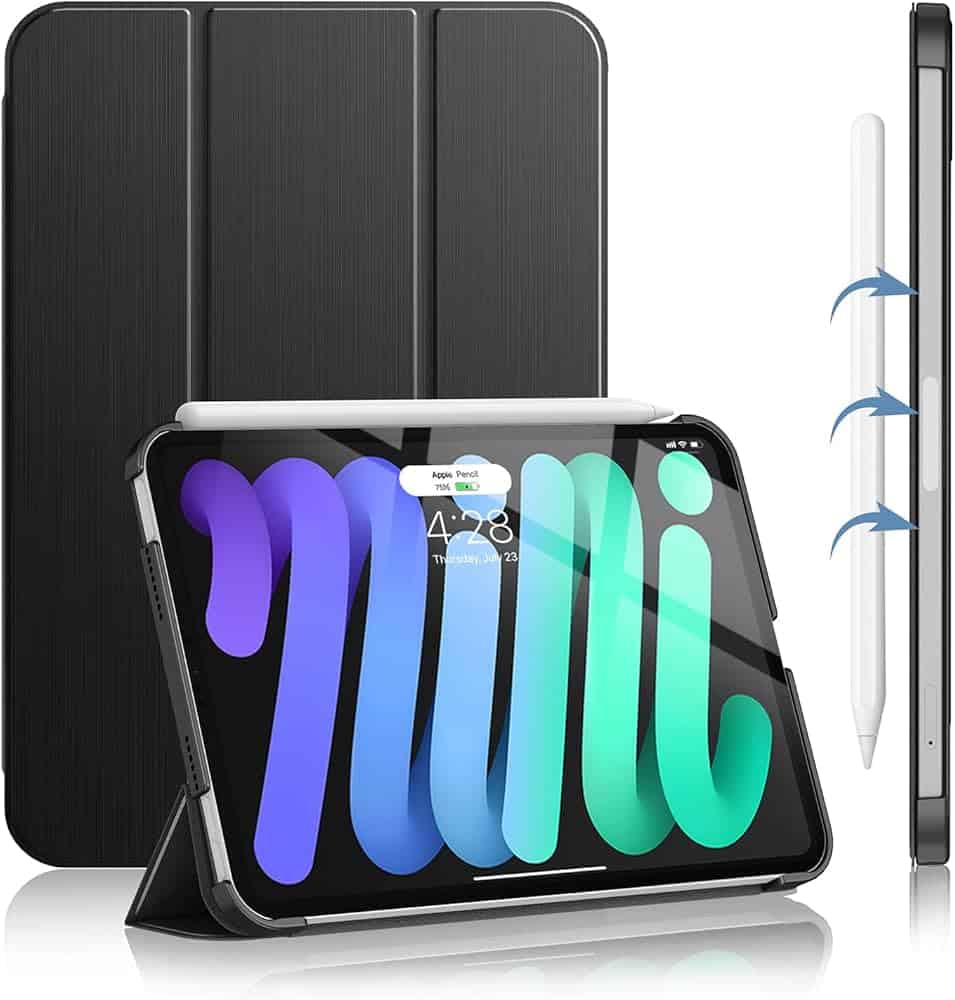
The iPad mini 7 includes:
- Apple Pencil support
- High-performance apps
- Web browsing
- Note-taking features
- Video playback

For students, researchers, and anyone who highlights or annotates heavily, the iPad mini 7 becomes a more complete tool than any Kindle model.
For deep, immersive, distraction-free reading, however, nothing beats the simplicity of a Kindle.
Price and Value
The Kindle Paperwhite (2025) remains far more affordable than the iPad mini 7. It’s designed for one purpose and excels at it.
The iPad mini costs more, but provides:
- A full tablet experience
- A color display
- Compatibility with hundreds of reading and productivity apps
Your usage patterns determine which feels like a better value.
Which Device Is the Ultimate Reader?
Both devices are excellent, but for different reasons.
Choose the Kindle Paperwhite (2025) if you want:
- The closest experience to real paper
- Minimal eye strain
- Weeks-long battery life
- A lightweight device dedicated entirely to books
- Zero distractions
Choose the iPad mini 7 if you want:
- A versatile device for books, PDFs, notes, video, and apps
- A color display
- Fast performance and smooth navigation
- Deep integration with Apple’s ecosystem
- A reading tool that doubles as a compact tablet
The Bottom Line
The Kindle Paperwhite (2025) is the best pure reading device, especially for long novels, outdoor reading, or deep focus.
The iPad mini 7 is the best all-around device, ideal for readers who frequently annotate, study, multitask, or switch between books and apps.
Your choice depends on whether you want your reading device to be purpose-built or multi-purpose.


Discussion