
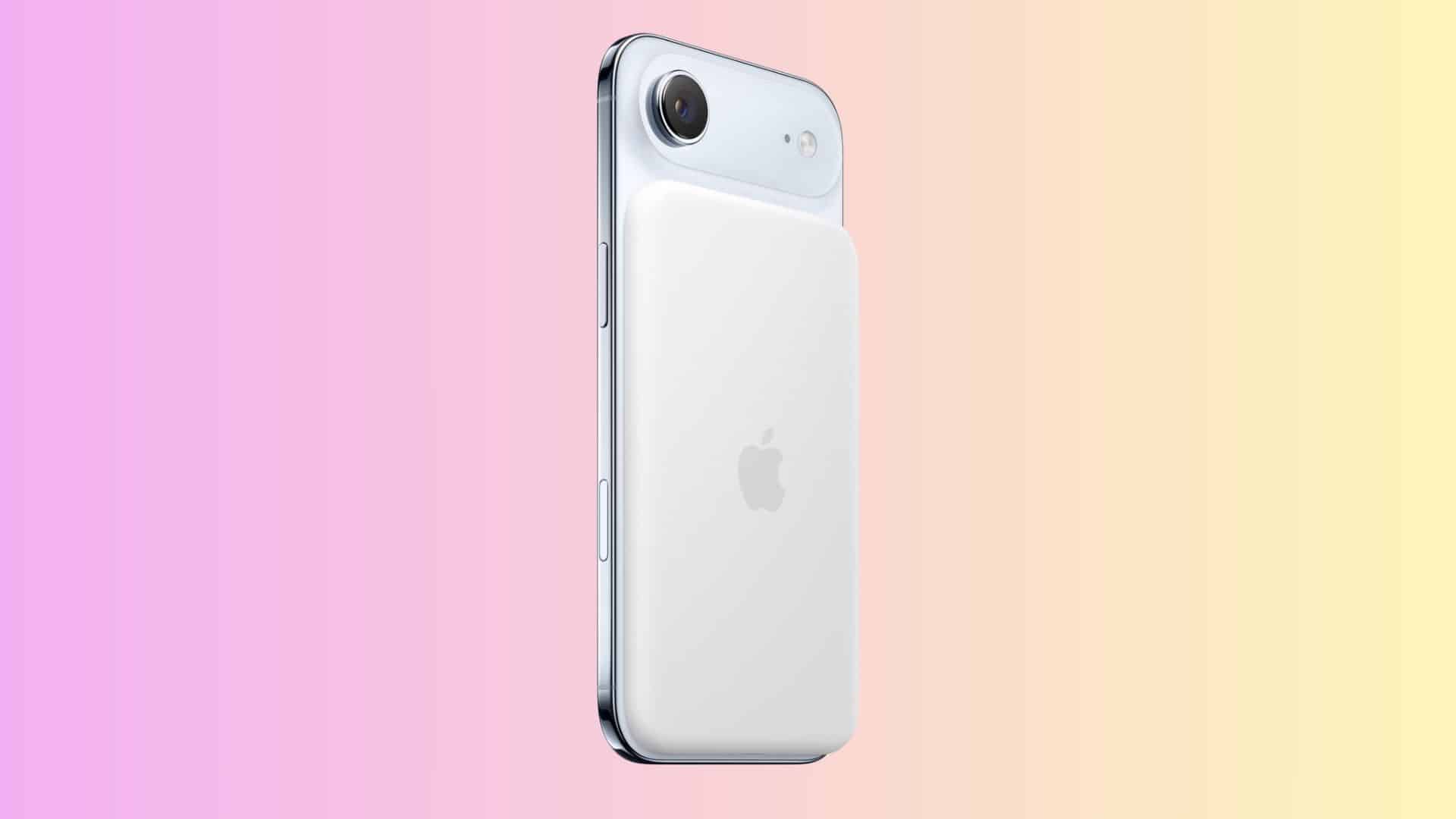
Apple released a new firmware update for the iPhone Air MagSafe Battery this week. The company did not share details about what the update includes. Still, the change confirms that Apple continues to maintain the accessory through regular software updates.
The latest firmware carries version 101.0 in the Settings app, with build number 8B32. The previous release showed version 99.0 with build 8B25. Apple does not publish release notes for MagSafe Battery firmware, so the exact changes remain unknown. Even so, these updates usually focus on performance, stability, and bug fixes.
How the Update Installs
The firmware installs automatically in the background. The battery must be attached to your iPhone Air, charging, and in active use. There is no manual update button. Once the conditions are met, the device handles the process on its own.
Don’t miss the best of The Mac Observer
Set us as a preferred source and our Apple reporting ranks higher in your Google Search results and Discover feed — one tap, no account changes.
To confirm the update, attach the MagSafe Battery to your iPhone Air. Open Settings, tap General, then About, and select iPhone Air MagSafe Battery. If the version shows 101.0, your accessory is up to date.
This update does not add visible features. Still, it ensures the battery continues to run smoothly with the latest software.



Discussion