
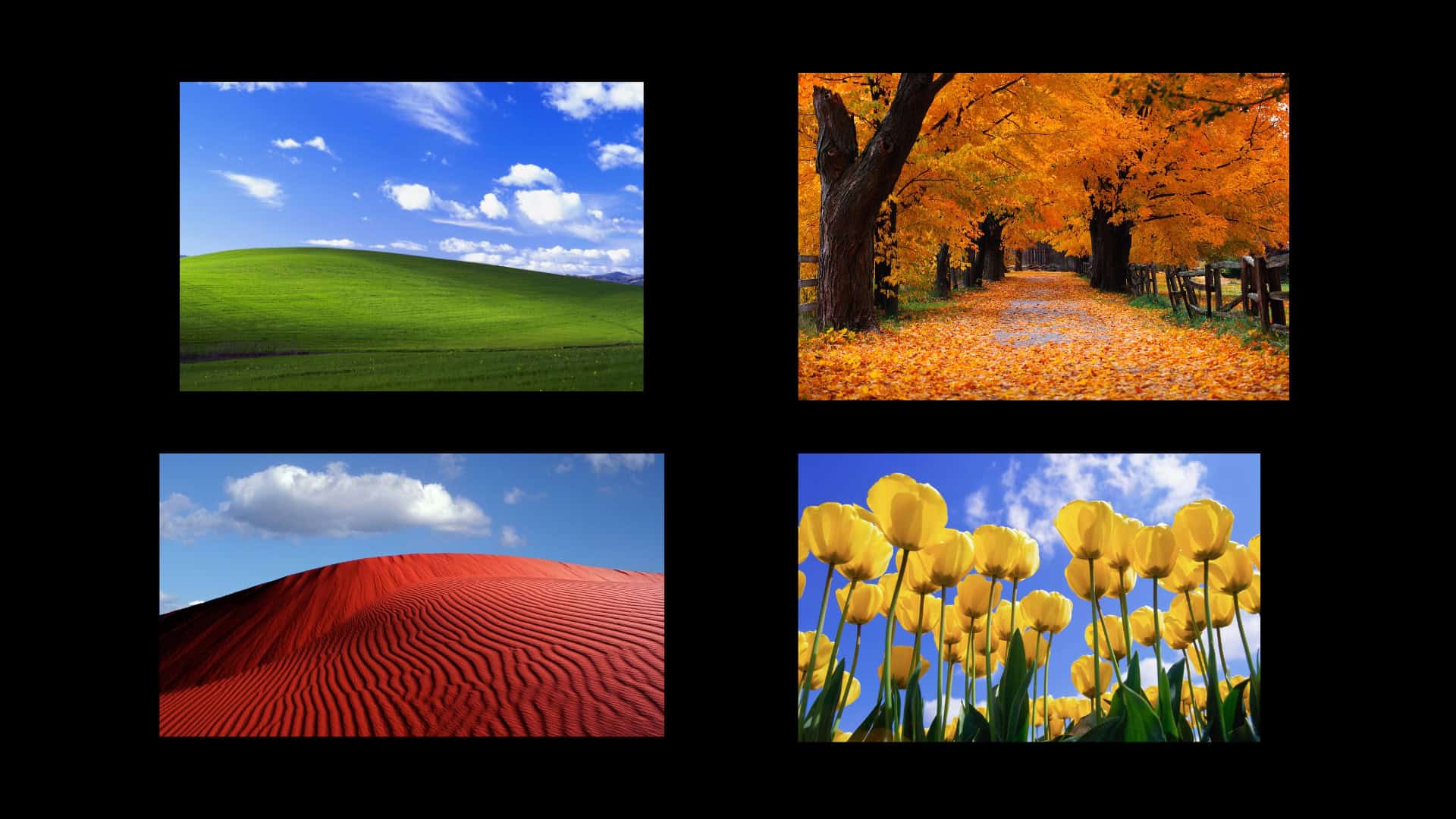
Windows XP wallpapers still hold a strong nostalgic pull. Many MacBook users look for these classic backgrounds to recreate the calm, minimal feel of early desktop computing. With today’s high-resolution MacBook displays, choosing the right version of a Windows XP wallpaper matters more than ever.
This guide explains how to download Windows XP wallpapers for a MacBook in the correct resolution, which versions look best on modern screens, and how to apply them without losing image quality. Every section stays focused on MacBook compatibility and visual clarity.
Windows XP wallpapers were designed with soft colors and simple compositions. That design style works well on macOS, especially on Retina displays where overly sharp or busy wallpapers can feel distracting.
Don’t miss the best of The Mac Observer
Set us as a preferred source and our Apple reporting ranks higher in your Google Search results and Discover feed — one tap, no account changes.
Key reasons users still prefer them:
- Calm landscapes with balanced colors
- No heavy gradients or visual noise
- Easy on the eyes during long work sessions
- Matches macOS dark and light modes well
Best Resolution for Windows XP Wallpapers on MacBook
Before downloading, it helps to match the wallpaper resolution with your MacBook display. Stretching low-quality images reduces sharpness.
Recommended resolutions:
- MacBook Air and Pro 13-inch: 2560 × 1600
- MacBook Pro 14-inch: 3024 × 1964
- MacBook Pro 16-inch: 3456 × 2234
Always download the highest available version and avoid compressed JPEG files when possible.
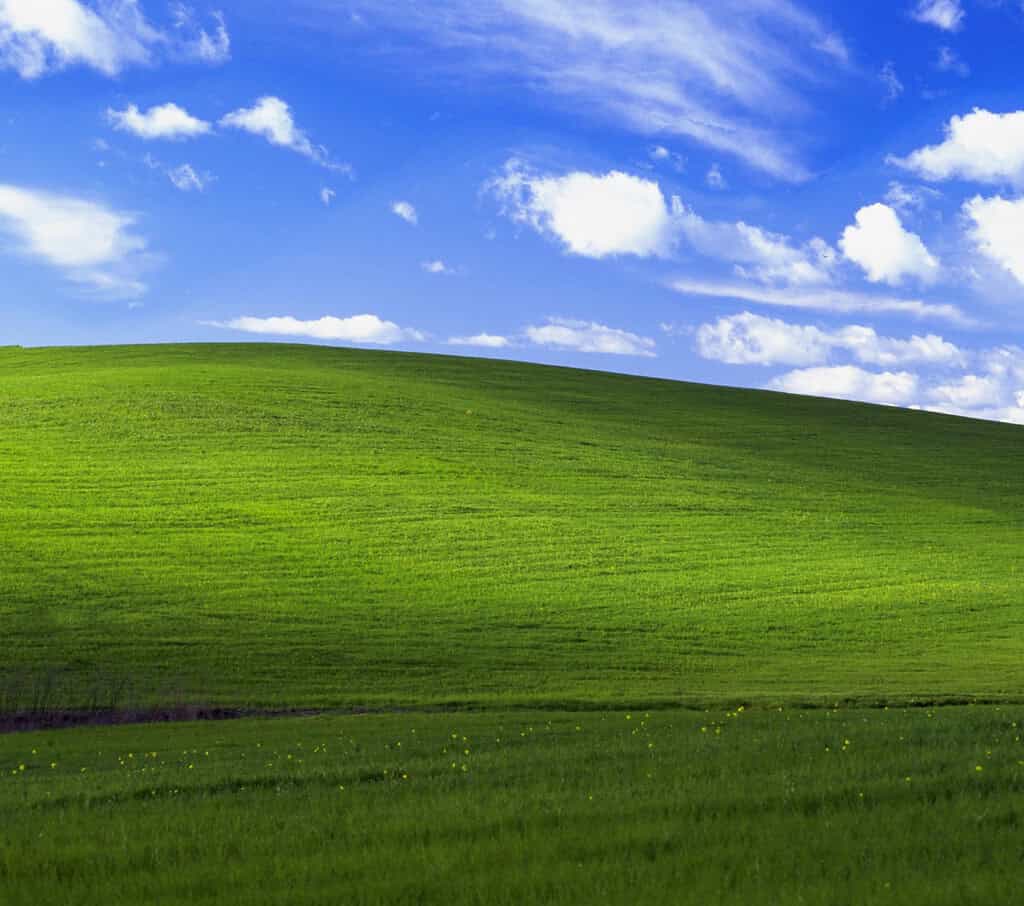
Bliss Wallpaper (Classic Green Hills)
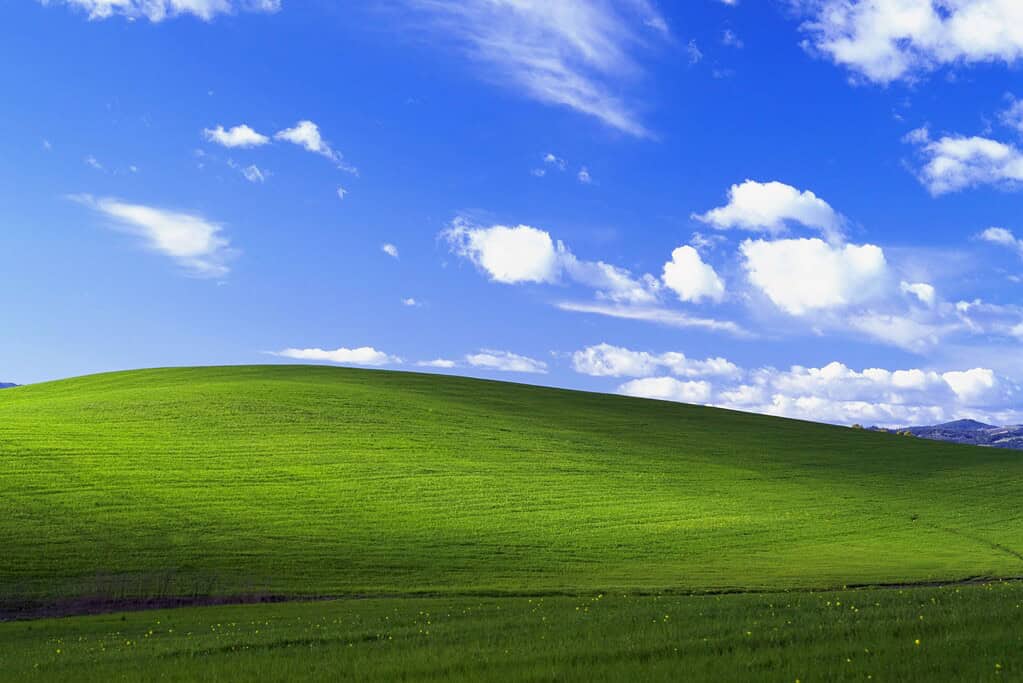
Suggested image: The original Bliss hill landscape with blue sky
This is the most iconic Windows XP wallpaper. On a MacBook, it works best in wide crop versions that preserve the hill’s curve without cutting the sky too tightly.
Autumn Leaves XP Wallpaper
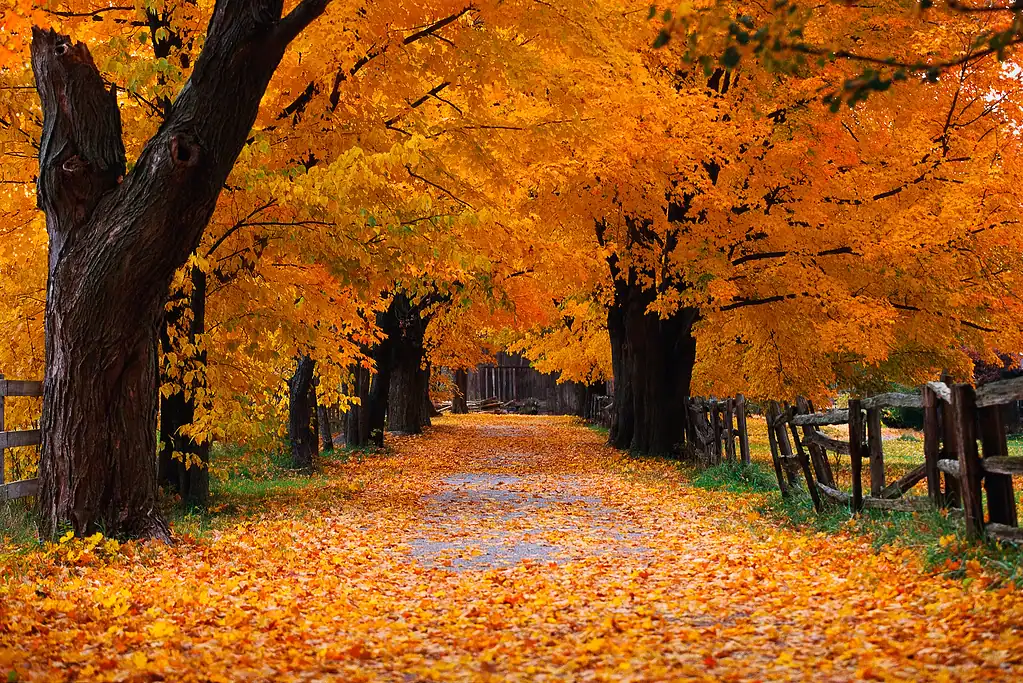
Suggested image: Orange and brown autumn leaves close-up
This wallpaper suits macOS dark mode well. It adds warmth without overpowering icons or widgets.
Winter Snow Landscape Wallpaper

Suggested image: Snow-covered field with clear sky
This wallpaper looks clean on MacBook displays and pairs well with minimal desktop setups.
Tulips Field Wallpaper

Suggested image: Red and yellow tulip field with shallow depth
The strong colors pop on Retina screens while still keeping the desktop readable.
Blue Sky and Clouds Wallpaper
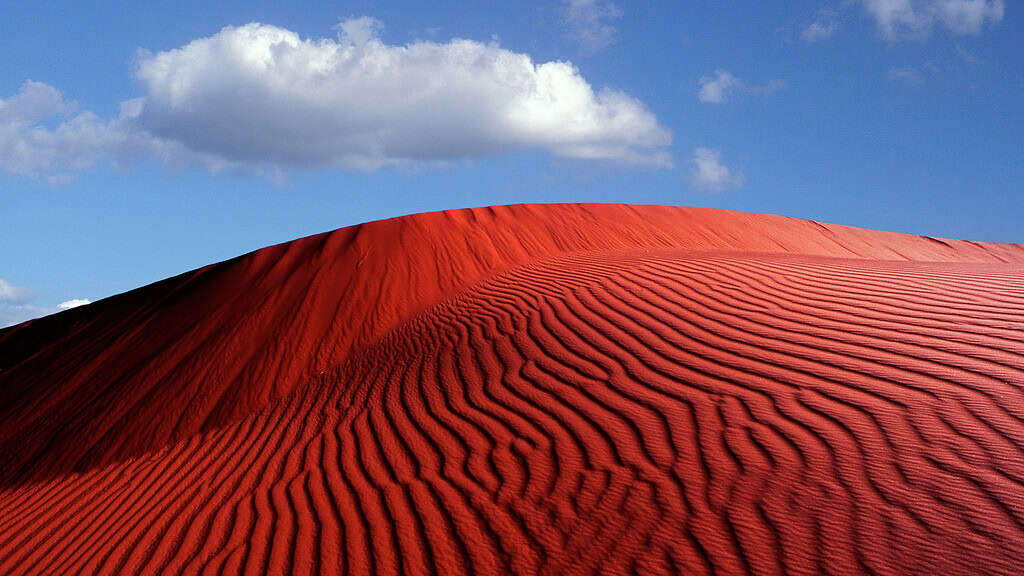
Suggested image: Soft blue sky with scattered clouds
This version feels closest to macOS stock wallpapers and blends naturally with system UI elements.
Grass Close-Up XP Wallpaper
Suggested image: Macro grass texture with morning light
Works well for users who prefer subtle backgrounds that do not distract from work.
How to Set Windows XP Wallpapers on macOS
Once downloaded, setting the wallpaper is simple:
- Open System Settings
- Go to Wallpaper
- Click Add Photo
- Select the downloaded XP wallpaper
- Choose Fill Screen or Fit to Screen for best results
Avoid “Stretch to Fill” since it distorts classic XP images.
Final Notes
If you want the best experience, always download Windows XP wallpapers made specifically for MacBook resolutions. High-quality versions preserve color balance, prevent blur, and keep the nostalgic feel intact. With the right image and proper scaling, these classic wallpapers still feel at home on modern macOS systems.




Discussion