
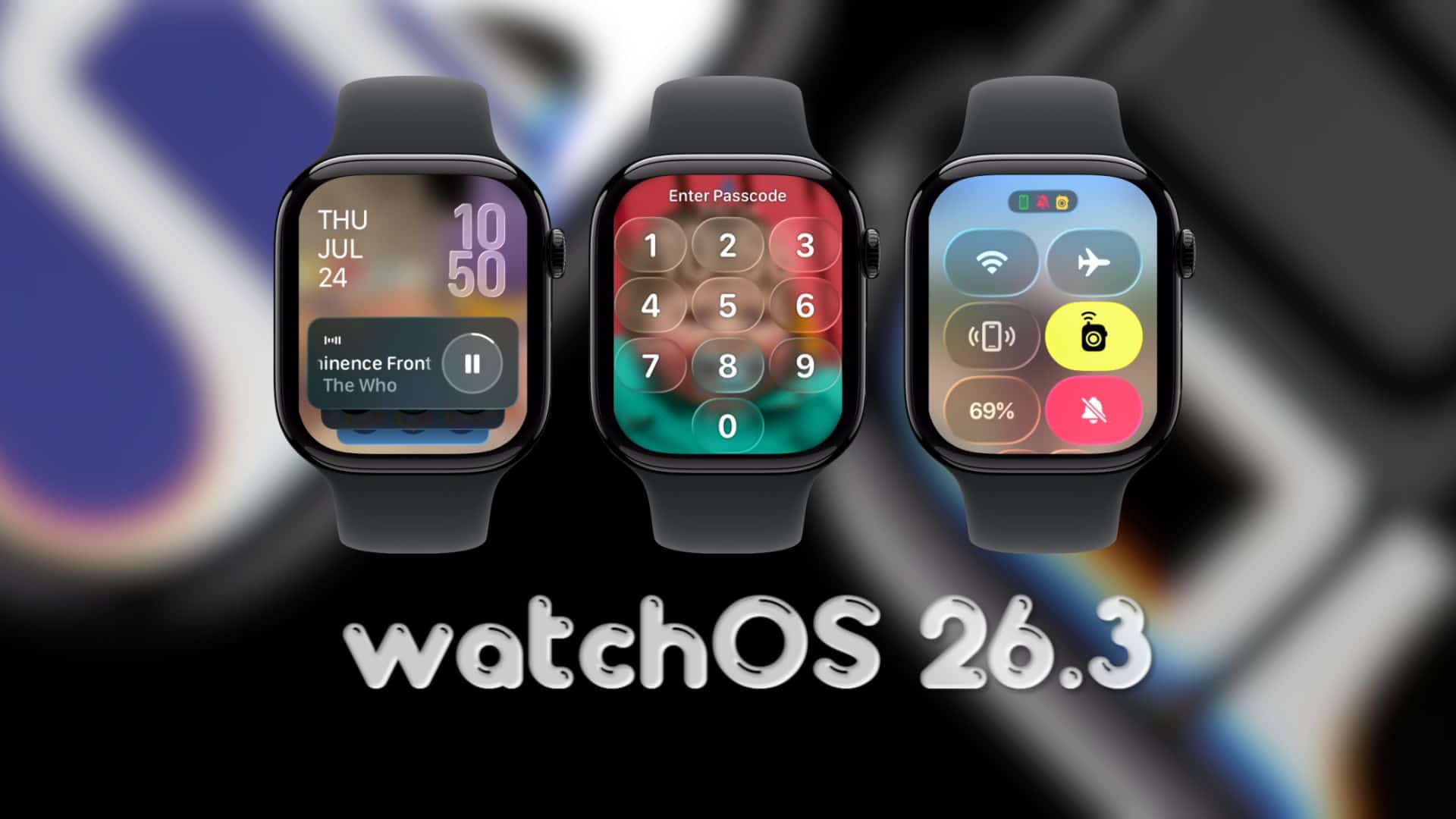
The watchOS 26.3 beta cycle is now over, and the final public update is rolling out to Apple Watch users. The release candidate arrived on February 4, 2026, as watchOS 26.3 RC (23S618), and the public build followed on February 11, 2026, as watchOS 26.3 (23S620).
This release appears to be a maintenance update. The published release note for watchOS 26.3 keeps it simple, focusing on improvements and fixes rather than headline features.
Next up: the platform typically moves straight into the next point release testing, so watchOS 26.4 betas should be the next cycle on the track.
Don’t miss the best of The Mac Observer
Set us as a preferred source and our Apple reporting ranks higher in your Google Search results and Discover feed — one tap, no account changes.
How to update to watchOS 26.3
You can update from your iPhone or directly on the watch. Keep the watch on its charger and connected to Wi-Fi during the install.
Update using iPhone
- Open the Apple Watch app on iPhone
- Tap My Watch > General > Software Update
- Download the update, then follow the prompts
Update directly on Apple Watch
- Open Settings on the watch
- Tap General > Software Update
- Tap Install, then follow the onscreen steps
Changes in watchOS 26.3
The official note for this release points to general quality work, with fixes aimed at day-to-day reliability.
This update also includes security-related changes as part of the release package, which is one reason these point releases still matter even when they look quiet.
During the 26.3 testing period, reports pointed to a mix of minor polish items rather than a single major addition. That list included Reminder alarms tweaks, more Liquid Glass refinements, and AirDrop-related improvements across the broader 26.3 update wave.
If you have installed watchOS 26.3 already, share anything you noticed in the comments, especially battery changes, notification behavior, or app issues after the update.


Discussion