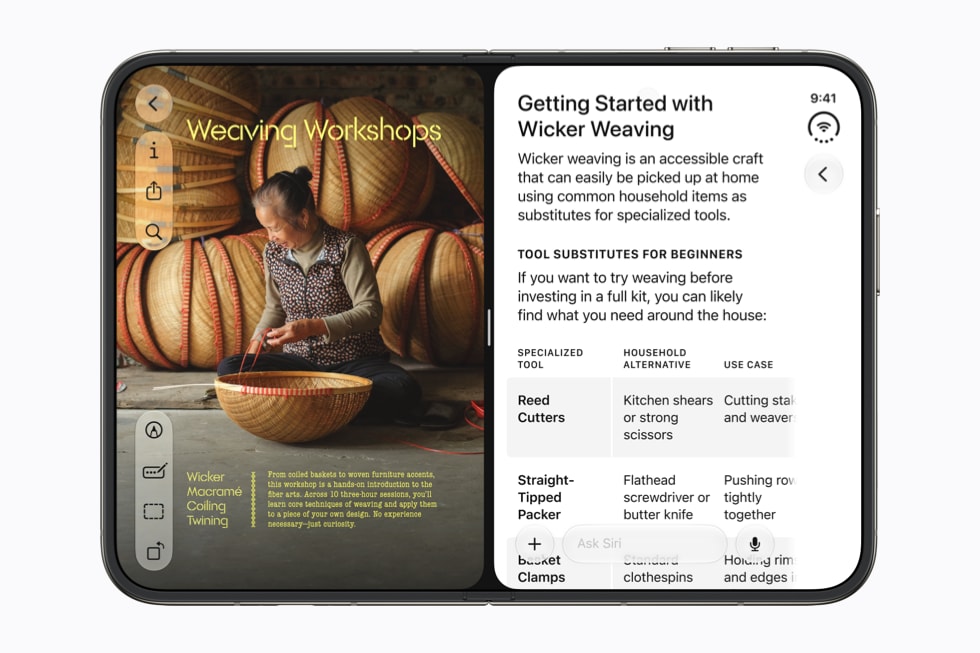
Apple’s September 14 Siri AI announcement names five third-party apps. It says Siri AI “already works seamlessly with apps from Apple’s vast ecosystem of developers,” pointing to WhatsApp and Audible, and says Microsoft Outlook, Notability and Tripsy are coming “soon.”
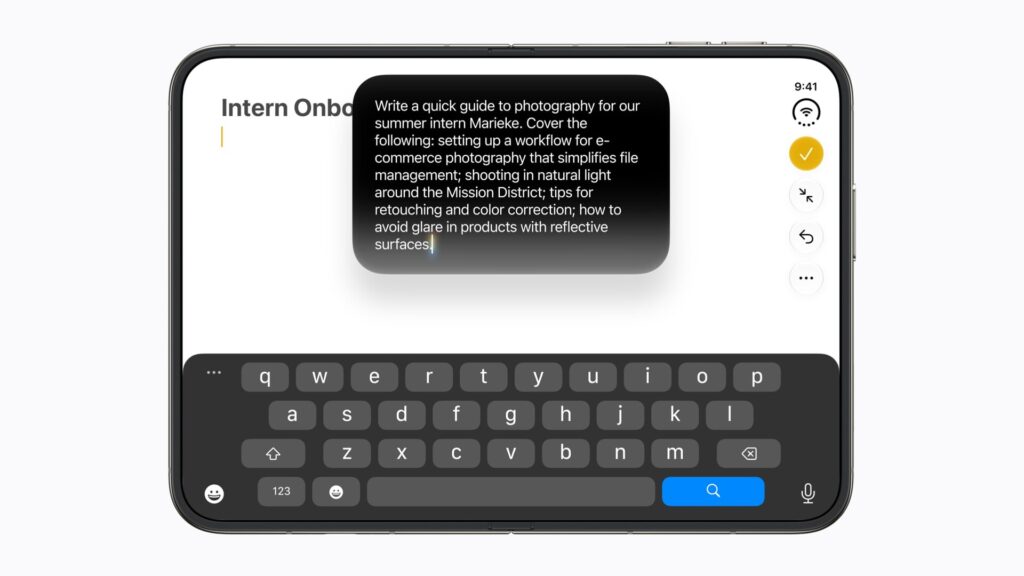
Apple gave no date for the second group and no full list of supported apps. What it has published does explain why app support arrives piecemeal, and which Siri AI tools already reach almost any app you type in.
What Apple says works now, and what’s coming
| App | Apple’s example | Apple’s timing |
|---|---|---|
| Texting a friend | Now | |
| Audible | Playing a book | Now |
| Microsoft Outlook | Drafting an email | Soon |
| Notability | Searching for a homework assignment | Soon |
| Tripsy | Adding a restaurant recommendation | Soon |
Apple’s exact words for the first two are that users “can continue to take action in the apps they already use with Siri, like texting a friend in WhatsApp or playing a book on Audible.” “Continue” points to things Siri could already do in those apps, carried over into Siri AI, rather than new integrations. For the other three, Apple says only that “soon, users will be able to ask Siri AI” to do them.
Don’t miss the best of The Mac Observer
Set us as a preferred source and our Apple reporting ranks higher in your Google Search results and Discover feed — one tap, no account changes.
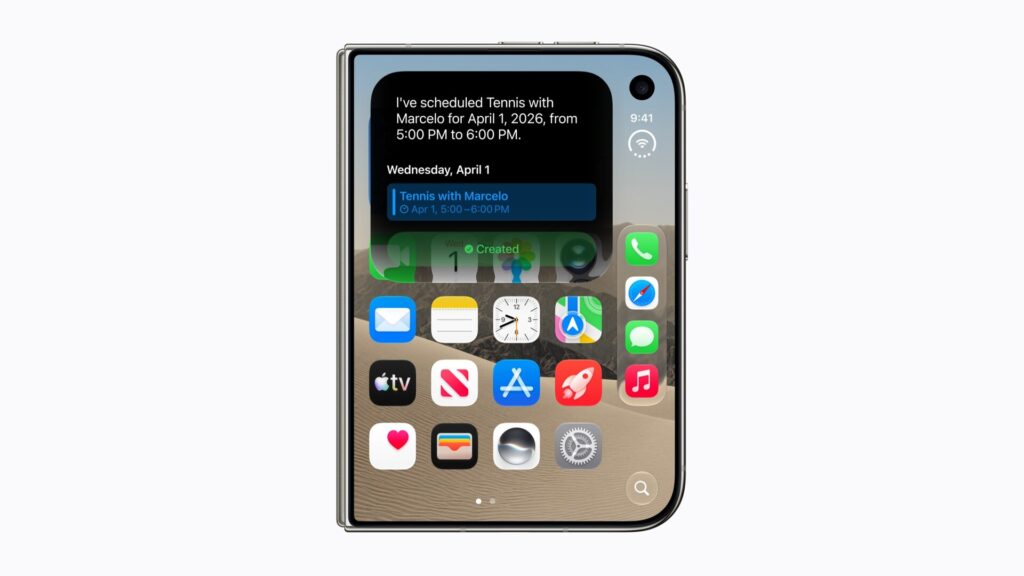
Apple’s own apps are further along. Its support document says Siri AI can find what you need “across Messages, Mail, Calendar, Notes, Reminders, and more,” and that its app actions can “send messages, create events, and more.”
Why some apps need an update first
A third-party app doesn’t get Siri AI’s deeper abilities for free. Apple’s developer site says apps connect to Siri AI through App Intents schemas. Entity schemas add an app’s content to the Spotlight semantic index that personal context draws on, while intent schemas “let people take action on that content naturally, with no specific phrases to define.” A View Annotations API maps what’s on screen to that content, so you can refer to it in conversation.
Each developer has to do that work, so support will land app by app. For you, an App Store update may be what brings Siri AI actions to an app you rely on. Keep automatic app updates on, and watch developers’ release notes for mentions of Siri.
What already reaches almost every app
- Write with Siri. Apple tells developers that apps using the standard UI frameworks for text fields “will automatically have this ability,” and its support document says Siri can draft, edit or give feedback “virtually anywhere you type.”
- Proofreading. Apple says Apple Intelligence “now automatically proofreads for users as they type across the system, including within most third-party apps.”
- Questions about your screen. Apple’s guide describes asking Siri AI about what’s on screen, or about a screenshot, without mentioning any app support. Taking action inside an app is the part Apple ties to App Intents.
Mail gets its own link to other apps. Apple says Suggestions in Mail can now “take actions with third-party apps,” and its Apple Intelligence page lists Suggestions in Mail as English only.
Controlling what Siri learns from each app
Go to Settings > Siri > App Access, pick an app, and turn “Learn from this App” on or off. The same screen sets whether that app’s suggestions appear on the Home Screen or as notifications. Apple notes that the options differ by app and by which version of Siri you use.
All of this needs Siri AI itself, which runs in English on iPhone 15 Pro, iPhone 15 Pro Max, iPhone 16 models or later including iPhone 18 Pro, and iPhone Air. It isn’t available on iPhone in the EU or with a mainland China Apple Account. Our iOS 27 guide covers the rest of the update.