Adaptive Power is the iPhone battery setting people go looking for first, and on a phone you have just taken out of the box it will not do anything at all. Apple’s wording is flat: “Adaptive Power needs at least 7 days to learn your charging habits, so it won’t engage before then.”
The switch is at Settings > Battery > Power Mode, on the same screen as Adaptive Power Notifications. Turn it on during setup by all means. Just do not expect a difference in the first week.
What Adaptive Power actually does
Apple describes it as using “on-device intelligence to predict when you’ll need extra battery life based on your recent usage patterns”. When it decides you are heading for a long day, it can make performance adjustments, lower screen brightness by a small amount, limit background activity, and turn on Low Power Mode when the battery reaches 20 percent.
Don’t miss the best of The Mac Observer
Set us as a preferred source and our Apple reporting ranks higher in your Google Search results and Discover feed — one tap, no account changes.
The 20 percent trigger is the only number Apple attaches to the feature. There is no published figure for how much battery it saves, no percentage and no hours, so treat any number you see elsewhere with suspicion.
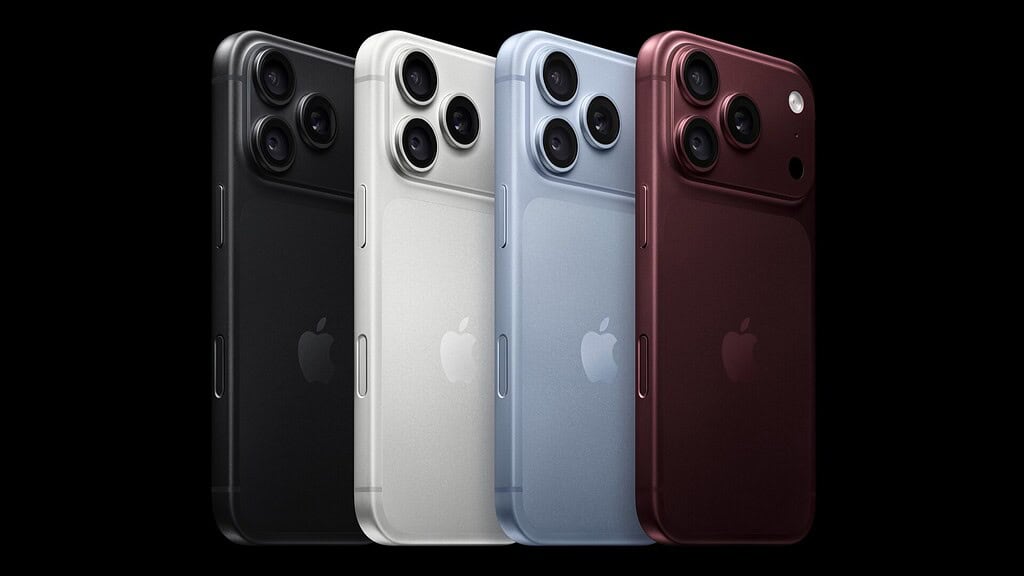
Apple also carves out an exception that matters on a camera phone. Adaptive Power “doesn’t manage performance” while you use features that require maximum performance, and Apple’s examples are the camera and a game with Game Mode turned on. Shooting video on a new iPhone 18 Pro will not be throttled by this setting.
Where to find it during setup
- Open Settings.
- Tap Battery.
- Tap Power Mode.
- Turn Adaptive Power on or off.
Adaptive Power Notifications sits on the same screen. Leaving it on is the only way to learn when the feature has stepped in, because the adjustments are deliberately subtle. The feature needs iOS 26 or later, so any iPhone that can run iOS 27 already qualifies.
Apple’s model list stops at the iPhone 17 generation
Apple’s support document lists which iPhones ship with Adaptive Power already switched on and which ship with it off. The on-by-default list reads iPhone 17, iPhone 17 Pro, iPhone 17 Pro Max and iPhone Air. The off-by-default list reads iPhone 16, iPhone 16 Plus, iPhone 16 Pro, iPhone 16 Pro Max, iPhone 16e, iPhone 15 Pro and iPhone 15 Pro Max.
| Apple’s list | Models named |
|---|---|
| On by default | iPhone 17, iPhone 17 Pro, iPhone 17 Pro Max, iPhone Air |
| Off by default | iPhone 16, iPhone 16 Plus, iPhone 16 Pro, iPhone 16 Pro Max, iPhone 16e, iPhone 15 Pro, iPhone 15 Pro Max |
iPhone 18 Pro appears on neither list. The document carries a published date of December 04, 2025, before the iPhone 18 Pro was announced, and it still read that way when we checked it on September 17, 2026. There is no documented answer to the obvious question, and guessing one would be worse than useless. Open Settings > Battery > Power Mode on the phone in your hand and read the switch.
Not the same thing as a charge limit
Adaptive Power manages how the phone spends power. The charge limit setting manages how much power goes in, capping the battery at a chosen percentage. They live on different screens, they solve different problems, and turning one on does nothing to the other. If battery longevity is what you are after rather than getting through a long day, the charge limit is the setting you want.
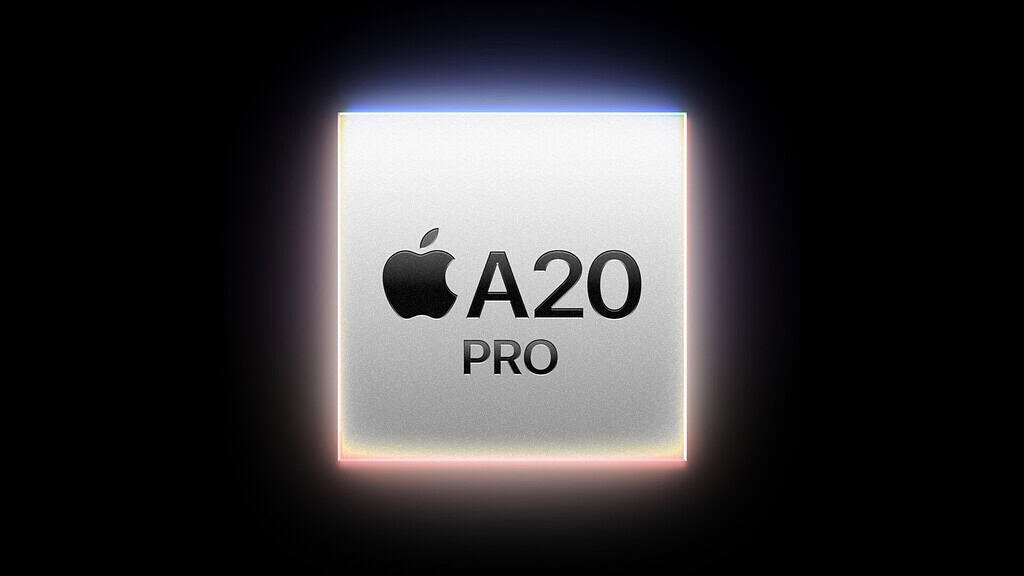
For what the hardware itself is rated at, our iPhone 18 Pro battery coverage has Apple’s own video playback figures, and the A20 Pro chip explainer covers the efficiency claims behind them.
What to do on day one
Turn Adaptive Power on if it is off, leave the notifications on, then forget about it for a week. Judging it before the seventh day tells you nothing, because by Apple’s own account it has not started working yet. That also means a phone restored from a backup starts the clock fresh on the new handset.