
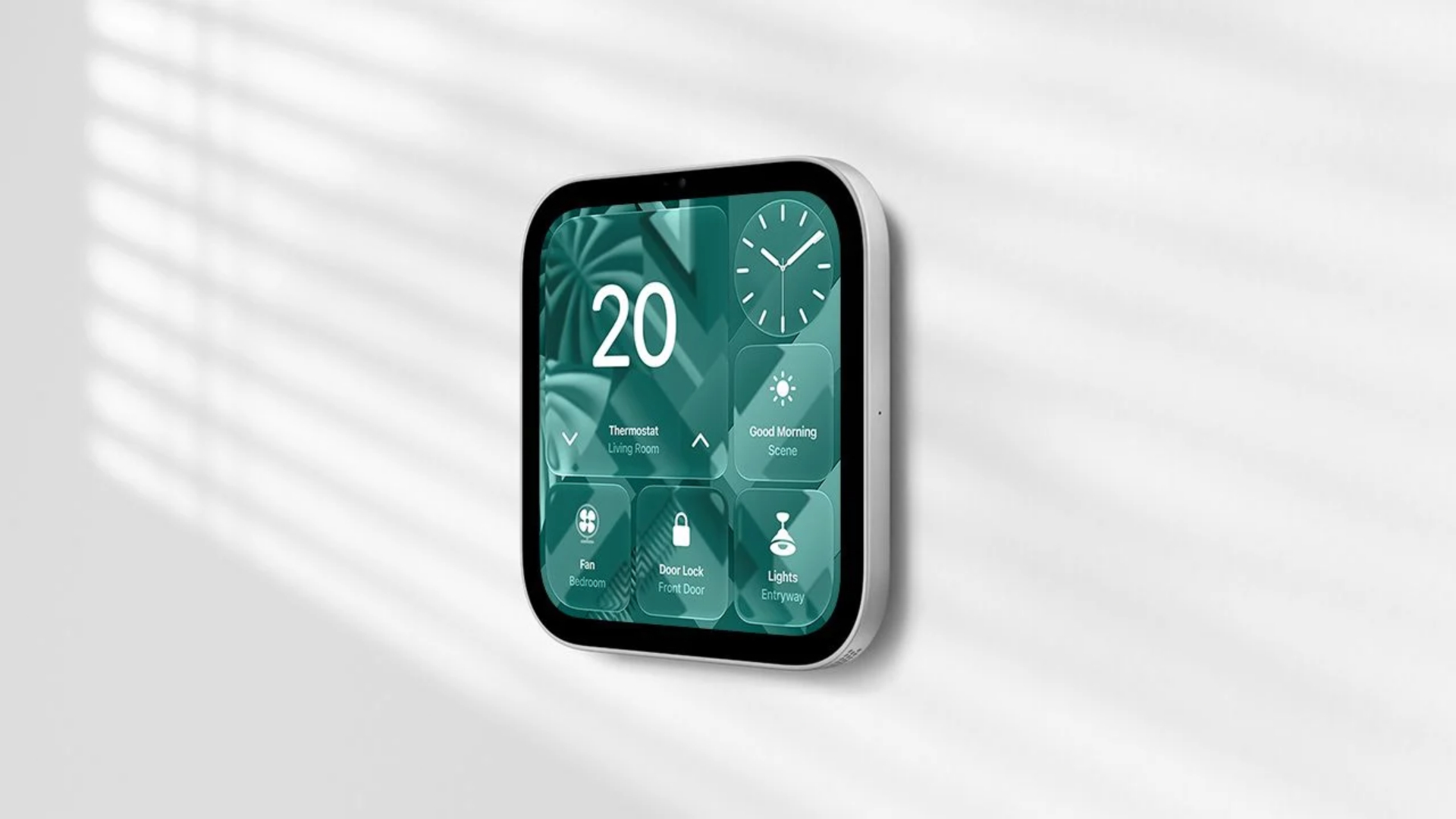
Apple’s new wall-mounted HomeView will ship without a power adapter, USB-C cable, or mounting hardware, meaning buyers must purchase the accessories separately. Apple confirmed these requirements in a support document detailing how to power both versions of its new smart home display.
As we previously covered, Apple introduced HomeView on October 13 with a 7-inch Liquid Retina display, an A18 chip, and Siri AI. Both models cost $299 and will become available on November 13.
Apple includes different accessories depending on which HomeView you purchase.
Don’t miss the best of The Mac Observer
Set us as a preferred source and our Apple reporting ranks higher in your Google Search results and Discover feed — one tap, no account changes.
| In the Box | Tabletop HomeView | Wall-Mounted HomeView |
|---|---|---|
| HomeView display | Yes | Yes |
| USB-C cable | 1.5 meters | No |
| Power adapter | 30W included | No |
| Wall mount | Not applicable | Sold separately |
| Documentation | Yes | Yes |
The tabletop model requires a USB-C adapter delivering at least 30W at 15V/2A, while the wall-mounted version needs at least 20W at 9V/2.22A.
Wall-Mounted HomeView Requires Additional Accessories
As we previously reported, Apple offers three mounting solutions from Schneider Home:
- USB-C Wall Connector: Starts at $59.95 and requires a separate power adapter.
- AC Wired Mount: Starts at $79.95 and connects directly to household power.
- PoE Wired Mount: Costs $129.95 and arrives in early 2027.
Consequently, the cheapest wall-mounted setup starts at $358.95 before purchasing a compatible power adapter.
Apple also warns that incompatible power accessories can trigger a “Power Adapter Not Supported” message alongside a yellow warning symbol.
If this happens, Apple recommends testing the display with a compatible USB-C cable and adapter before contacting the mount manufacturer or installer.
Customers planning to purchase HomeView should check the additional accessory requirements before placing an order.


Discussion